34
Analyzer setup - Section 5
FACTORY RESET
Factory reset
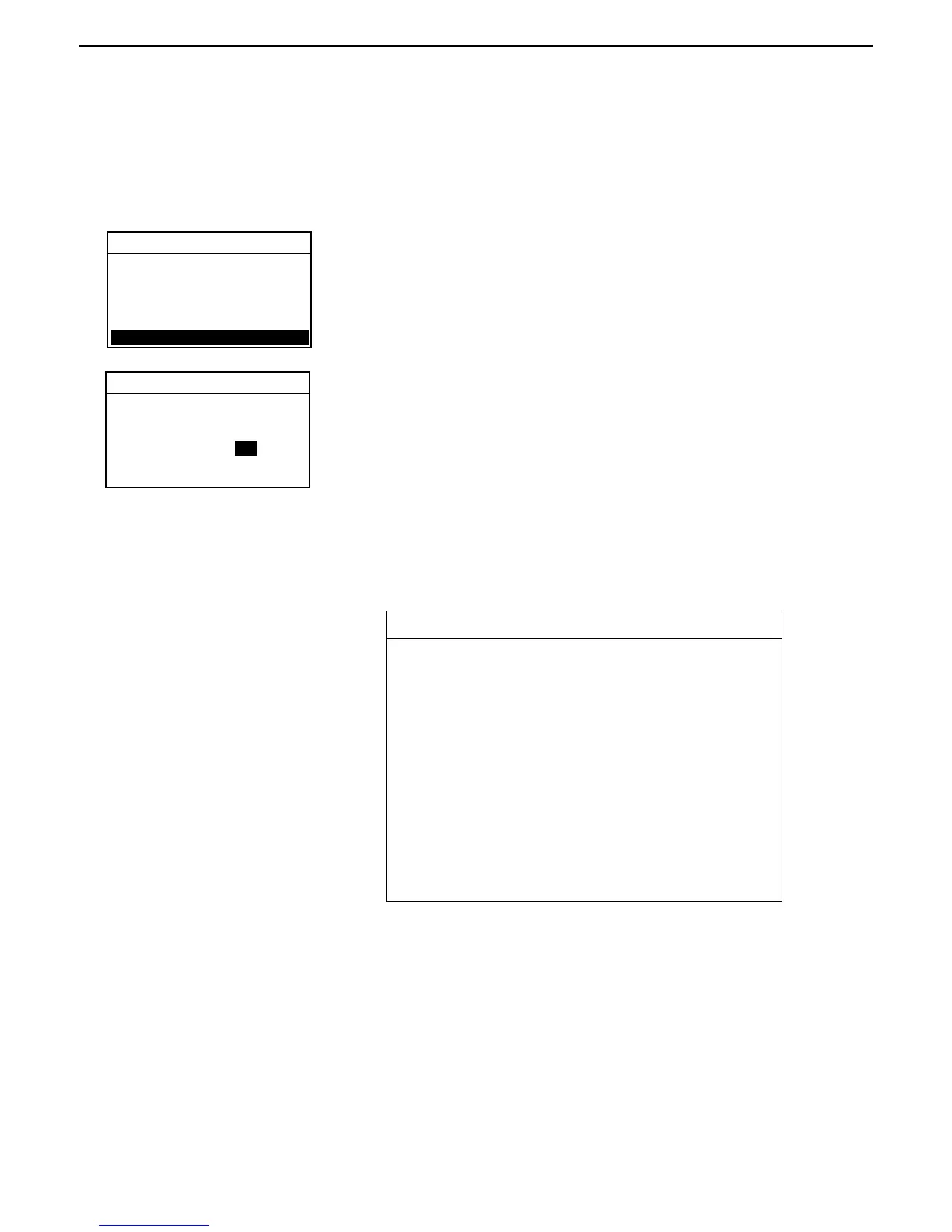
Press the Setup button. Using the down arrow button, scroll to FACT. RESET
and press Enter.
5.10 Factory reset
This menu permits resetting the Moisture Analyzer to factory settings. All data accumulated in the library will not be
lost if the reset is set ON. The table below indicates the factory settings. To reset the Moisture Analyzer, proceed as
follows:
ANALYZER SETUP
Using the up/down arrow buttons, select NO or YES. If you select YES, the
prompt asks: (ARE YOU SURE) (NO) (YES). Press the Enter button.
Factory reset settings
The following table indicates the menus and options which are factory
default settings when Factory Reset is set to YES.
FACTORY RESET TABLE
Menu Items Default Value
Analyzer Setup Menu
Lock Out OFF
Custom Unit 1.000,0,1
Language Setting English
Beeper Low
Time-Date MM/DD/YY
RS232 Setting 9600, N, 8, 1, None
Print Settings Print OFF, GLP OFF
Display 60, 10
Factory Reset NO
BEEPER
TIME-DATE
RS232
PRINT
DISPLAY
FACT. RESET
RESET UNIT TO FACTORY
SETTINGS. SAVED LIBRY
TEST WILL NOT BE LOST.
RESET: NO



 To Next Page