22
The menu - Section 4
4. The menus
4.1 What are the menus?
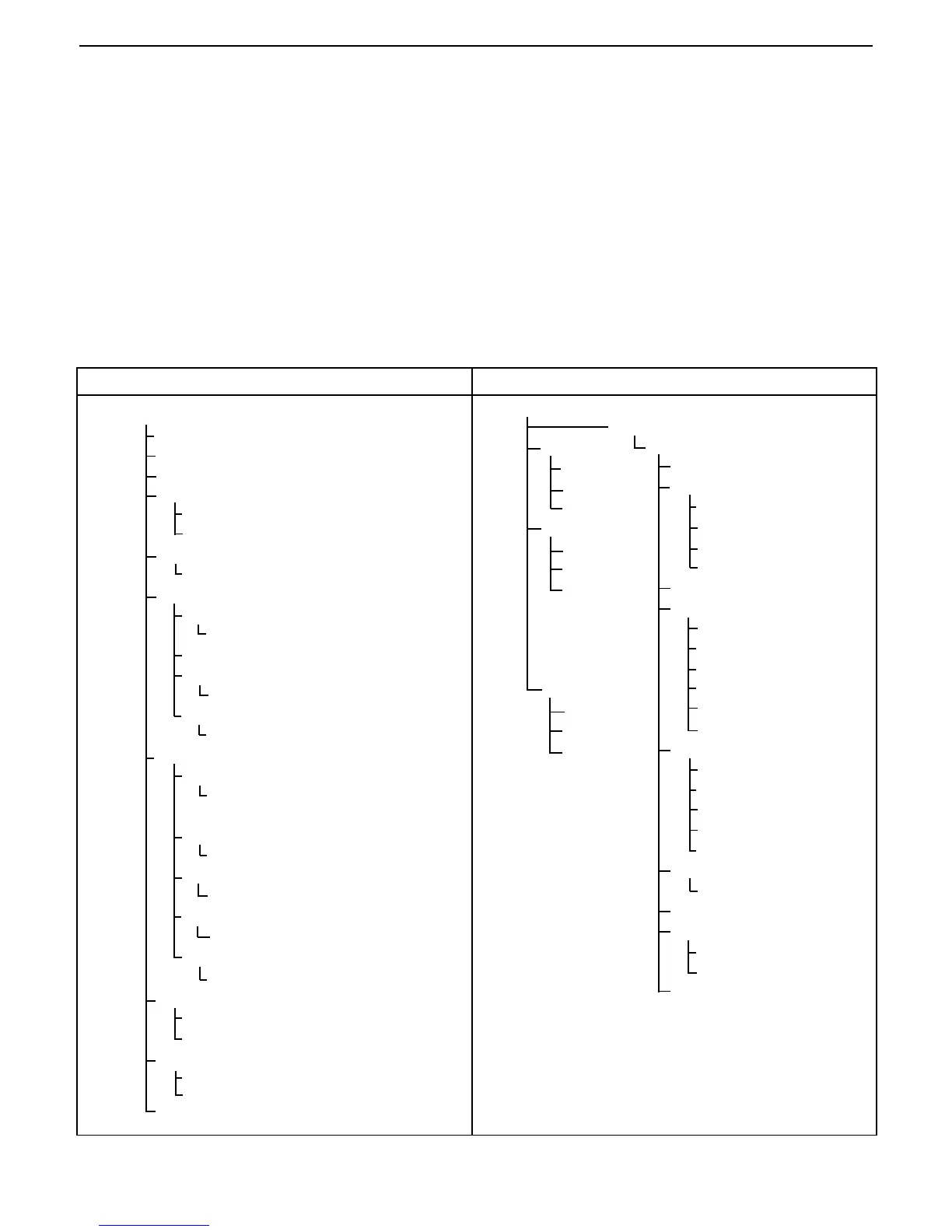
There are two sets of menus used in the Moisture Analyzer. One is the Setup menu which is activated by the Setup
button. This menu permits calibration, adding custom units, language selection, beeper volume settings, time and
date format, communication settings and print criteria. The Test menu is activated by the Test Menu button. This
menu permits setting up new test parameters which includes test temperatures, ID, profiling, timed information, type
of display, print intervals, editing and running the test. A test library is also included which holds data for up to 50
tests which can be recalled and run at any time. The contents of each menu are shown below.
TEST MENU
Test Library
Edit Test
Test Parameters
Test ID:
Profile:
Standard
Fast
Ramp
Step
Dry Temp:
Switch Off:
Timed- Switch Off
Manual-Use Start/Stop
AFREE - Wt loss/time
A90 - <1MG in 90 seconds
A60 - <1MG in 60 seconds
A30 - <1MG in 30 seconds
Result:
% Moisture
Custom Units
Grams
% Regain
% Solids
Custom
Factor, Exponent, LSD
Target Wt:
Print Int:
Off, 1, 3, 5, 10, 30 Sec
1, 2, 5 Min.
Save Test:
Setup
Lockout
Weight Calibration
Temperature Calibration
Language
English, Deutsch, Español,
Francais, Italiano
Beeper
Low, High, Off
Time-Date
Format
MM/DD/YR, DD/MM/YR
Set Date
Time format
12HR, 24HR
Set Time
AM, PM
RS232
Baud Rate
1200, 2400, 4800, 9600,
19,200
Parity
Odd, Even, None
Data Bits
7, 8
Stop Bits
1, 2
Handshake
None, XON-XOFF, RTS-CTS
Print
Print On/Off
GLP On/Off
Display
Contrast
Brightness
Factory Reset
01
Load Test
Edit Test
Delete Test
02
Load Test
Edit Test
Delete Test
50
Load Test
Edit Test
Delete Test
SETUP



 To Next Page