48
Operating your Moisture Analyzer - Section 6
TEST ID: 071000 B
TEMP / TIME: 130°C / AFREE.
INITIAL WT: 1.094 G
TEST ID: 071000 B
TEMP / TIME: 130°C / AFREE
INITIAL WT: 1.094 G
TEST ID: 071000 B
TEMP / TIME: 130°C / AFREE
INITIAL WT: 1.094 G
TEST ID: 071000 B
TEMP / TIME: 130°C / AFREE
INITIAL WT: 1.094 G
TEST
OVER...
05:24
05:24
05:24
05:24
79.89
%MOISTURE
20.11
%SOLIDS
0.220
GRAMS
397.27
%REGAIN
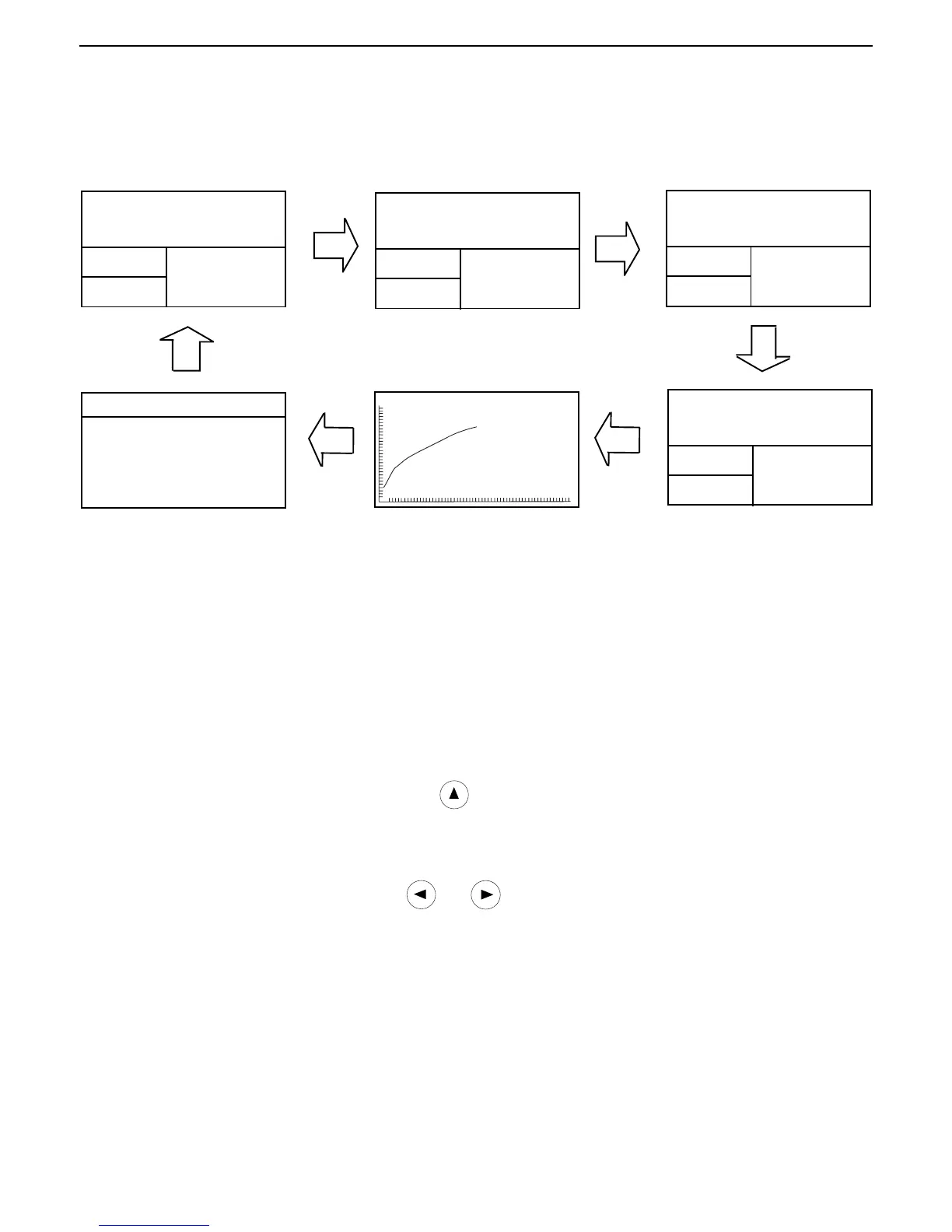
6.13 Displaying data during run mode or after completion
To display the various screens, press the Display button repeatedly.
TEST
OVER...
TEST
OVER...
TEST
OVER...
05:24 0.220G 79.89%
*
*
*
*
6.14 Statistical data
STATISTICS
SAMPLE N: 1
LAST DATA: 79.89
MEAN X: 79.89
STD. DEV S: N<5
MIN X: 79.89
MAX X: 79.89
The STATISTICS screen is shown when repeately pressing the Display button during a test or at the end of a test. The
screen displays rolling statistics information on data points entered. Statistical data is kept in the same units as
results. Data points are entered at the end of a test by pressing the Enter button while the STATISTICS screen is
displayed. No deviation is shown for less than 5 samples. There is one statistical screen kept in the Library for each
test and the current test. This allows for a total of fifty-one (51), fifty (50) stored and (1) active, distinct sets of
statistics. Statistical data can be accumulated each time a given test is run.
Printing statistical data
To print statistical data, press and hold the Print and
arrows simultaneously. See section 9 for printing
sample.
Clearing statistical data
To clear all statistical data from a test, press the
and arrow buttons simultaneously.
Starting a new test
To exit and start a new test, press the Tare button when the STATISTICS screen is displayed.



 To Next Page