32
Analyzer setup - Section 5
5.8 Setting print and GLP printing on or off
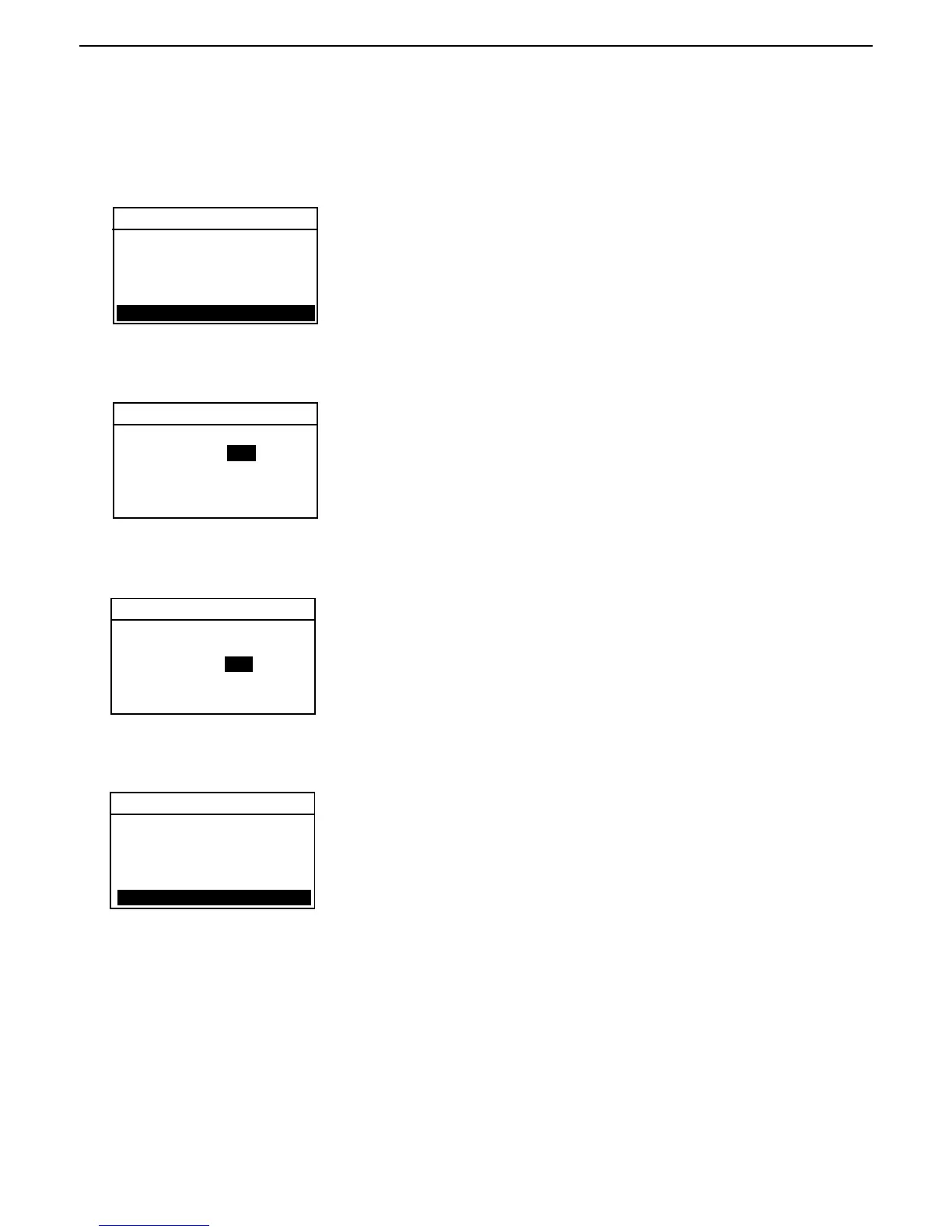
This menu permits setting print data and GLP printing data on or off. To set the printing functions, proceed as follows:
ANALYZER SETUP
Press the Setup button. Using the down arrow button, scroll to PRINT. Press
the Enter button.
PRINT
Setting print on or off
Using the up/down arrow buttons, select either ON or OFF. Print ON allows
data to be sent to the printer or computer. Press the right arrow button to
advance to GLP.
NOTE: If PRINT INT is turned in on TEST PARAMETER SETUP, the printer is
automatically turned on.
PRINT
Setting GLP on or off
With GLP ON or OFF highlighted, use the up/down arrow buttons and select
either ON or OFF. GLP ON will auto print in the GLP format from information
in the Test Setup. GLP OFF sends time, temperature and weight data via
RS232 at test Start, the Print Int and test End. Press the Enter button to save
settings. The display returns to ANALYZER SETUP.
PRINT
TEMP CAL
LANGUAGE
BEEPER
TIME-DATE
RS-232
PRINT
PRINT: OFF
GLP: OFF
EXIT WITHOUT SAVING
Exit without saving
If you do not wish to save settings, Use the right arrow button and scroll to
EXIT WITHOUT SAVING and press the Enter button. The display returns to
ANALYZER SETUP.
PRINT: OFF
GLP: OFF
EXIT WITHOUT SAVING
PRINT: OFF OFF
GLP: OFF
EXIT WITHOUT SAVING



 To Next Page