31
Section 5 - Analyzer setup
RS232
Exit without saving
Using the right arrow button, advance to EXIT WITHOUT SAVING and press
the Enter button. The display returns to ANALYZER SETUP.
Hardware
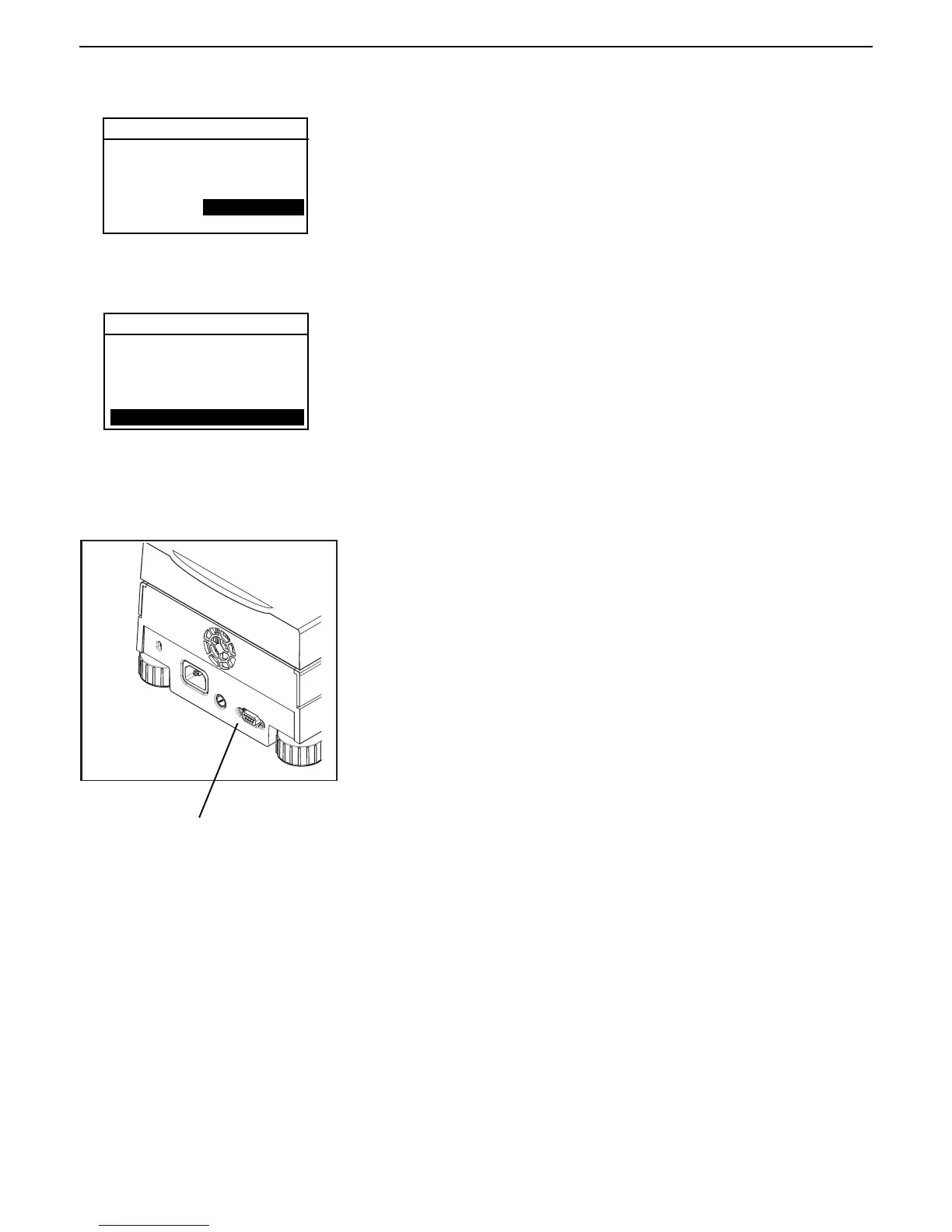
On the rear of the Moisture Analyzer is a 9-pin female subminiature D
connector provided for interfacing to other devices. Refer to the accessory list
at the rear of this manual for a proper cable.
Section 9.2 illustrates the pinout connections on the RS232 connector.
RS232 Connection
RS232
Setting handshake
Press the right arrow button to advance to HANDSHAKE. Using the up/down
arrow buttons, select the desired handshake of NONE, X ON-X OFF, or RTS-
CTS. Default setting is NONE. Press Enter button to save, display advances
to PRINT.
BAUD RATE: 9600
PARITY: NONE
DATA BITS: 7
STOP BITS: 1
HANDSHAKE: NONE
EXIT WITHOUT SAVING
BAUD RATE: 9600
PARITY: NONE
DATA BITS: 7
STOP BITS: 1
HANDSHAKE: NONE
EXIT WITHOUT SAVING



 To Next Page