49
Section 7 - Using the library
7. Using the library
The library holds up to 50 tests. Each test consists of a test name and various analyzer settings, which may be
stored, recalled and edited. Each time the Moisture Analyzer is set up to run a new test, the name of the test and all
parameters are automatically stored in the library. When the 51st test is entered, it can be run, but will not be stored.
When the library capacity is exceeded and you want to store a new test, you must delete a previous test. Recalling a
test from the library and pressing the Enter button initiates the same parameters previously set. If the parameters for a
given test have changed, they can be changed by using the edit function. To use the library function, proceed as
follows:
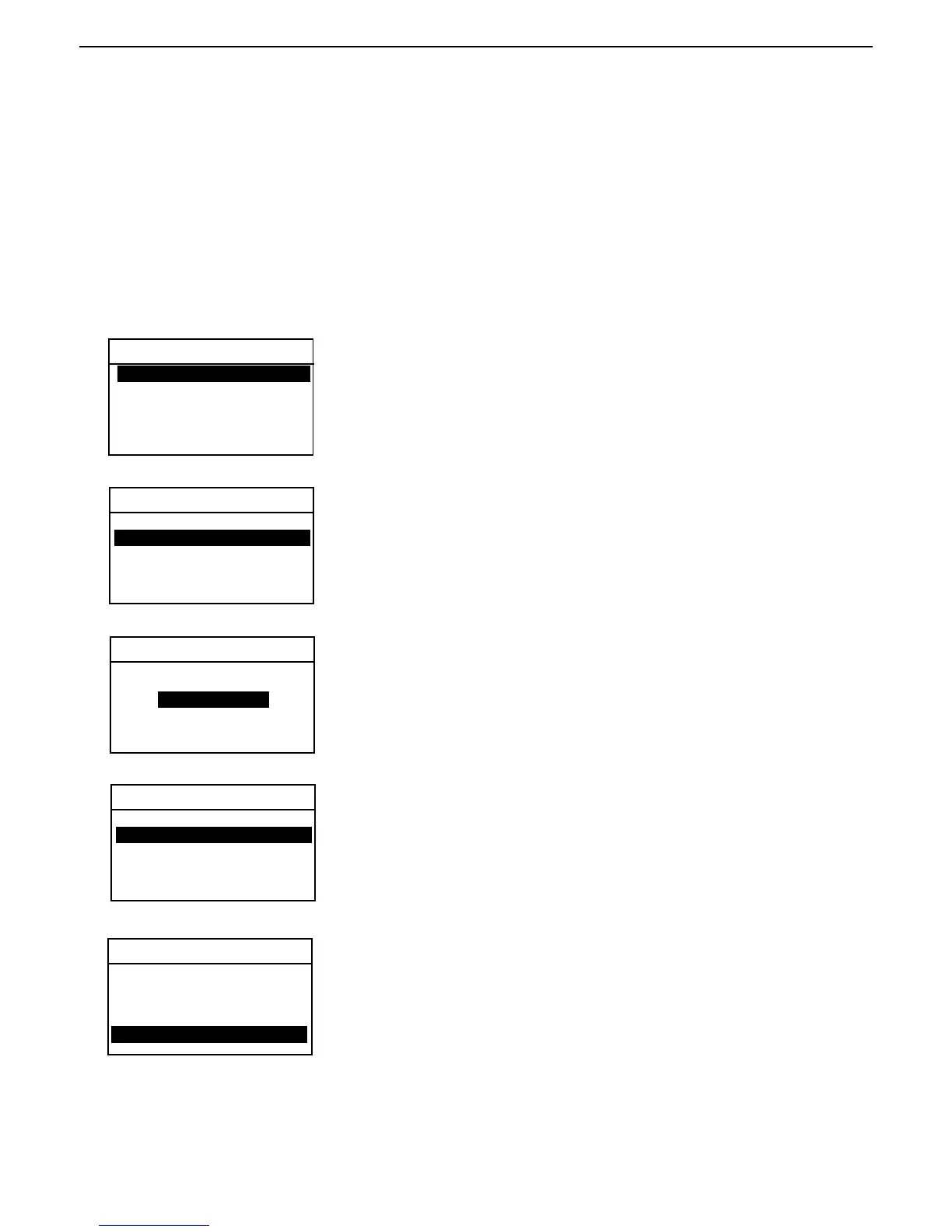
TEST LIBRARY
Entering the library
Press the Test Menu button, TEST LIBRARY is displayed. EDIT TEST is
highlighted. If the instrument is being used for the first time, the library will
be empty. The following examples indicate a library which has multiple tests
stored.
TEST LIBRARY
Selecting a previous test
To select a previous test, use the arrow buttons and scroll to the desired test
and press the Enter button. A new screen with the name of the test is
displayed. All of the parameters associated with the test selected are now
available to be run again. You do not have to enter any new data.
BUTTER -01
Running a previous test
Using the arrow buttons, select LOAD TEST and press the Enter button. The
display returns to the Test Library. To run the selected test, press the Display
button and follow instructions on the display.
Editing a previous test
Enter the Test Library. Using the arrow buttons, scroll to the test you want to
edit. Press the Enter button, LOAD TEST is displayed. Scroll back to EDIT
TEST and press the Enter button. The test you have selected can now be
edited. When completing the editing, scroll down to SAVE TEST and press
the Enter button.
Deleting a previous test
Press Test Menu button, TEST LIBRARY is displayed. Using the arrow
buttons, scroll to the test you want to delete. Press the Enter button, LOAD
TEST is displayed. Press the up arrow button, DELETE TEST is displayed,
press the Enter button. ARE YOU SURE? is highlighted, using the arrow
buttons, select YES and press the Enter button.
TEST LIBRARY
-EDIT TEST-
01 BUTTER
02 OREO
03 MARGERINE
04 TOBLERONE
05
-EDIT TEST -
01 BUTTER
02 OREO
03 MARGERINE
04 TOBLERONE
05
LOAD TEST
EXIT TO LIBRARY
TEST LIBRARY
EDIT TEST -
01 BUTTER
02 OREO
03 MARGERINE
04 TOBLERONE
05
EDIT TEST -
01 BUTTER
02 OREO
03 MARGERINE
04 TOBLERONE
05



 To Next Page