36
Operating your Moisture Analyzer - Section 6
6.3 Setting the drying profile
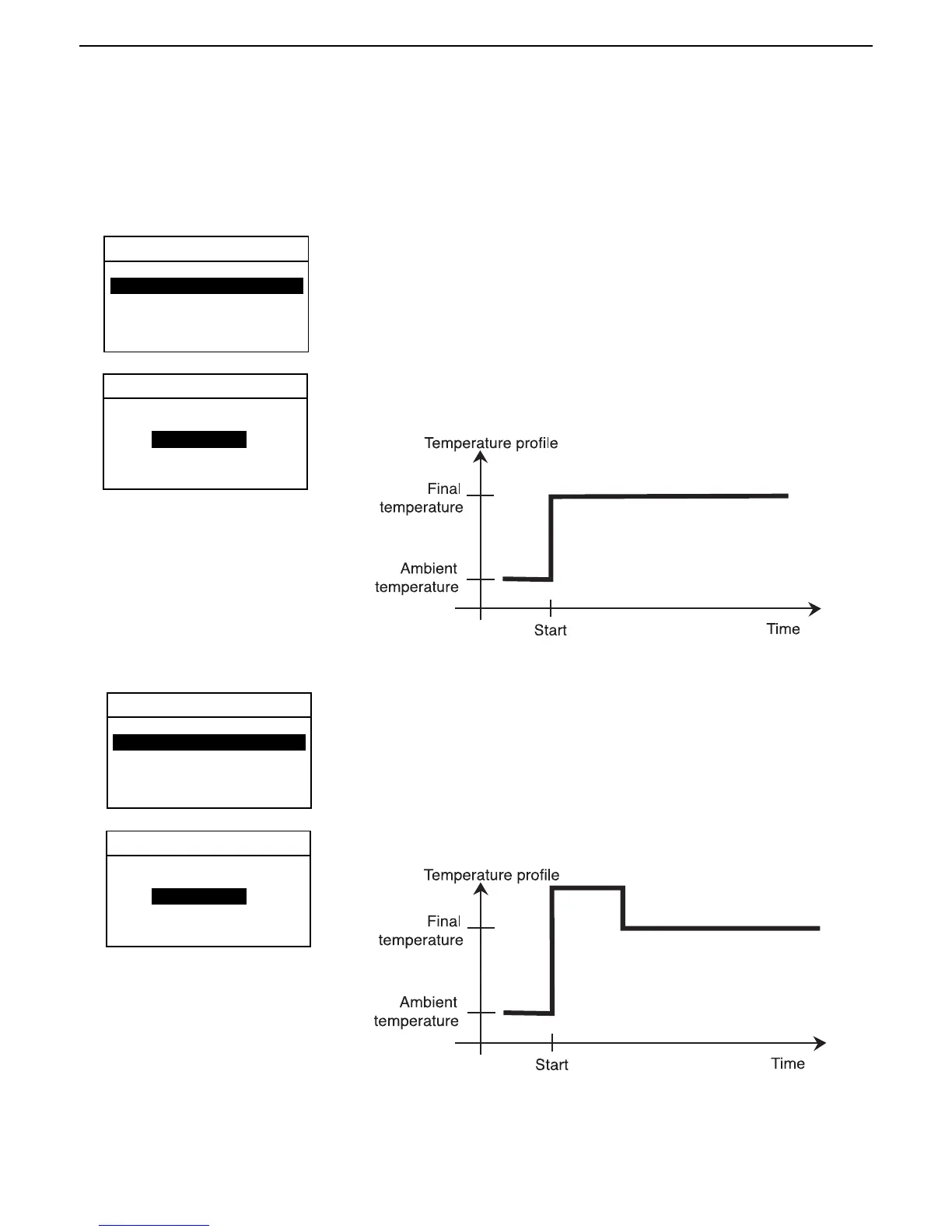
The drying profile contains four settings, Standard, Fast, Ramp and Step. Section 6, paragraph 6.4 describes each of
the drying profiles. Review the profile descriptions. Depending upon the sample material to be analyzed, select the
appropriate profile and proceed as follows:
Standard profile
Using the arrow buttons, scroll to PROFILE and press the Enter button.
DRYING PROFILE
Using the arrow buttons, scroll to STANDARD and press the Enter button.
Standard
EXIT WITHOUT SAVING
TEST PARAMETERS
TEST ID: -DEFAULT-
PROFILE: STANDARD
DRY TEMP: 180C
SWITCH OFF: AUTO 60
RESULT: MOISTURE %
CUSTOM: OFF
STANDARD
Fast profile
Using the arrow buttons, scroll to PROFILE and press the Enter button.
DRYING PROFILE
EXIT WITHOUT SAVING
Using the arrow buttons, scroll to FAST and press the Enter button.
Fast drying
TEST PARAMETERS
TEST ID: -DEFAULT-
PROFILE: STANDARD
DRY TEMP: 180C
SWITCH OFF: AUTO 60
RESULT: MOISTURE %
CUSTOM: OFF
FAST



 To Next Page