44
Operating your Moisture Analyzer - Section 6
6.9 Print interval
When the printing option has been turned on in the Analyzer Setup menu and an external printer is connected to the
Moisture Analyzer, you have the option of selecting discrete printing intervals of OFF, 1, 3, 5,10, 30 seconds, or 1, 2,
5 minutes. To select a printing interval, proceed as follows:
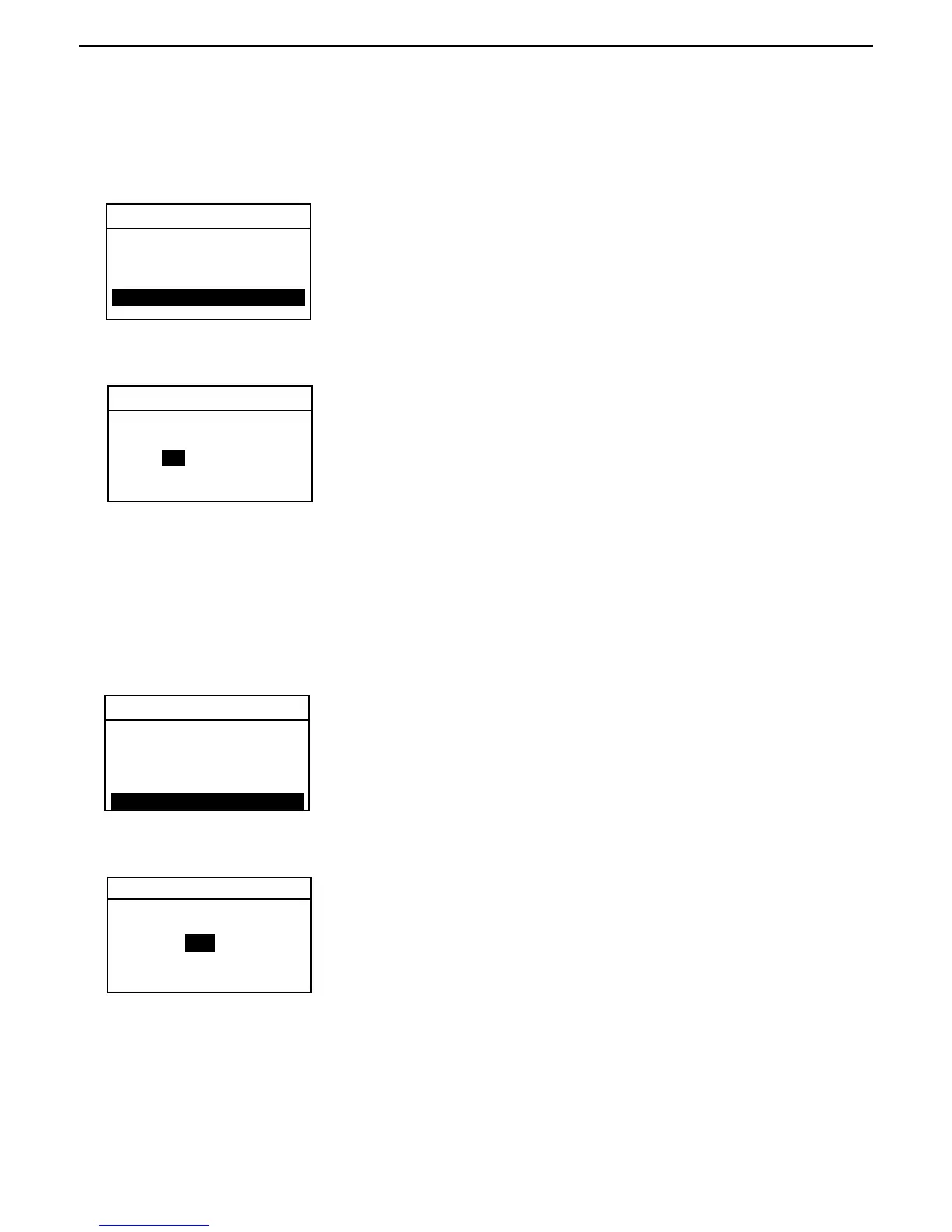
TEST PARAMETERS
Using the arrow buttons, scroll to PRINT INT and press the Enter button.
PRINT INTERVAL
Using the arrow buttons, select the desired print interval of either seconds or
minutes and press the Enter button.
EXIT WITHOUT SAVING
TEST PARAMETERS
Using the arrow buttons, scroll to TARG. WGT and press the Enter button.
6.8 Target weight
Target weight is used when previous samples have been tested and the target weight is known. Target weight is a
reminder to use a consistant sample size.
TARGET WEIGHT
Using the arrow buttons, define the target weight and press the Enter button.
EXIT WITHOUT SAVING
DRY TEMP: 125 C
SWITCH OFF: AFREE
RESULT: CUSTOM
CUSTOM: 1.00000
TARG. WGT: 5 GRAMS
PRINT INT: OFF
RECOMEND SAMP WGT
5 GRAMS
SECONDS
5
DRY TEMP: 125C
SWITCH OFF: AFREE
RESULT: CUSTOM
CUSTOM: 1.00000
TARG. WGT: 1 GRAMS
PRINT INT: 5 SECOND



 To Next Page