28
Analyzer setup - Section 5
5.4 Language setting
For convienence, the Moisture Analyzer is equipped with five languages available on all displays. This procedure
permits the selection of any one language.
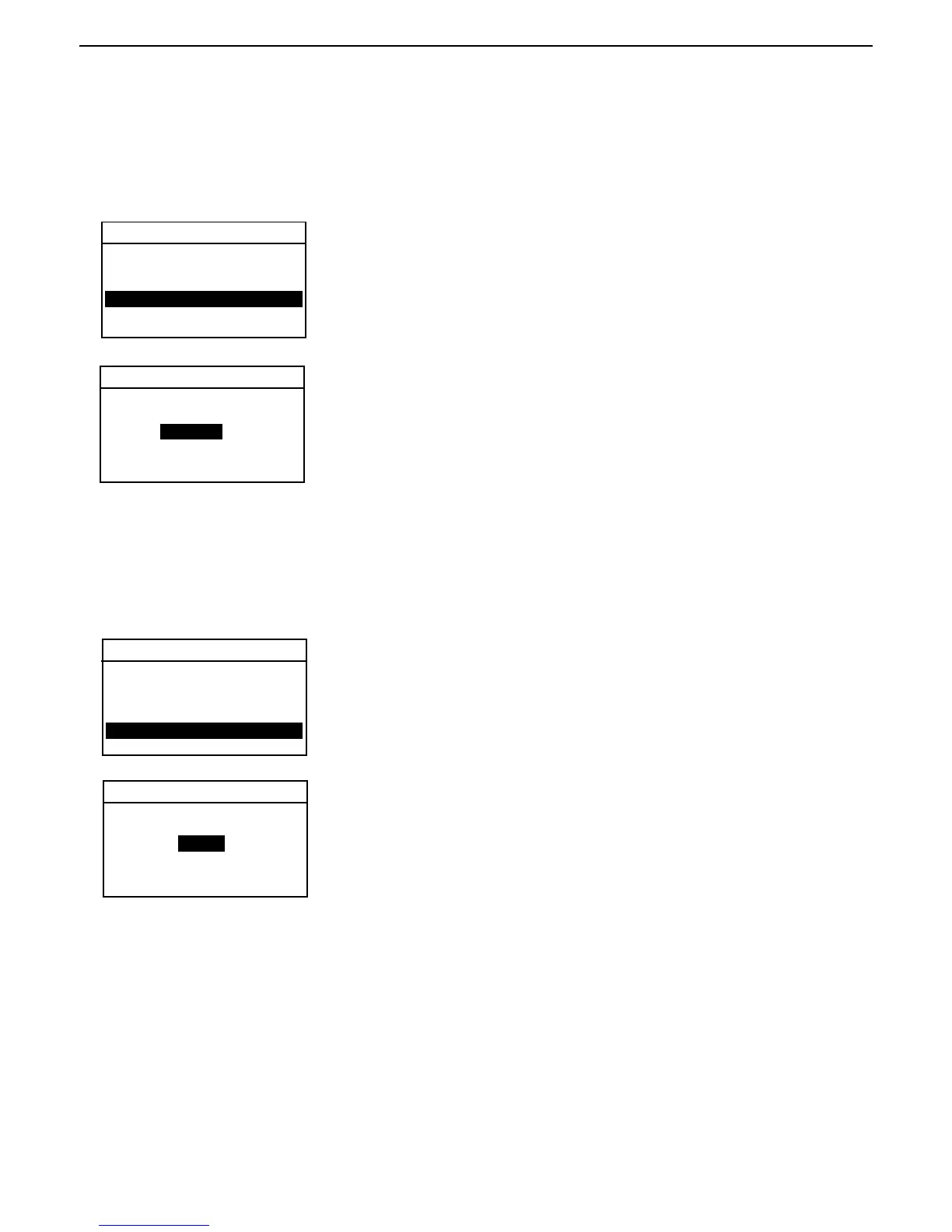
ANALYZER SETUP
LANGUAGE
Press the Setup button. Using the arrow buttons, select LANGUAGE.
Press the Enter button.
Using the arrow buttons, scroll to the desired language of either English,
Deutsch, Espaniol, Francais or Italiano and press the Enter button.
Note: If you select English (US) as the dialog language, the date format is
changed and appears on all records in the American notation (month/day/
year).
EXIT WITHOUT SAVING
LOCK OUT
WEIGHT CAL
TEMP CAL
LANGUAGE
BEEPER
TIME-DATE
TEXT LANGUAGE
ENGLISH
5.5 Audible signal level
Certain processes are signalled by an audio signal (e.g. end of drying, entries, error messages, etc.). In this menu
you can select whether the audio signal should be loud, soft or switched off.
ANALYZER SETUP
BEEPER LEVEL
AUDIO OUTPUT LEVEL
LOW
Press the Setup button. Using the arrow buttons, scroll to BEEPER.
Press the Enter button.
Using the arrow buttons, scroll to the desired setting of either LOW, HIGH or
OFF and press the Enter button. The display returns to ANALYZER SETUP
menu.
EXIT WITHOUT SAVING
LOCK OUT
WEIGHT CAL
TEMP CAL
LANGUAGE
BEEPER
TIME DATE
5.6 Time and date setting
Your Moisture Analyzer has a communication output which allows printing the time and date on every record. When
this instrument is put into operation for the first time, you should enter the current date and time. These settings are
retained even if you disconnect your instrument from the power supply. A built-in battery will maintain all data. To set
the time and date, proceed as follows:



 To Next Page