29
Section 5 - Analyzer setup
ANALYZER SETUP
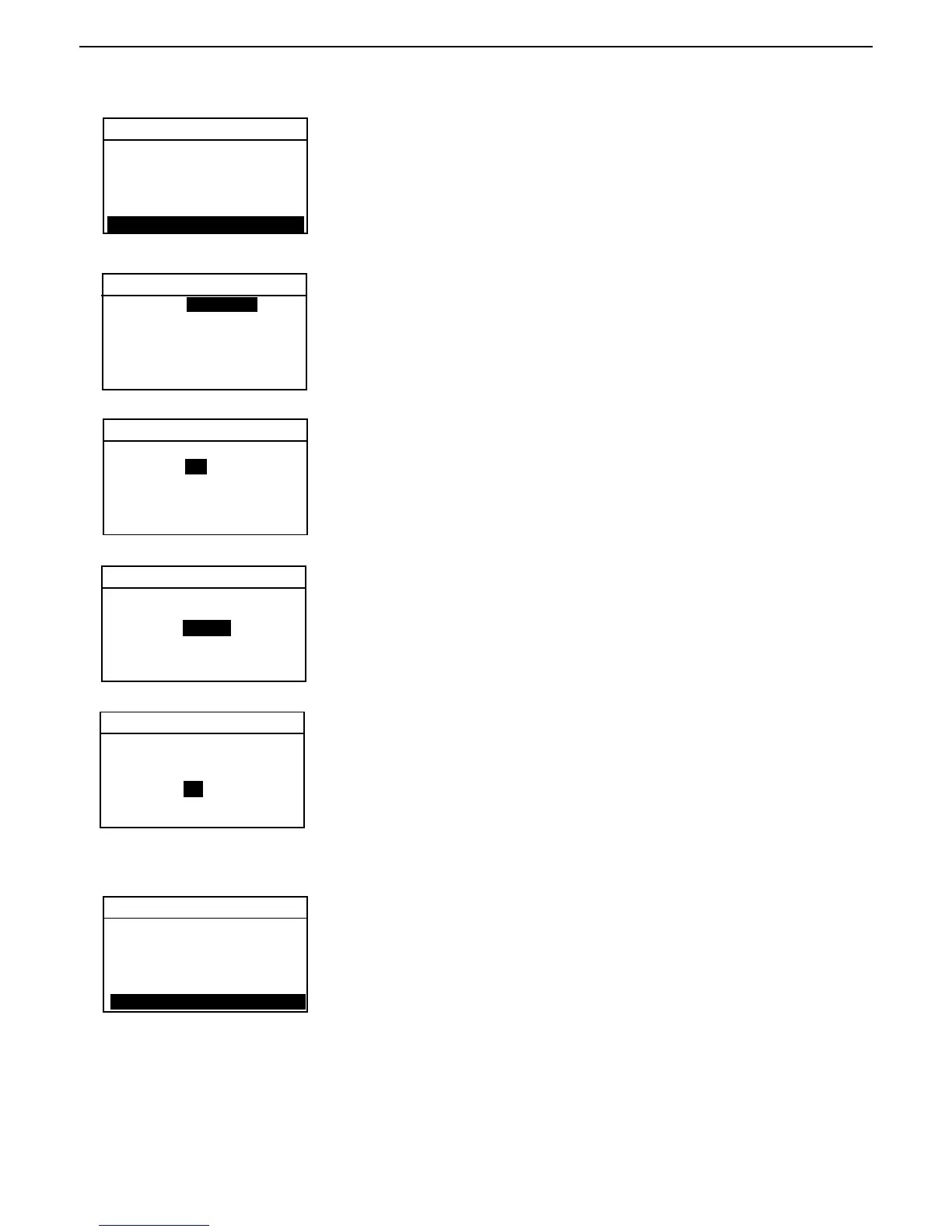
Press the Setup button. Using the arrow buttons, select TIME-DATE.
Press the Enter button.
TIME - DATE
Format
FORMAT is highlighted. Select either MM/DD/YR or DD.MM.YR using the up/
down arrow buttons.
LOCK OUT
WEIGHT CAL
TEMP CAL
LANGUAGE
BEEPER
TIME-DATE
FORMAT: MM/DD/YR
SET DATE: 12/20/01
TIME FMT: 12HR
SET TIME: 11:30 AM
EXIT WITHOUT SAVING
TIME - DATE
Set date
Press the right arrow button, the highlighted area representing either month
or days can be changed using the up/down arrow buttons.
Enter the correct date. To advance to the next section of the date, use the
right arrow button and up/down buttons to change. Repeat for the year.
FORMAT: MM/DD/YR
SET DATE: 12 /20 /01
TIME FMT: 12HR
SET TIME: 11:30 AM
EXIT WITHOUT SAVING
TIME - DATE
Set time format
Press the right arrow button, 12HR is highlighted. Using the up/down arrow
buttons, select either 12HR or 24HR.
TIME - DATE
FORMAT: MM/DD/YR
SET DATE: 12/20/01
TIME FORMAT: 12HR
SET TIME: 11 :30 AM
EXIT WITHOUT SAVING
Set time
Press the right arrow button, the hour portion of time format is highlighted.
Using the up/down arrow buttons, enter the correct hour. Using the same
procedure, enter minutes and AM or PM. Once you have completed entering
time and date information, press the Enter button to save. The display
returns to ANALYZER SETUP. If you do not want to save any changes,
perform the next step.
TIME - DATE
Exit without saving
Using the right arrow button, advance to EXIT WITHOUT SAVING and press
the Enter button. The display returns to ANALYZER SETUP.
FORMAT: MM/DD/YR
SET DATE: 12/20/01
TIME FMT: 12HR
SET TIME: 11:30 AM
EXIT WITHOUT SAVING
FORMAT: MM/DD/YR
SET DATE: 12/20/01
TIME FORMAT: 12HR
SET TIME: 11:30 AM
EXIT WITHOUT SAVING



 To Next Page