25
Section 5 - Analyzer setup
5. Analyzer setup
The Analyzer Setup menu is activated by pressing the Setup button. The menu contains: lockout, weight and tempera-
ture calibration, language selection, beeper volume settings, time and date format, communication settings, print
criteria, display contrast and brightness settings, and factory reset. Please review this entire section and the rest of the
manual before making changes to the Analyzer. To gain access to any item in the menu, you can use the arrow
buttons to scroll up and down and press Enter to highlight your selection. To exit the setup menu, press the Display
button to return to a test or Test Menu to change the current test. A description of each menu item and procedure
follows:
5.1 Lock out
Selecting this entry, then setting Lock Out to ON locks out all changes from the Test Library and Analyzer Setup. You
would use this function after the Analyzer has been put into operation, and you do not want to change any of the test
or analyzer setup parameters. LOCK OUT is intended to protect against accidental menu changes.
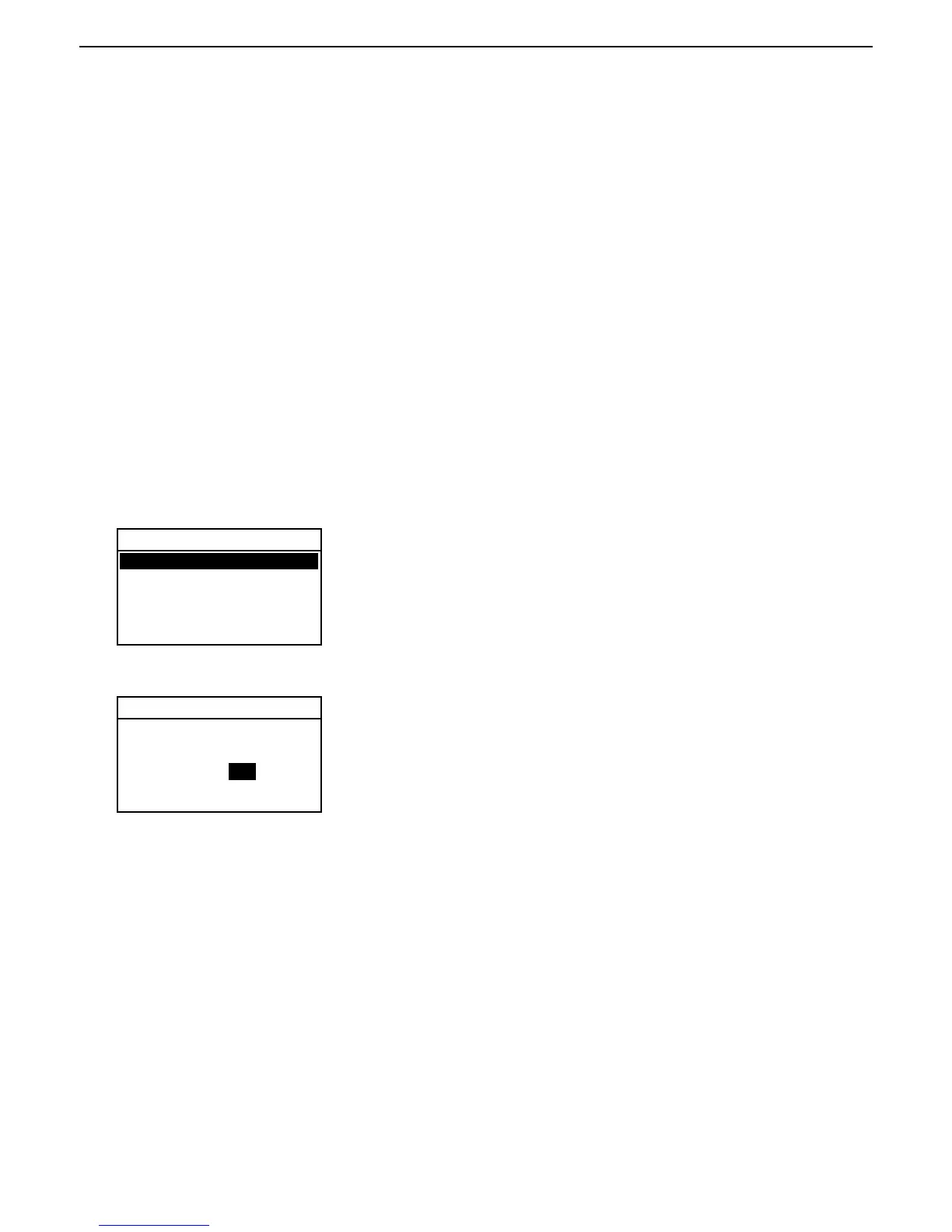
Press the Setup button. Using the arrow buttons, select LOCK OUT and press
the Enter button.
ANALYZER SETUP
LOCK OUT
WEIGHT CAL
TEMP CAL
LANGUAGE
BEEPER
TIME-DATE
With LOCK OUT highlighted, use the arrow buttons to select either ON or OFF
and press the Enter button. After selection, the display returns to ANALYZER
SETUP menu.
LOCK OUT
LOCK OUT WILL LIMIT
ACCESS TO MENUS AND
SAVED SETTINGS / TESTS.
LOCK OUT: OFF
EXIT WITHOUT SAVING



 To Next Page