43
Section 6 - Operating your Moisture Analyzer
Exponent
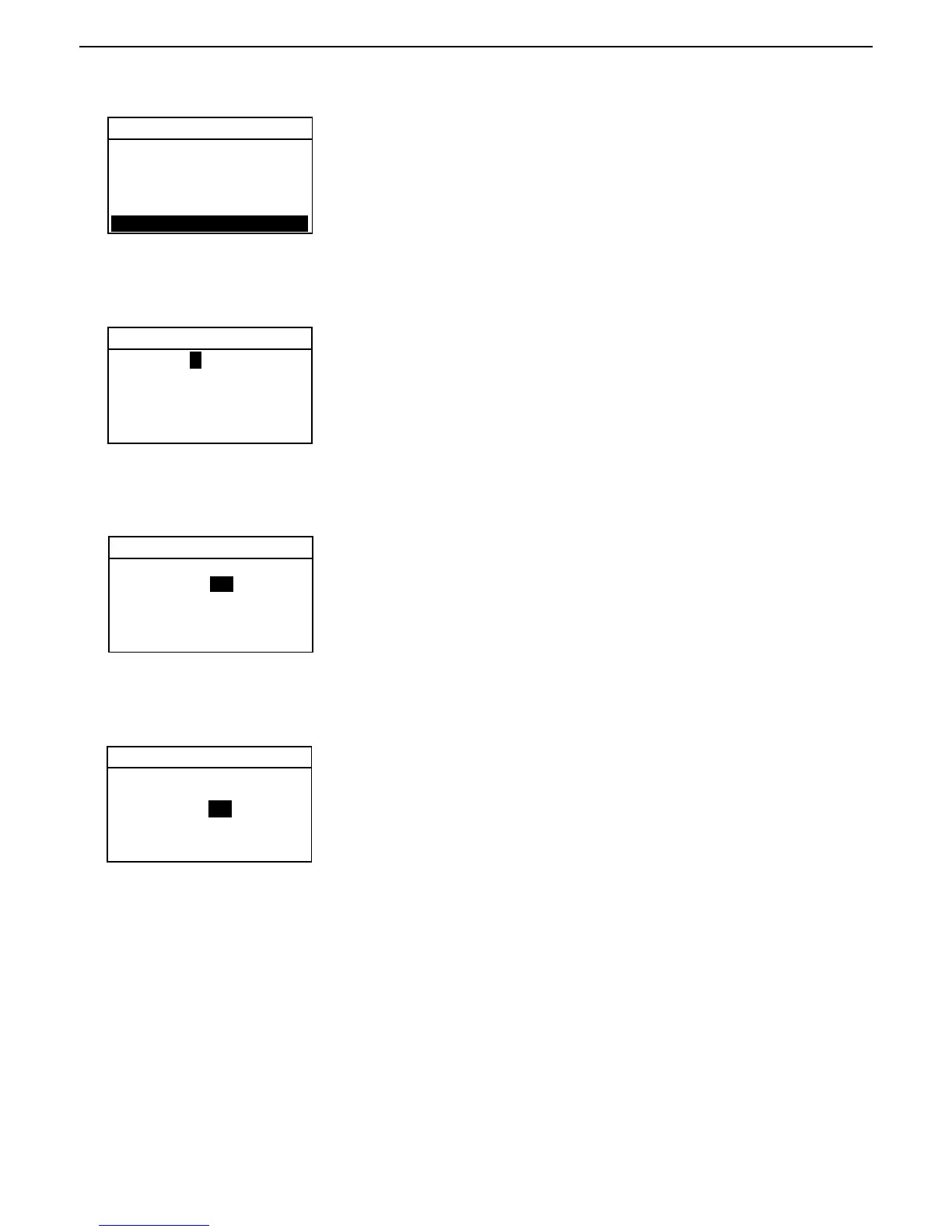
Using the up/down arrow buttons, select an exponent either +3, +2, +1, 0,
-1, -2, or -3. Press the right arrow button to advance to LSD.
LSD
Using the up/down arrow buttons, select the least significant digit (LSD) of
1, 2, 5, 10 or 100 and press the Enter button. The display returns to the
TEST SETUP screen.
CUSTOM UNIT
CUSTOM UNIT
FACTOR 1.0 0 0 0 0
EXPONENT 0
LSD 1
EXIT WITHOUT SAVING
FACTOR 1.0 0 0 0 0
EXPONENT 0
LSD 1
EXIT WITHOUT SAVING
CUSTOM UNIT
Factor
Using the arrow buttons, enter the factor number. This can be a number
between 0.1 and 1.999999. For conversion factors outside of this range, the
exponent will be used to move the decimal point. Press the right arrow
button to advance to EXPONENT.
FACTOR + 1.0 0 0 0 0
EXPONENT 0
LSD 1
EXIT WITHOUT SAVING
Custom unit
With CUSTOM highlighted, press the Enter button.
TEST SETUP
TEST ID:
PROFILE:
DRY TEMP:
SWITCH OFF:
RESULT: CUSTOM
CUSTOM: 1.00000



 To Next Page