42
Operating your Moisture Analyzer - Section 6
To create a custom unit, proceed as follows:
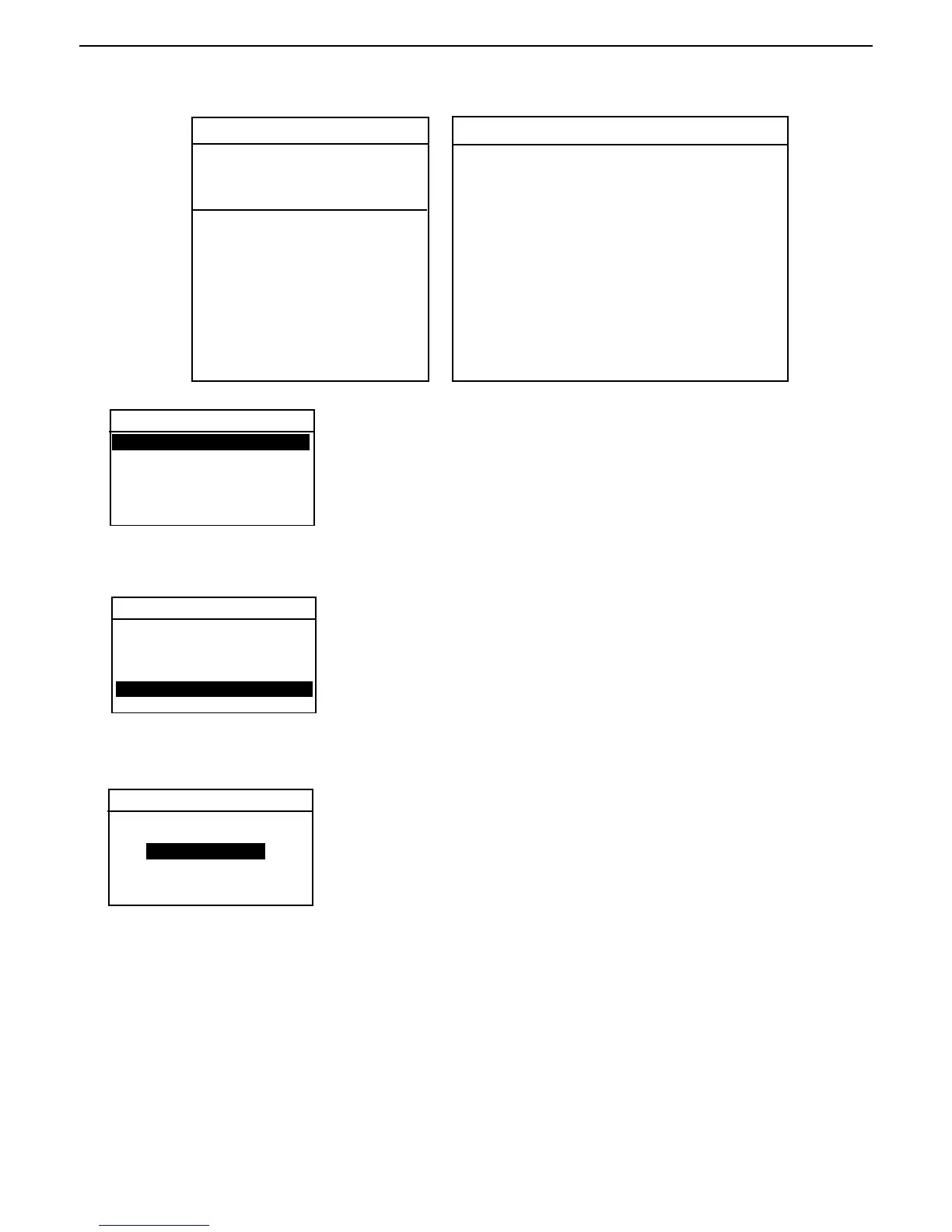
Press the Test Menu button, EDIT TEST is highlighted. Press the Enter
button, TEST PARAMETERS screen is displayed with TEST ID highlighted.
TEST PARAMETERS
TEST ID:
PROFILE:
DRY TEMP:
SWITCH OFF:
RESULT:
CUSTOM:
SCIENTIFIC NOTATION
Number
Between
Conv. 0.1 and Power Man-
Factor 1.999999 of 10 tissa Exp.
123.4 = .1234 x 1000 = .1234 x 10
3
12.34 = .1234 x 100 = .1234 x 10
2
1.234 = .1234 x 10 = .1234 x 10
1
.1234 = .1234 x 1 = .1234 x 10
0
.01234 = .1234 x .1 = .1234 x 10
-1
.001234 = .1234 x .01 = .1234 x 10
-2
.000123 = .123 x .001 = .123 x 10
-3
EXPONENTS
-3 Moves decimal point 3 places to the left.
-2 Moves decimal point 2 places to the left.
-1 Moves decimal point 1 place to the left.
0 Leaves decimal point in normal position.
1 Moves decimal point 1 place to the right.
2 Moves decimal point 2 places to the right.
3 Moves decimal point 3 places to the right.
Custom unit
Using the down arrow button, scroll to RESULT and press the Enter button.
TEST PARAMETERS
Displayed result setting
Using the up/down arrow buttons, select CUSTOM UNITS and press the Enter
button. The screen returns to TEST SETUP.
DISPLAYED RESULT
CUSTOM UNITS
EXIT WITHOUT SAVING
TEST ID:
PROFILE:
DRY TEMP:
SWITCH OFF:
RESULT:
CUSTOM:



 To Next Page