47
Section 6 - Operating your Moisture Analyzer
Close the cover.
START/STOP
Starting the test
Press the Start/Stop button. The Moisture Analyzer starts the drying and
measurement process. All of the settings made in the Test Menu are now put
into effect.
TEST ID: 071000 B
TEMP / TIME: 130°C / AFREE.
INITIAL WT: 1.094 G
130°C
1:10
2.14%
MOISTURE
A running real time display illustrates the drying process which includes the
test ID, set temperature, type of switch off, initial weight, current temperature
in the chamber, actual elapsed time of the test, and moisture content.
Removing the sample
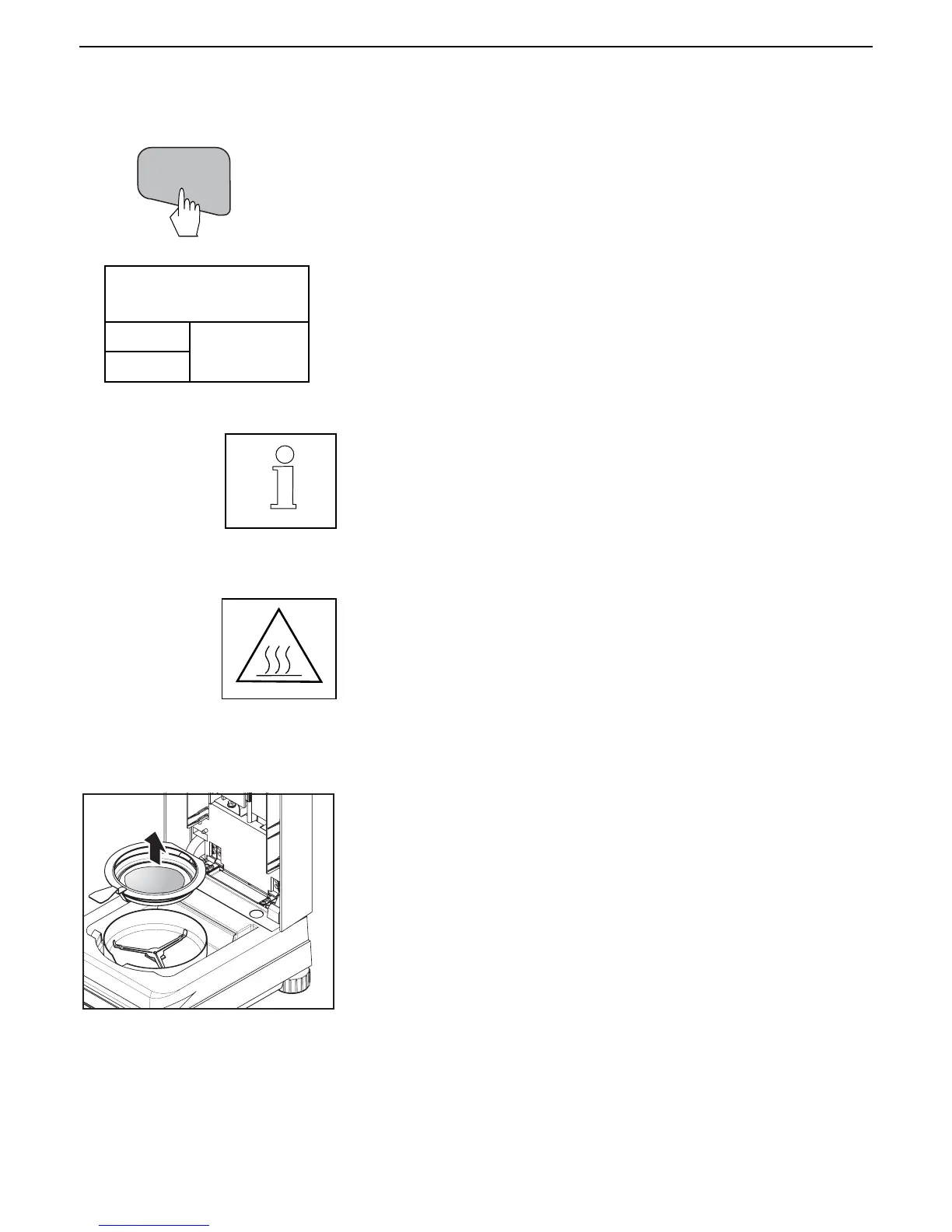
When the test measurement is completed, you may remove the sample from
the instrument by opening the cover, and carefully lift the pan handler from
the chamber.
Stopping the test
Press the Start/Stop button. The Moisture Analyzer stops the drying and
measurement process.
Interrupting the test (manual switchoff only)
During the measurement process, the test can be interrupted for a very short
period of time if a sample has to be stirred for example. To do this, simply lift
the cover, stir the sample and close the cover. The test will resume. In the
PRINT MODE, the time the cover is open will be printed.
Remember, use caution as components are hot.



 To Next Page