21
Section 3 - Making a simple measurement
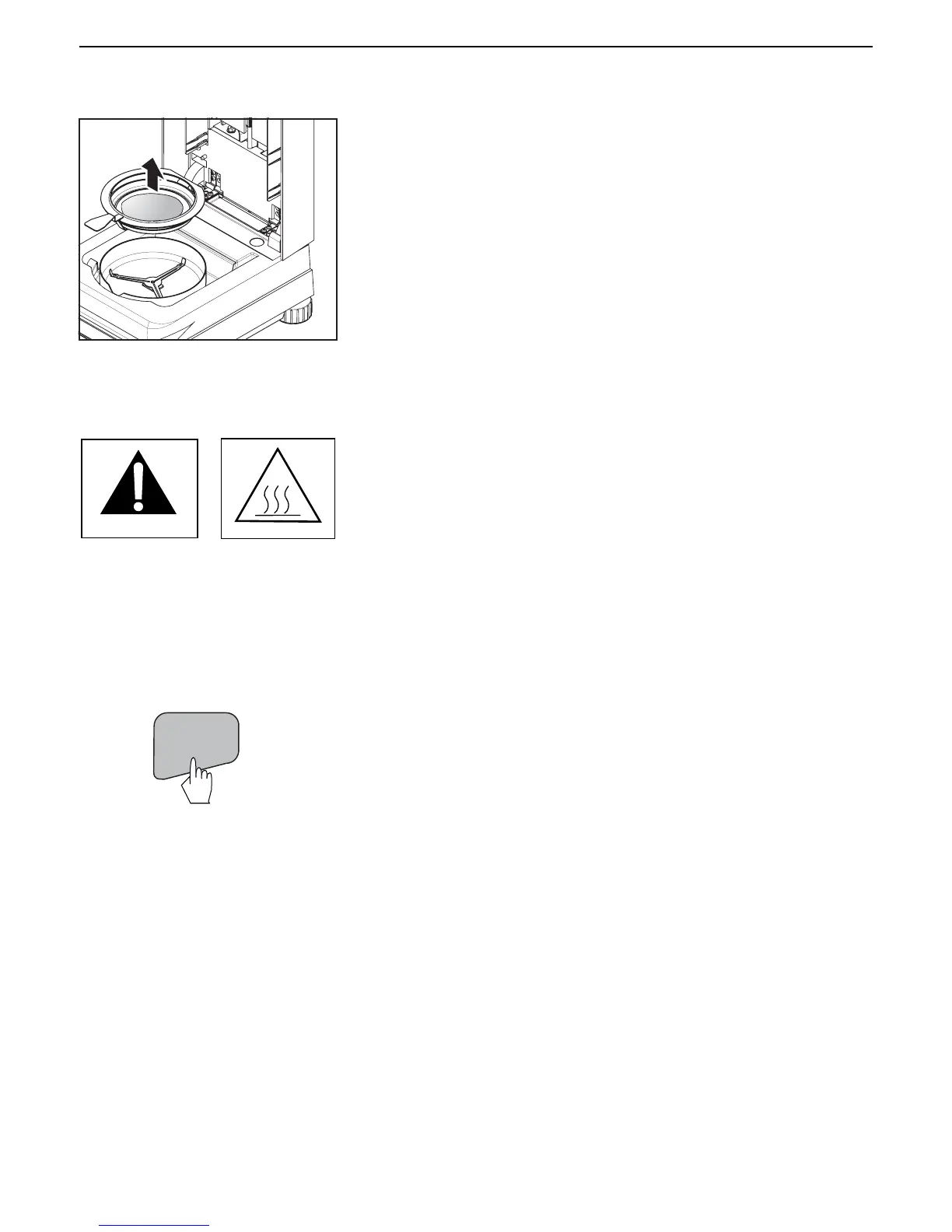
Carefully remove the sample pan handler from the drying area.
Warning: As the pan and sample may still be hot, you should let these
cool down before removing the pan from the pan handler!
To remove the sample pan from the pan handler, lift the pan slightly from
below and pull it sideways out of the pan handler (if you no longer need the
sample and pan, you can simply tilt the pan handler until the pan slides
out).
TARE
The last display from the test remains on the screen until you press the Tare
button.
Press the Tare button. This sets the Moisture Analyzer to zero. The display
returns to the first test display, ready to repeat the test.
If you want to get out of the test mode, simply press any other button on the
unit.
Continue to review the rest of this manual and become familiar with the
menus.


 To Next Page