20
Making a simple measurement - Section 3
Observing the test progress
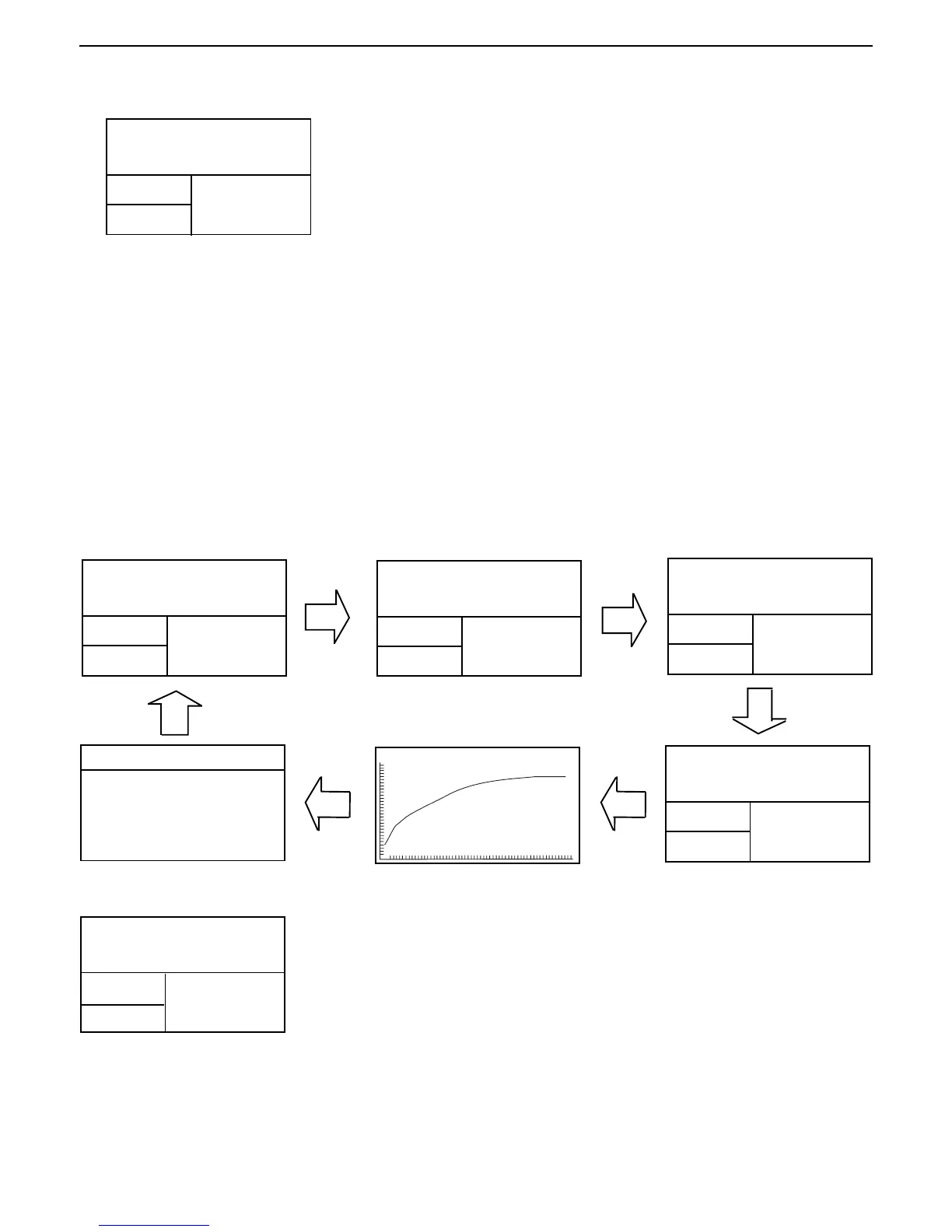
There are six displays available when the Moisture Analyzer is running a test. The Display button on the front panel
when pressed repeatedly accesses each of the six displays during the run mode of the Analyzer and cycles though
each display in the order shown below.
The displays indicate the Test ID, Temperature/Time, Initial Weight, actual temperature, elapsed time duration of the
test, either moisture, solids, grams, percent regain, a graph representing the actual test progress and statistics at the
end of the test.
Press the Display button repeatedly to view the progress of the sample test with different displays.
The test automatically stops at the end of 10:00 minutes. If you want to end the test sooner, press the START/STOP
button.
TEST ID: -DEFAULT-
TEMP / TIME: 100°C / 10:00
INITIAL WT: 0.930 G
70°C
00:20
4.04
%MOISTURE
Drying and measurement
You are now able to follow the progress of the drying cycle on the display.
This first display comes up automatically when the test was started.
TEST ID: -DEFAULT-
TEMP / TIME: 100°C / 10:00
INITIAL WT: 0.930 G
TEST ID: -DEFAULT-
TEMP / TIME: 100°C / 10:00
INITIAL WT: 0.930 G
TEST ID: -DEFAULT-
TEMP / TIME: 100°C / 10:00
INITIAL WT: 0.930 G
08:11
08:11
08:11
100.00
%MOISTURE
0.00
%SOLIDS
0.000
GRAMS
*
08:11 0.000G 100.00%
*
*
TEST ID: -DEFAULT-
TEMP / TIME: 100°C / 10:00
INITIAL WT: 1.000 G
%MOISTURE
TEST
OVER...
Congratulations!
You have just performed your first measurement with your new Moisture
Analyzer.
100°C
100°C
100°C
10:00
100.00
*
*
1000.00
*% REGAIN
100°C
08:11
SAMPLE N: 0
LAST DATA: 0.00
MEAN X: 0.00
STD. DEV S: N<5
MIN X: 0.00
MAX X: 0.00
STATISTICS
TEST ID: -DEFAULT-
TEMP / TIME: 100°C / 10:00
INITIAL WT: 0.930 G



 To Next Page