19
Section 3 - Making a simple measurement
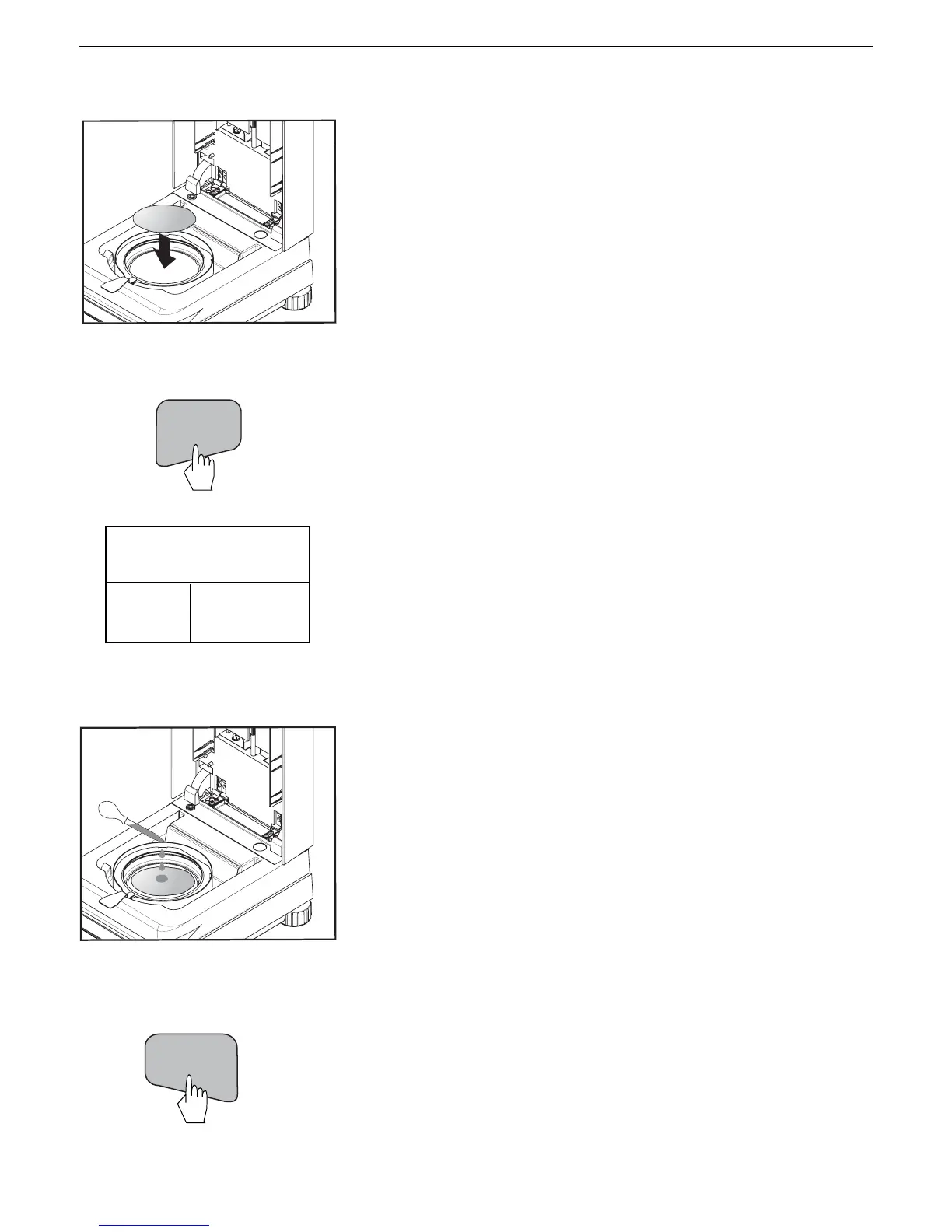
Place the specimen sample in the sample pan (glass fiber pad).
TEST ID: -DEFAULT-
TEMP / TIME: 100°C / 10:00
TARG. WGT: 1 GRAMS
0.930
* GRAMS
CLOSE
COVER
Wet the specimen sample with a 0.5 to 1 gram of water.
NOTE: Minimum sample size must be greater than 0.5 gram.
Close the cover.
START/STOP
Starting the test
Press the Start/Stop button. The Moisture Analyzer starts the drying and
measurement process.
Press the Tare button. This sets the Moisture Analyzer to zero. A new display
now appears with instructions.
TARE



 To Next Page