5238-E P-26
SECTION 3 MATH FUNCTIONS
3. Circular Interpolation (G02, G03)
[Function]
Circular interpolation can be used to generate a cutting path which follows an arc.
[Programming format]
LE33013R0300500030001
[Details]
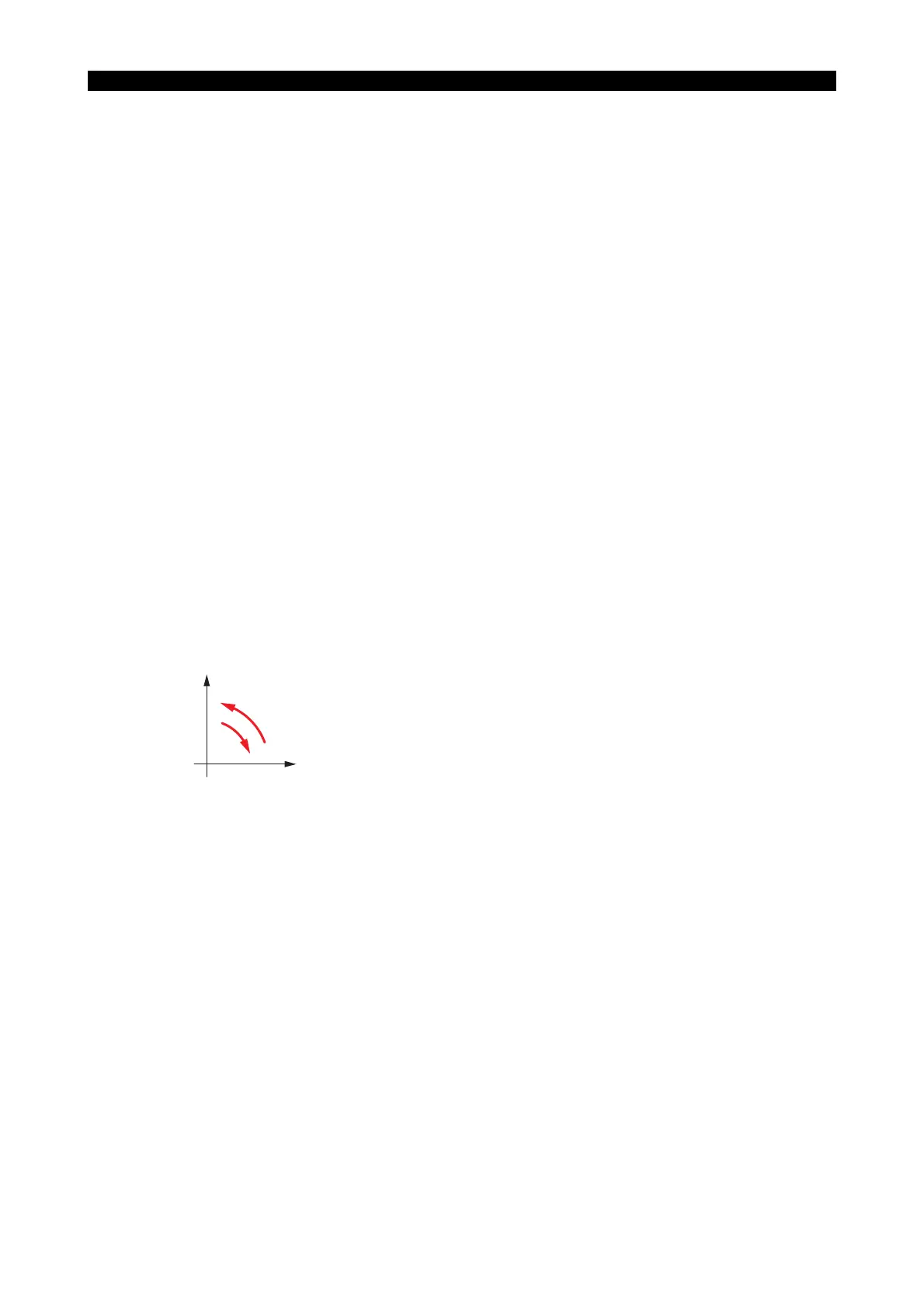
• The two directions of rotation, clockwise and counterclockwise, are defined when viewing the Z-
X plane from the positive direction of the axis orthogonal to the plane in the right-hand
orthogonal coordinate system.
LE33013R0300500030002
• The end point of an arc is defined as an absolute value or an incremental value depending on
the G90/G91 selection.
• The center of an arc is expressed by I and K, which correspond to X and Z respectively. That is,
I expresses the X coordinate value and K the Z coordinate value of the center of the arc in
reference to the starting point of the arc.
G02 : Direction of rotation : Sets clockwise rotation
G03 : Direction of rotation : Sets counterclockwise rotation
X, Z : G90 mode : Set the end point in the program coordinate system
X, Z : G91 mode : Sets the end point in reference to the starting point
(values should include signs)
I, K : Set the distance of the center of the arc from the starting point (values should include
signs)
L : Sets the radius of the arc
F : Sets the feedrate
G02
(G03)
X__ Z__ F__
L__
I__ K__
{}
X
GO3
GO2
Z



 To Next Page