5238-E P-32
SECTION 3 MATH FUNCTIONS
4-2. Rounding (G76)
LE33013R0300500060001
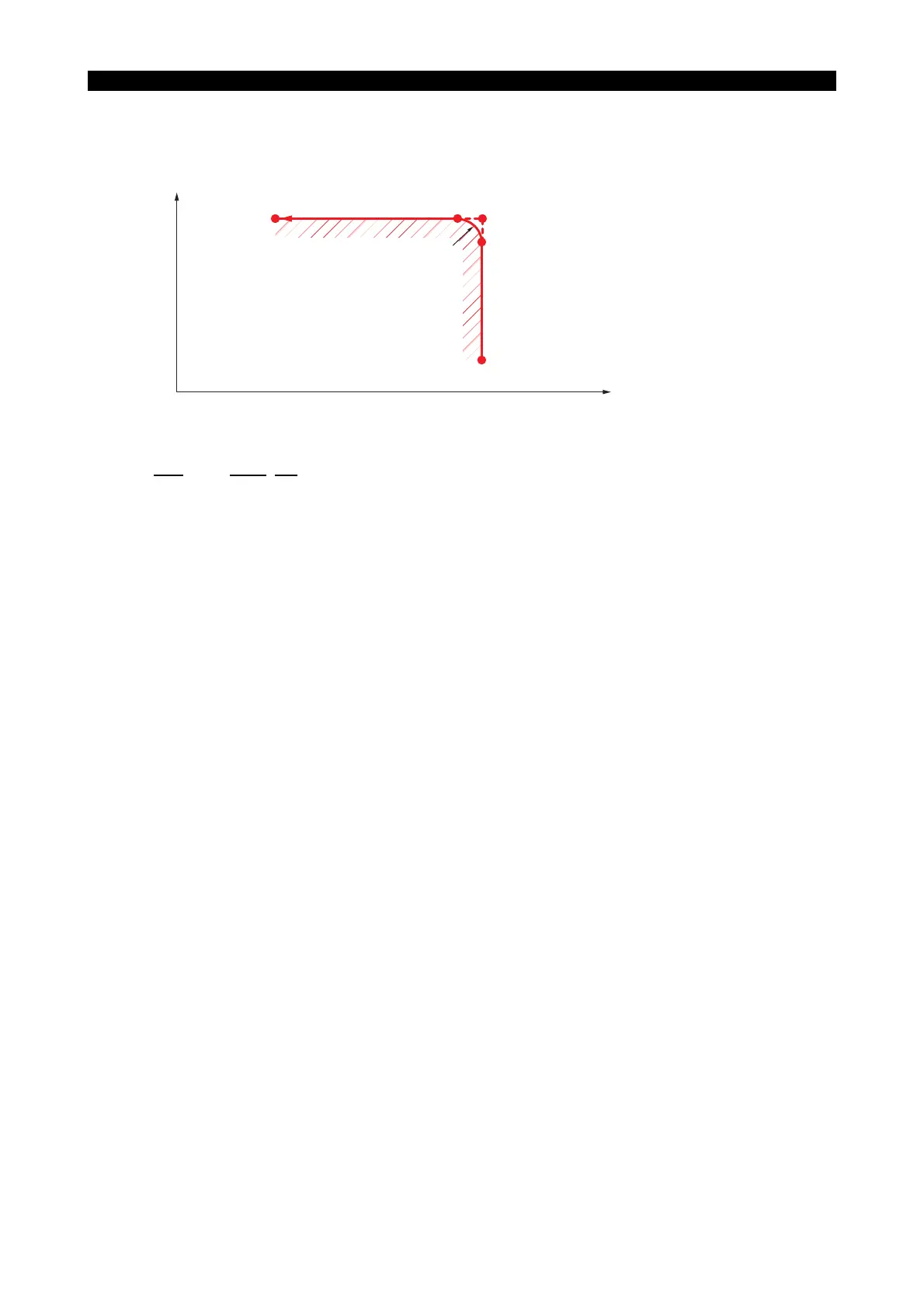
To cut the contour shown above along the points A, B, D and E, program as follows:
G76
G01 X120 L-5 FDD CR
after positioning the cutting tool at point A.
With the commands above, the cutting tool moves from point A to B and then to D, thus
automatically rounding the corner to a radius of 5 mm.
When the coordinates of point E are commanded, the cutting tool moves from point D to point E.
[Details]
• G76 is effective only in the G01 mode. If G76 is specified in a mode other than G01, an alarm
occurs.
• G76 is non-modal and active only in the commanded block.
• The rounding describes a 1/4 circle with the radius specified by an L word.
• If the axis movement dimension specified in the block calling for automatic chamfering (A - C in
the figure above) is smaller than the absolute value of the L word (B - C in the figure above), an
alarm results.
• If the axis movement dimensions specified in the block calling for automatic chamfering are
zero both for X and Z, or if neither X nor Z value is zero in such a block, an alarm occurs.
The block calling for automatic chamfering mode can contain only one dimension word, either X
or Z.
• The automatic chamfering program is effective in:
LAP
Tool nose radius compensation mode
G76 : Specifies rounding of a corner
X120 : X coordinate of Point C
L-5 : Radius of rounding circle
The sign is determined by the direction of axis movement;
"+" when the Z-axis (X-axis) moves in the positive direction after the X-axis (Z-axis)
motion.
"-" when the Z-axis (X-axis) moves in the negative direction after the X-axis (Z-axis)
motion.
+X
B (X110.00, Z120.00)
A (X50.00, Z120.00)
C (X120.00, Z120.00)
(X120.00, Z115.00)
(X120.00, Z50.00)
+Z
5R
E
D



 To Next Page