5238-E P-81
SECTION 6 OFFSET FUNCTION
1-8-4. Behavior on Cancelation of the Tool Nose Radius Compensation Mode
G40 given with X- or Z-axis motion command
To cancel the tool nose radius compensation mode, the G40 code is used. It is essential to
understand the cutting tool movements that result from the cancelation of the compensation mode in
order to avoid unexpected trouble.
In the tool nose radius compensation mode, the tool path is generated so that the tool nose R is
always in contact with the programmed contour, but the axis position is controlled so that the tool tip
reference point traces the programmed contour when the tool nose radius compensation mode is
not active. Therefore, under- or over-cut often results when entering into or when canceling the tool
nose radius compensation mode.
LE33013R0300800110001
Cutting a contour comprising straight line segments as illustrated above is programmed as shown
below if the tool nose radius compensation mode is not active.
LE33013R0300800110002
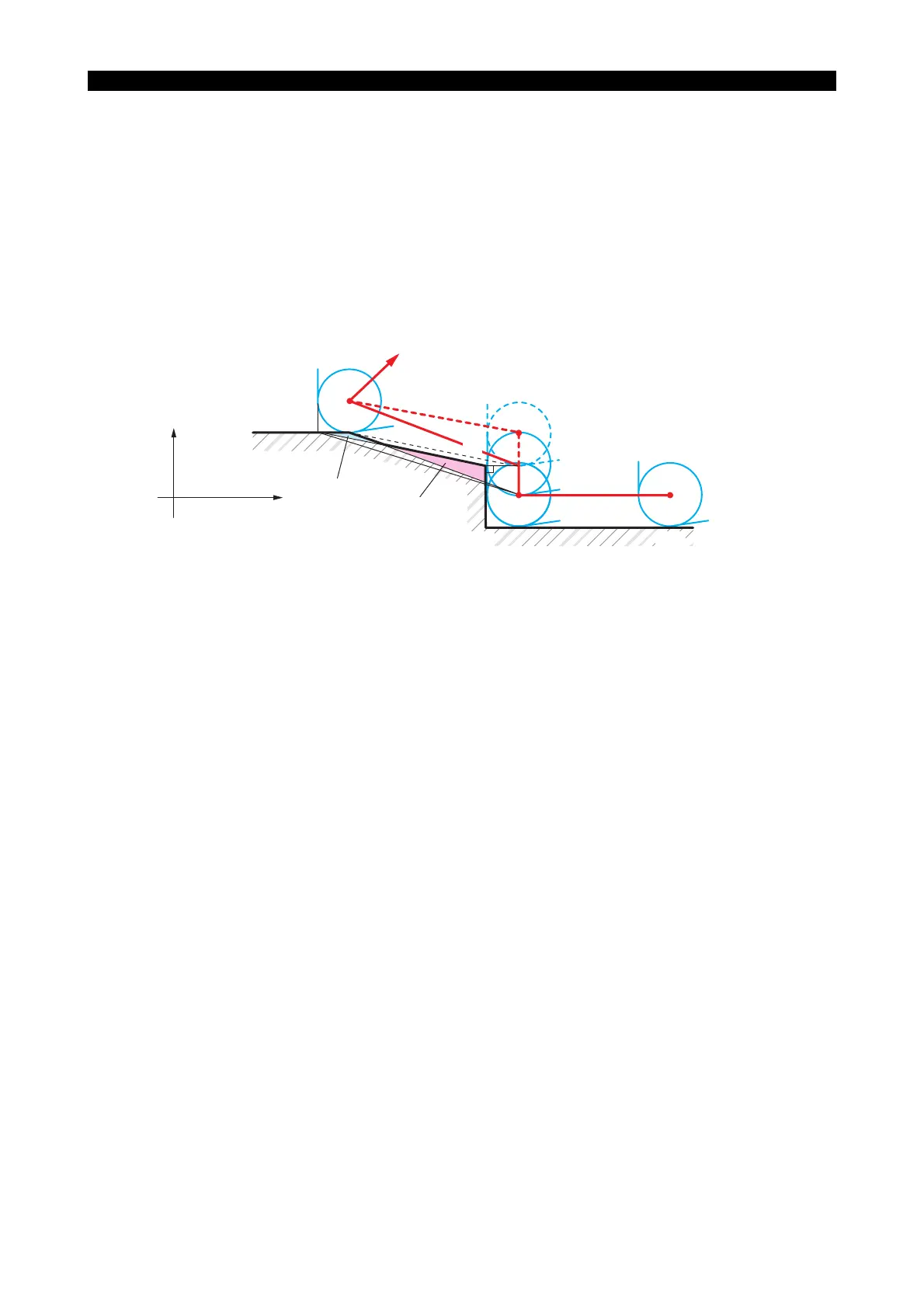
With the commands above, the cutting tool moves along the path indicated by broken lines. That is,
for designated point N3 the tool center is positioned at point O3, and at point O4 for designated
point N4.
The uncut part parallel to straight line N3 - N4 is left. Therefore the tool nose radius compensation
function can be effectively used to cut such a contour accurately. See the programs on the following
pages.
• When the tool nose R compensation cancel command is designated:
LE33013R0300800110003
Position left uncut
Overcut portion
X+
Z+
N4
N3
N2 N1
O4
O2
O1
O3
N2
N3
N4
Z60
F0.2
X130 Z20
N1 G01
N5 X300 Z300G00
X100
X120
Z100 S1000 T010101 M03
N2
N3
N4
Z60
F0.2
X130 Z20
N1 G42 G01
N5 X300 Z300G00
G40
X100
X120
Z100 S1000 T010101 M03



 To Next Page