Preparations
2-6 OPERATION GUIDE
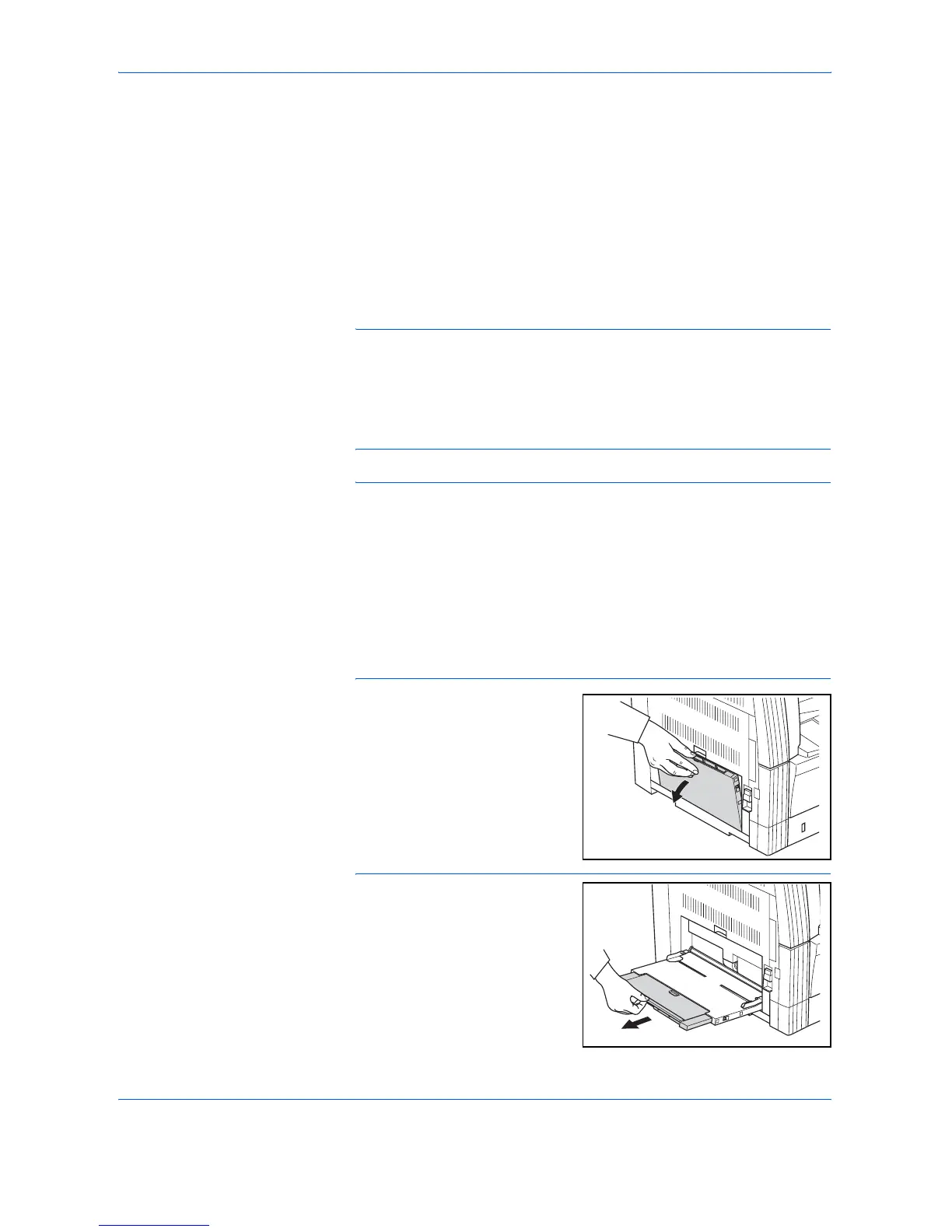
Setting paper on the MP tray
In addition to standard paper and recycled paper, special paper (45 to 160
g/m
2
) can also be set.
Up to 50 sheets of standard (80 g/m
2
) paper (25 sheets of Ledger R, Legal
R or A3, B4, Oficio 2, Folio) can be set. The paper sizes that can be used
are: Ledger R to Statement, A3 to B6R, A6R, Oficio 2, Cardstock, Folio R,
8k, 16k, 16k R, Executive, ISO B5, Envelope #10, Envelope #9, Monarch,
Envelope #6.75, Envelope C5, Envelope C4, Envelope DL,
OuhukuHagaki, Youkei 2gou and Youkei 4gou.
When making copies onto special paper, always use the MP tray.
NOTE: The types of special paper that can be loaded and their
respective quantities are as follows.
Color Paper: 50 sheets
Postcards: 10 sheets
Vellum Paper/Thick Paper (45 to 160 g/m
2
): 50 sheets to 5 sheets
(quantity differs depending on paper size and thickness)
IMPORTANT: Set the paper size and type according to that set in the
Paper Feed. (Refer to Inputting MP Tray Size and Media Type on page 2-
7.)
This can also be set in the System Menu. (Inputting MP Tray Size and
Media Type on page 2-7)
When using non-standard size paper, register the paper size as Custom.
(Refer to Inputting Custom Size on page 2-9.)
When loading the thick paper (90 to 160 g/m
2
) or vellum paper (45 to 63 g/
m
2
), set the Media Type. (Refer to Selecting Special Media Types on page
2-10.)
1
Open the MP tray.
NOTE: When setting paper
greater than Letter/A4R, pull out
the MP tray extension to match
the paper size.













 To Next Page