Copying Functions
4-10 OPERATION GUIDE
Making copies with clean edges
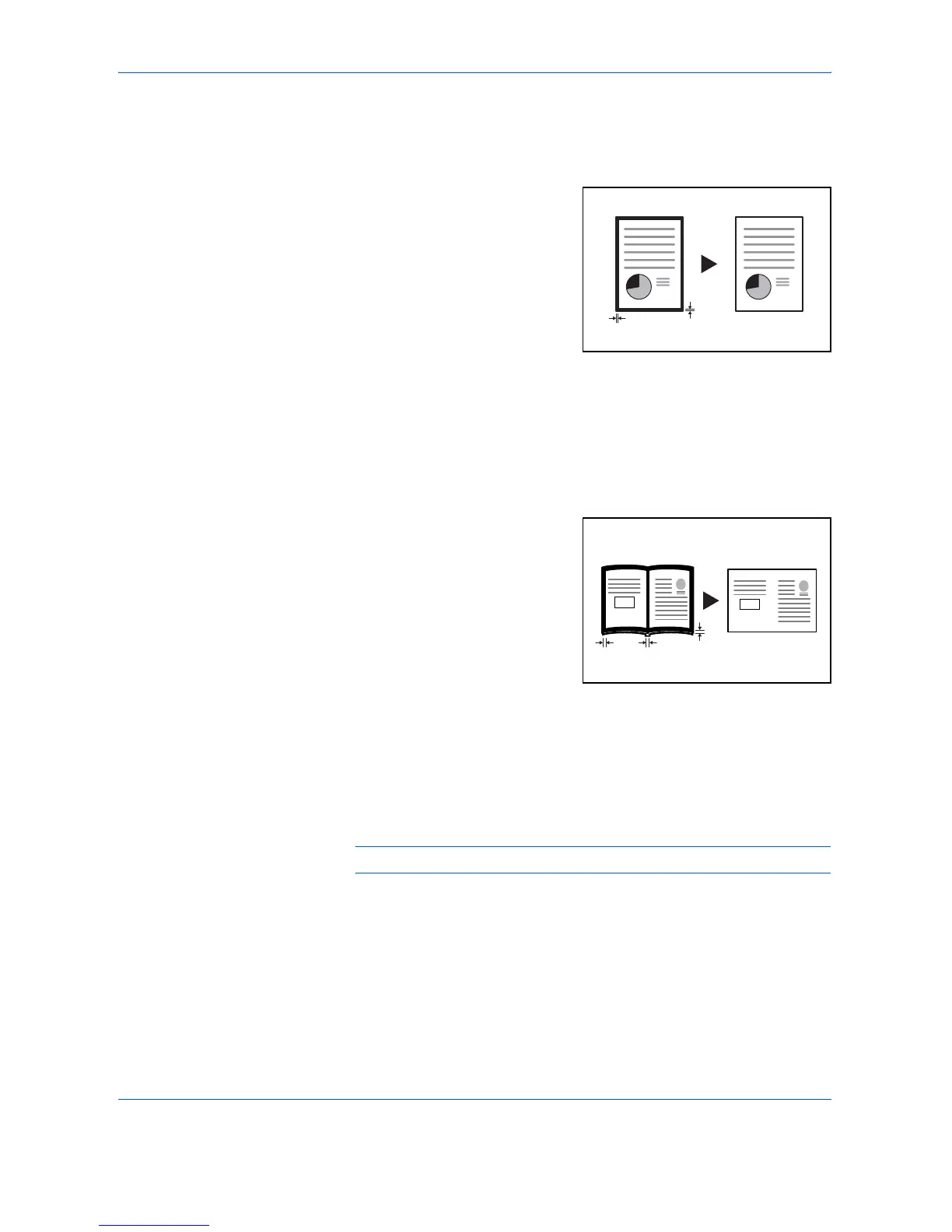
Erasing blemishes from edges of copies (Sheet erase mode)
[Inch specifications]
Use this to remove the dark
shading that appears around
sheet originals during copying.
Select the border width to be
erased from among 0.13/0.25/
0.38/0.50/0.63/0.75 ("). ((A) in the
illustration is the Border Width.)
[Metric specifications]
Use this to remove the dark shading that appears around sheet originals
during copying. Select the border width to be erased from 1 to 18 (mm).
((A) in the illustration is the Border Width.)
Erasing blemishes from the edges and middle of copies made from books
(Book erase mode)
[Inch specifications]
Use this to get a clean copy of
thick books. Select the outer
border width from among 0.13/
0.25/0.38/0.50/0.63/0.75 ("). The
center border width will be 2-times
that of the outer border width ((A)
in the illustration is the outer
border width and (B) is the center
border width.)
[Metric specifications]
Use this to get a clean copy of thick books. Select the outer border width
from 1 to 18 (mm). The center border width will be 2-times that of the outer
border width ((A) in the illustration is the outer border width and (B) is the
center border width.)
NOTE: Only standard sizes can be used as the Original size.
(A)
(A)
Original Copy
(A)
(A)
(B)
Original Copy













 To Next Page