Copying Functions
OPERATION GUIDE 4-7
1
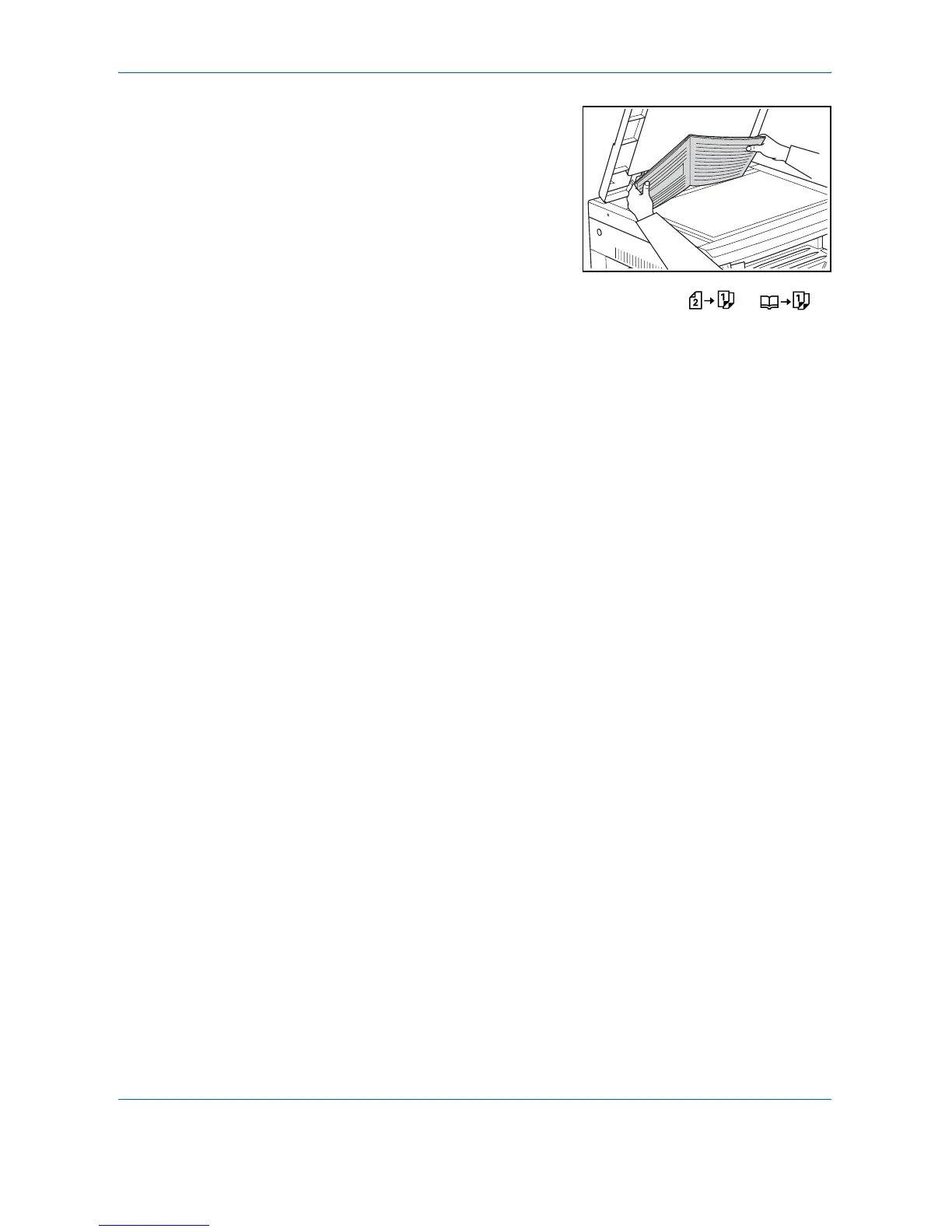
Set the original.
2
Press [Split], select the type of original, and select or to
light up the corresponding display.
3
Press [Start]. The copier will begin copying.
In the case where Collate Copies has been set, proceed to Step 4.
4
Replace the original with the next one and press [Start]. The copier will
scan the original.
5
If there are no more originals to be scanned, press [OK]. The copier will
begin copying.













 To Next Page