Copying Functions
4-16 OPERATION GUIDE
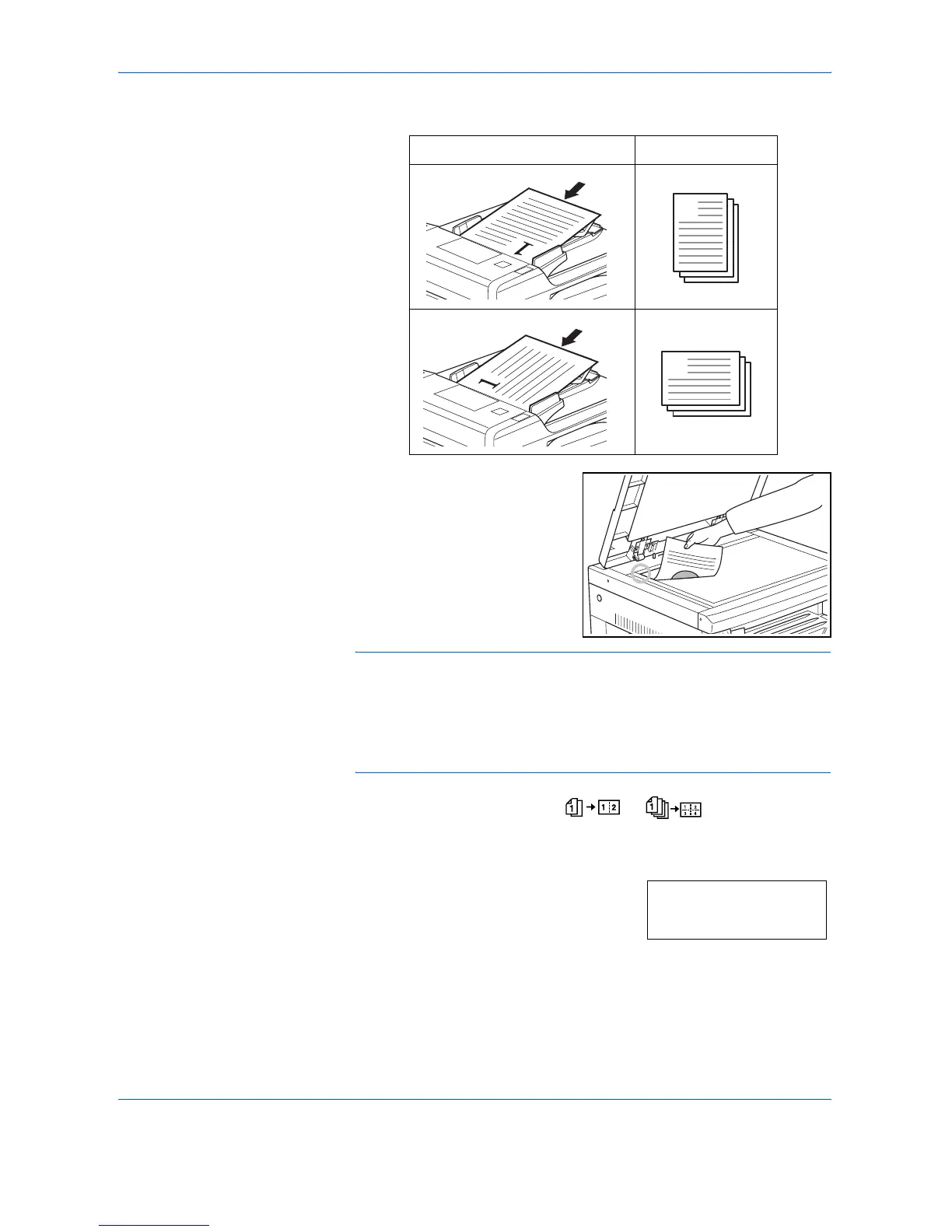
When the original is set in the Document Processor
1
Set the original.
NOTE: The 4 in 1 layout setting (refer to 4 in 1 Layout Order on page 4-
17) and the setting of border lines when setting Combine mode (refer to
Setting the Combine mode Border Lines on page 4-17) can also be set in
the System Menu.
The value set in the System Menu will inherit the value that is set at the
time when the copy is made.
2
Press [Combine] to light up the or indicator.
3
Input the number of sets of copies using the numeric keys.
4
Press [Start]. The copier will begin reading
in the original.
When an original has been set in the
optional Document Processor copying will
begin automatically.
Original Setting Direction Finished Product
1
1
1
1
Scanning.













 To Next Page