142 Infotainment system
Caution
Do not use pointed or hard items
like ballpoint pens, pencils or
similar for touchscreen operation.
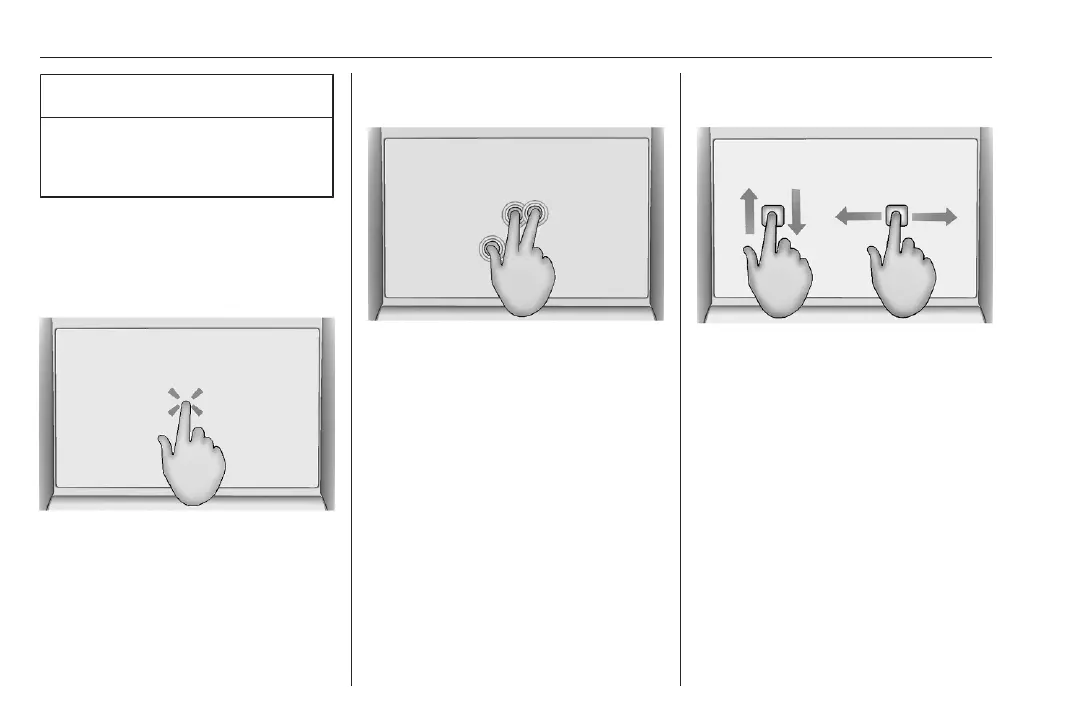
Use the following finger gestures to
control the Infotainment system.
Touch
Touch is used to open a menu or
select an option.
Three finger quick access
Touch is used to display the apps
overview.
Swipe
Swipe is used to scroll through a
menu or to pan the map.
Returning to the previous screen in a
submenu
To return to the previous screen,
touch 5 in the upper part of the
screen.
Displaying and hiding the menu
Within an app, the menu can be
displayed and hidden by touching K.



 To Next Page