Infotainment system 143
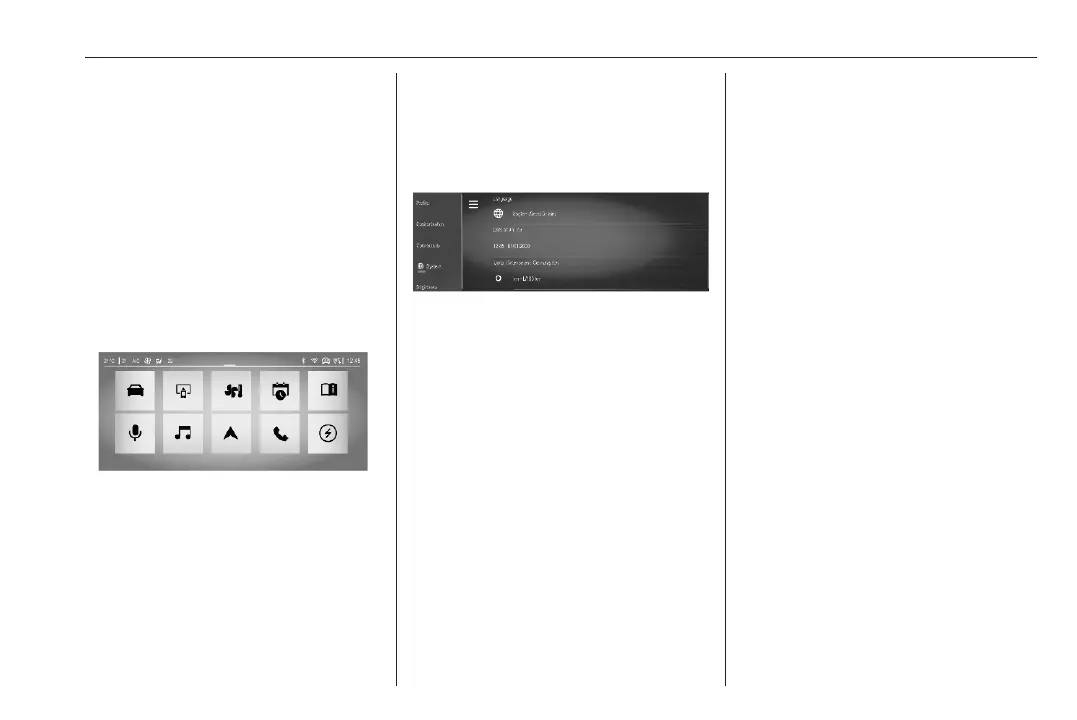
Status bar
The status bar is the top bar on the
screen. It can indicate the following:
● time
● outside temperature
● Wi-Fi connection status
● Bluetooth activation
● mobile reception
● activated functions, e.g. A/C
Apps overview
To display a list of all availabe apps,
touch V.
Alternatively, the apps overview will
be displayed by a 3-finger touch on
the screen.
System settings
To display the system settings menu,
open the settings app z and touch
the menu for the system settings J.
The following system settings can be
adjusted:
● language
● date and time, time format, date
format
● unit for distance and
consumption
● unit for outside temperature
● restore the factory settings
● view system information
Brightness
To adjust the brightness of the
instrument panel illumination and the
interior lighting, open the settings app
z and touch the menu for the
brightness adjustment.
The interior lighting can also be
activated or deactivated.
Connectivity
To display the connectivity menu,
open the settings app z and touch
the menu for connectivity.
The following settings are adjustable:
● wireless devices: display all
paired devices, connect or
disconnect a device, choose the
connection preferences for each
device (Bluetooth or phone
projection) and search for nearby
devices



 To Next Page