OpenText Tableau Forensic TX1 Imager
The Information Company 111
“Advanced logical imaging setup” on page 125 for details on the optional Advanced
mode search.
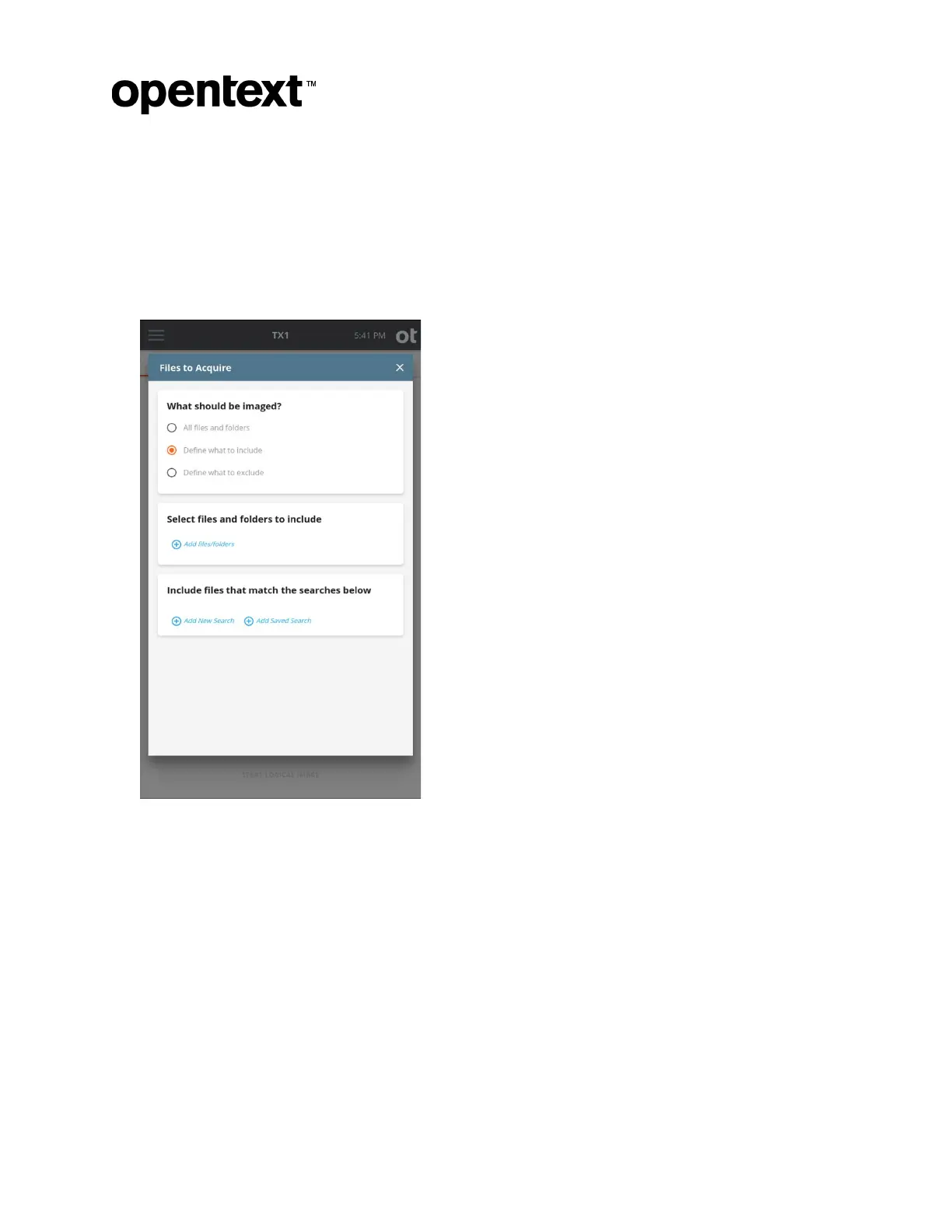
Regardless of whether you are including items in an empty dataset or excluding
items from a full dataset, the same setup style is used to limit what is acquired, as
covered in detail below.
6. Select files and folders to include/exclude.
In the ex
ample shown above, Define what to include is selected, which means the
initial acquisition dataset is empty. To manually select which files and folders to
include, tap the blue circle/plus sign icon labeled Add files/folders in the Select files
and folders to include section. This will launch a browse modal window which
shows the entire contents of the selected source filesystem, as shown below.
Copyright © 2022 Open Text. All rights reserved. Trademarks owned by Open Text.



 To Next Page