70 The Information Company
The Image option in the Job type panel will be disabled if the destination drive does
not have a recognized filesystem. If an image destination is desired, format the
destination drive by selecting the details option from the additional options menu
(three vertical dots at the right side of the drive tile) or from the Destinations button
on the Home screen.
To make a network share visible in the Source or Destination selection lists in a job
setup screen, first add and mount the share from the Sources or Destinations
buttons on the Main screen.
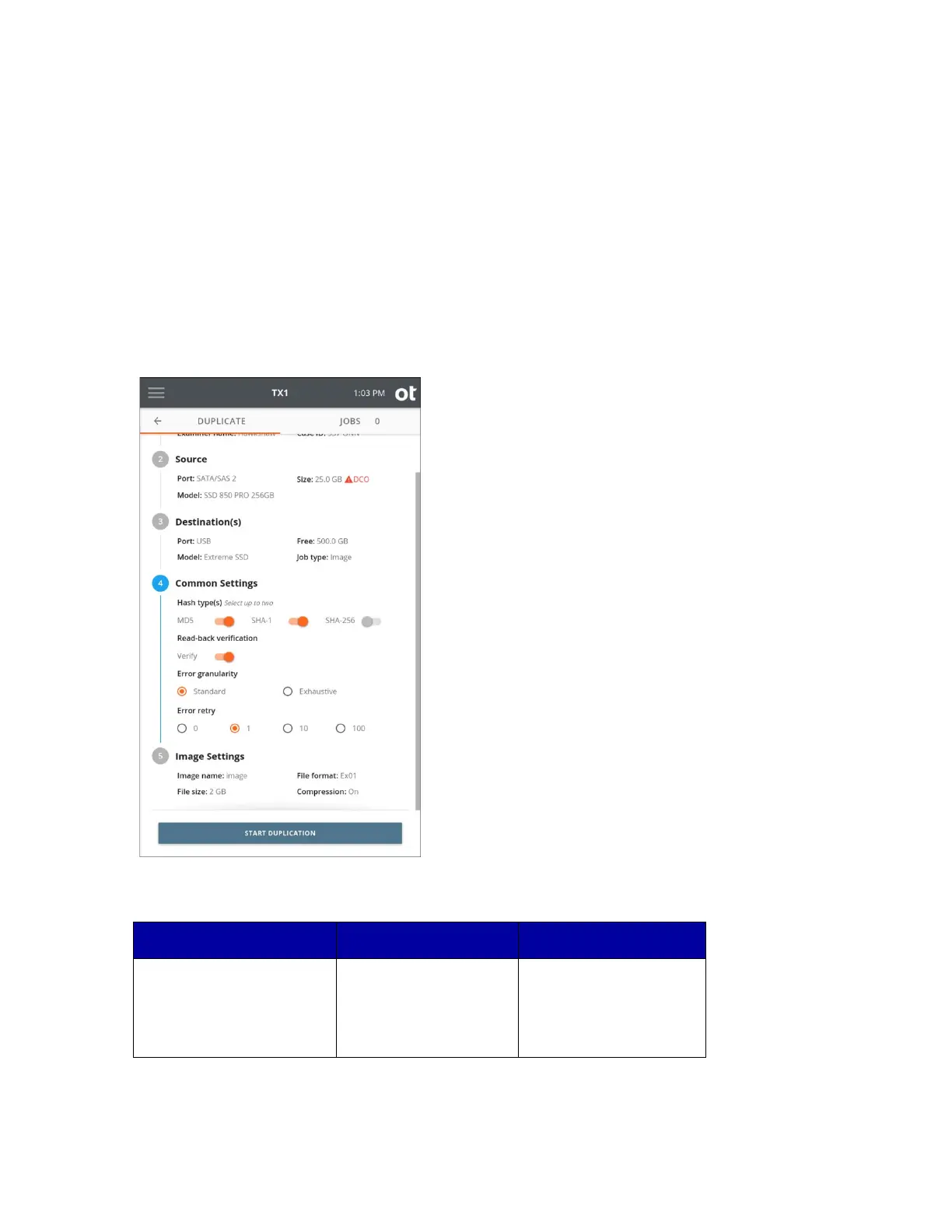
6. To change the common settings, tap the 4 or Common Settings heading.
Select
up to two hash types of MD5, SHA-1, and SHA-256. Some hash types will be
disabled for certain image file formats, as described in the table below.
types. Limited to two to
minimize chances of
inadvertent performance
Copyright © 2022 Open Text. All rights reserved. Trademarks owned by Open Text.



 To Next Page