OpenText Tableau Forensic TX1 Imager
The Information Company 95
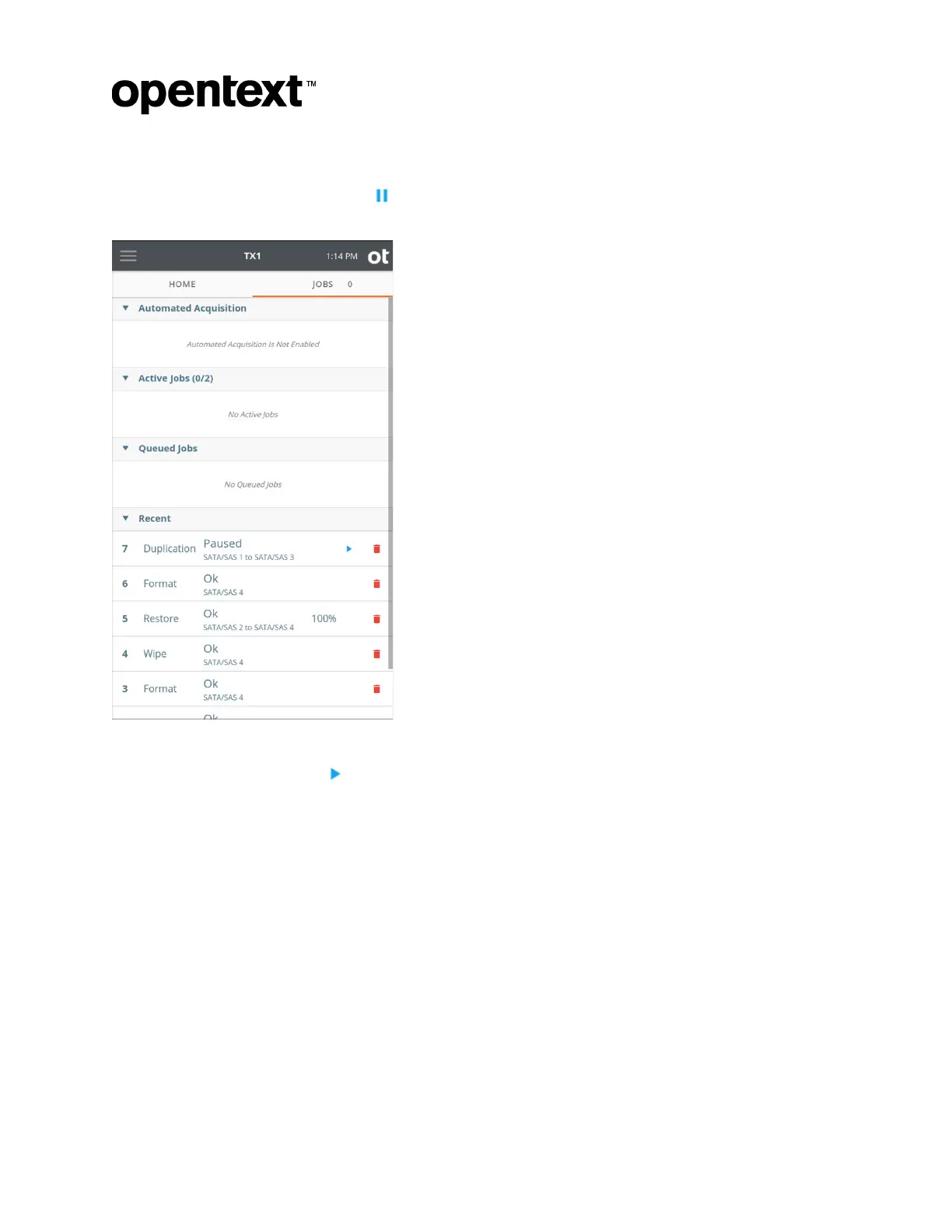
To pause a running duplication job, locate the desired job in the Active Jobs area of the
Jobs tab, simply tap its Pause button , and confirm the desire to pause the job. The job
will be moved to the Recent area with a status of Paused, as shown below.
There ar
e three distinct ways to resume a paused job:
• By tapping the Play button on the paused job in the Recent area of the Jobs tab.
• By tapping the Resume Job button in the header of the Job Status screen. (The Job
Status screen can be viewed by tapping on the job in the Jobs tab.)
• By tapping the Resume Job button at the bottom of the forensic log for the paused
job. All paused jobs display a paused status in the log list. Tapping the desired job
log row displays the Log Details screen for that job, with the Resume Job button at
the bottom.
Regardless of the method of resumption, a Resume Duplication screen will be
displayed, as shown below. This screen allows for verification of the availability of the
original job’s source and destination drives before allowing resumption of the paused job.
Note that, if Verification was not enabled in the original imaging job setup, the Resume
Duplication screen offers a means of enabling it before resuming the job.
Copyright © 2022 Open Text. All rights reserved. Trademarks owned by Open Text.



 To Next Page