PUMA T2
Technical Handbook
Troubleshooting
P/N: 779-0306/01
Revision 03
OTE Proprietary information
Page 75
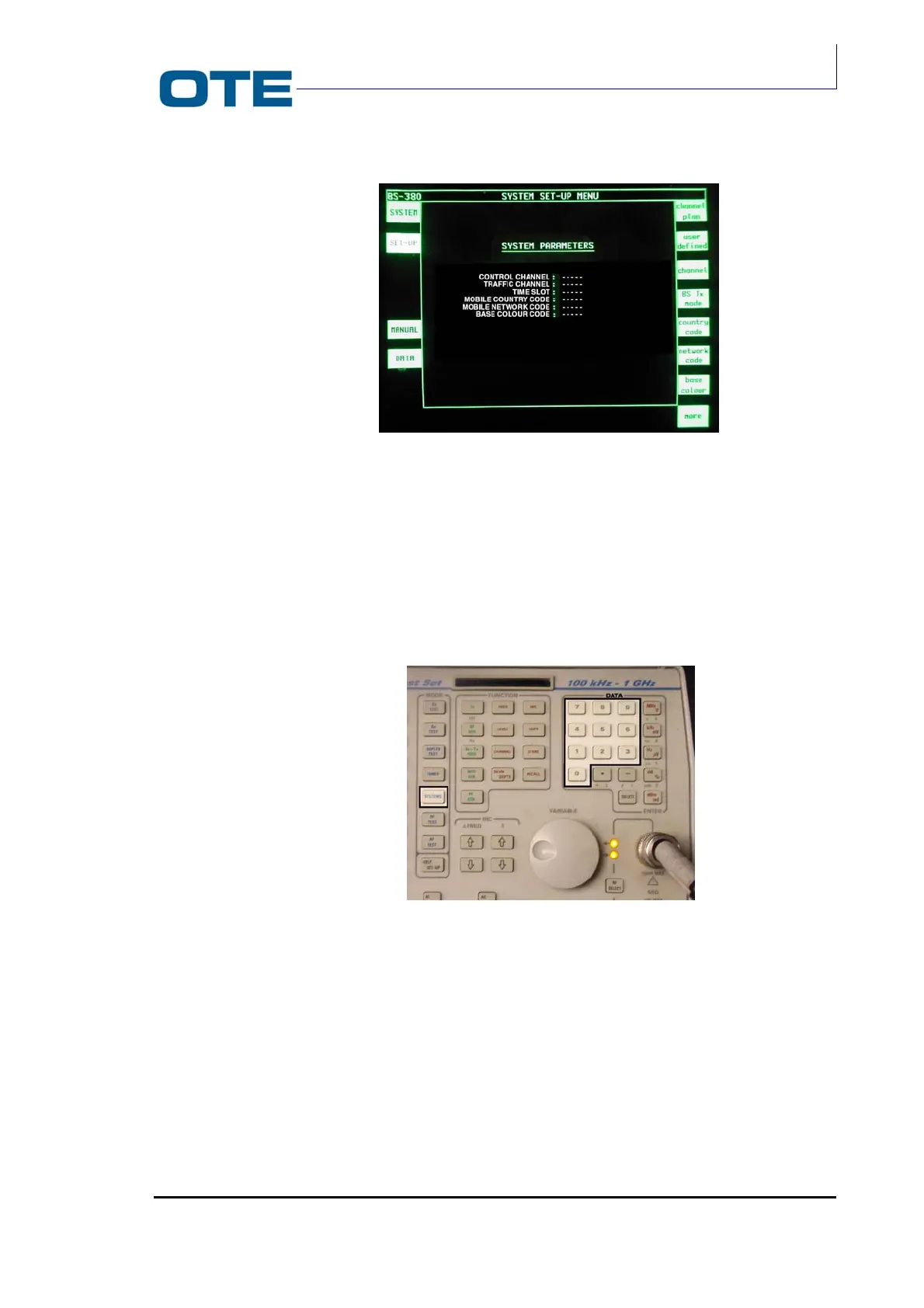
Fig. 7.4: Channel selection
Once the frequency has been found, confirm it by pressing the key that
corresponds to the operating frequency of the terminal from among those located
to the right of the display; the test set finds the frequency band and, when the
“CONTROL CHANNEL” button is pressed, shows all of the available parameters.
Enter the value of the parameters using the numeric pad (see Fig. 7.5).
Fig. 7.5: DATA keys
For example:
• Control Channel: 2496;
• Traffic Channel: 2496;
• Time slot: 3 (select from 1 to 4);
• Mobile Country Code: 420 (that of the terminal);
• Mobile Network Code: 00005 (that of the terminal);
• Base Color Code: (Not useful for carrying out the test).



 To Next Page