PUMA T2
Technical Handbook
Troubleshooting
P/N: 779-0306/01
Revision 03
OTE Proprietary information
Page 77
• the other parameters in this second group are not useful for carrying out the
test in question.
Press the “MORE” key again to access the parameters of the third and last group;
none of these are useful for carrying out the test.
Note
If the parameters of the first group are not entered, the test set remains in “wait mode”; if, instead, the
parameters of the second group are not entered, the test set operates anomalously; finally, the
parameters of the third group do not influence the test in any way.
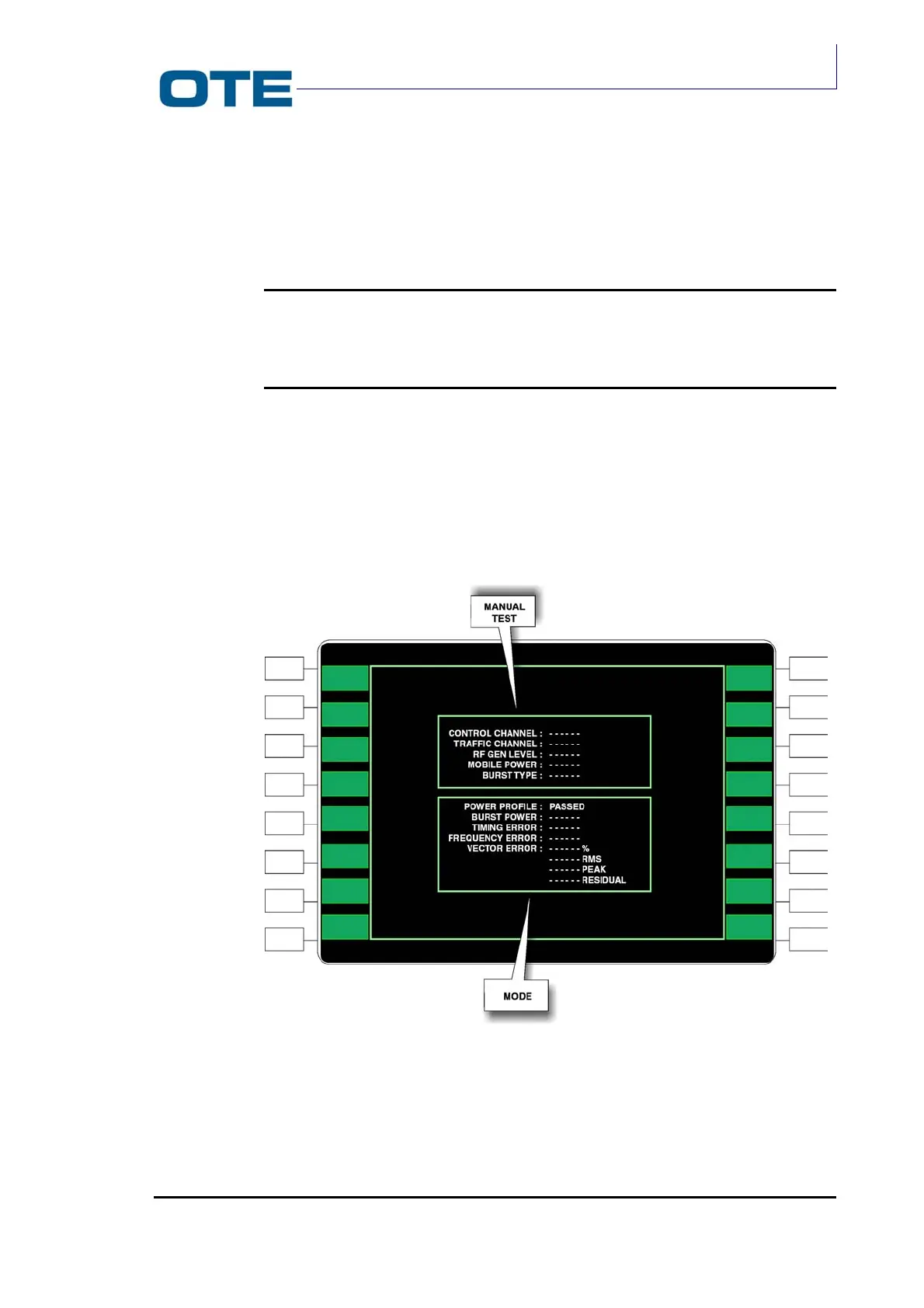
A screen divided into two parts (see Fig. 7.7) appears on the RADIO TETRA TEST
SET display:
• MANUAL TEST: groups all of the settings given previously
• MODE : groups all test values
Fig. 7.7: “Manual Test” and “Mode”



 To Next Page