PUMA T2
Technical Handbook
Troubleshooting
Page 76 OTE Proprietary information
P/N: 779-0306/01
Revision 03
Note
If the frequency band of the terminal under test does not appear among those available to the test set,
proceed by creating a personal “SET UP” to insert it (see IFR manual relative to the TETRA TEST
SET).
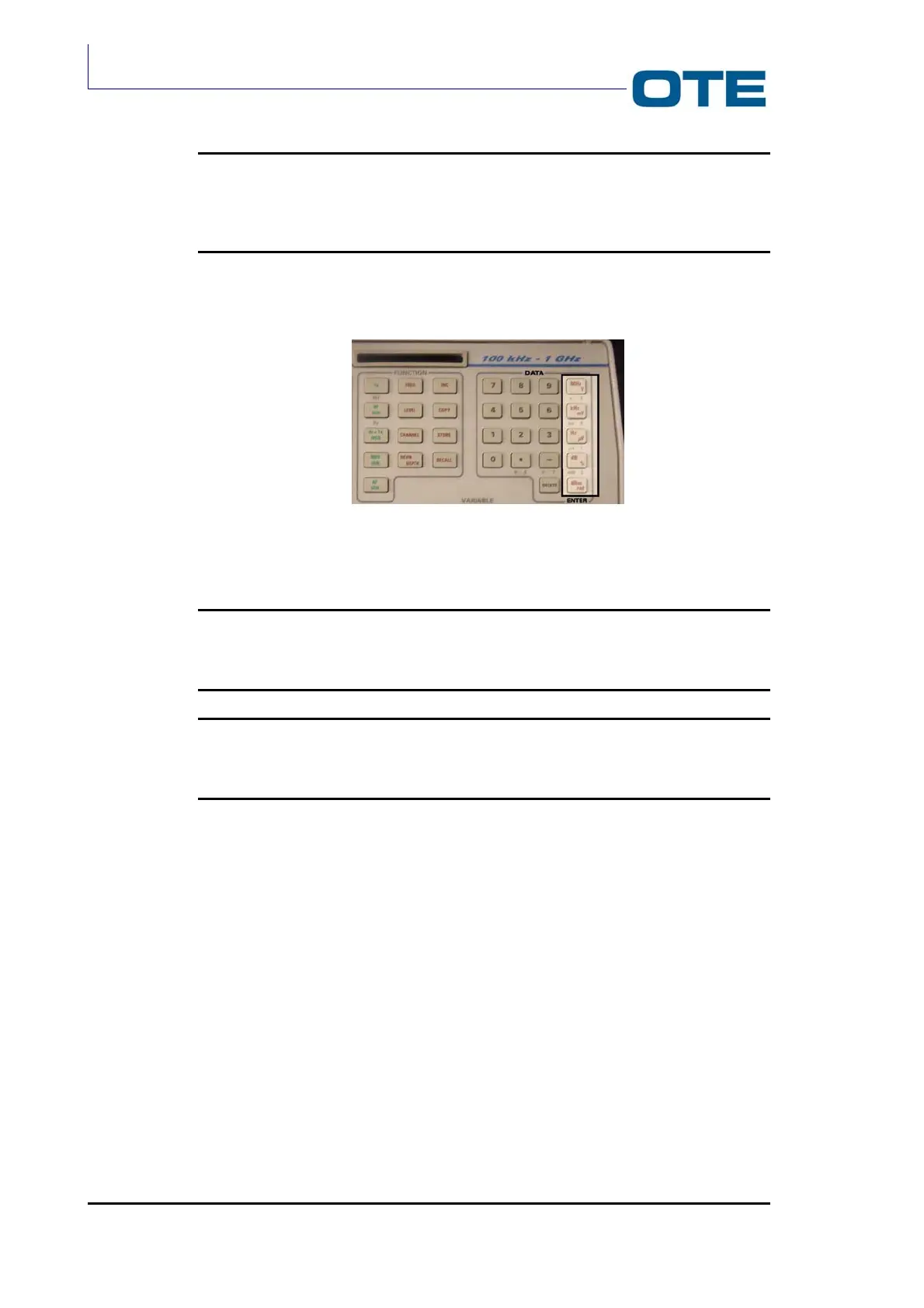
Press any one of the red “ENTER” keys to confirm data entry (see Fig. 7.6)
Fig. 7.6: Red “ENTER” keys
Note
It is possible to obtain confirmation (ENTER) by pressing any one of the red keys only when you are not
required to press a specific key (ENTER) relative to the required measurement unit.
Note
It is possible to reduce the frequency search time through the “BASE COLOUR CODE” item only when
several groups of cells are found under the same area.
Once the values relative to the first group of essential parameters have been
entered (which are highlighted on the display), press the “MORE” key to highlight
the second group of parameters, in order to be able to enter the values relative to
these also.
• min Rx level for access: -110 dBm (indicates the minimum signal level
coming from the BS in order that it be considered by
the radio terminal);
• max Tx level: 30 dBm (corresponds to the maximum signal level
transmitted by the terminal: 1 W for portable
terminals; 10 W for vehicular/fixed terminals);
• access parameters: -39 dBm (this value is given by a relation involving
two parameters, C1 and C2, to determine passage
from cell to cell);



 To Next Page