Camera Customization – [Custom] Menu
588
[Monochrome Live View]
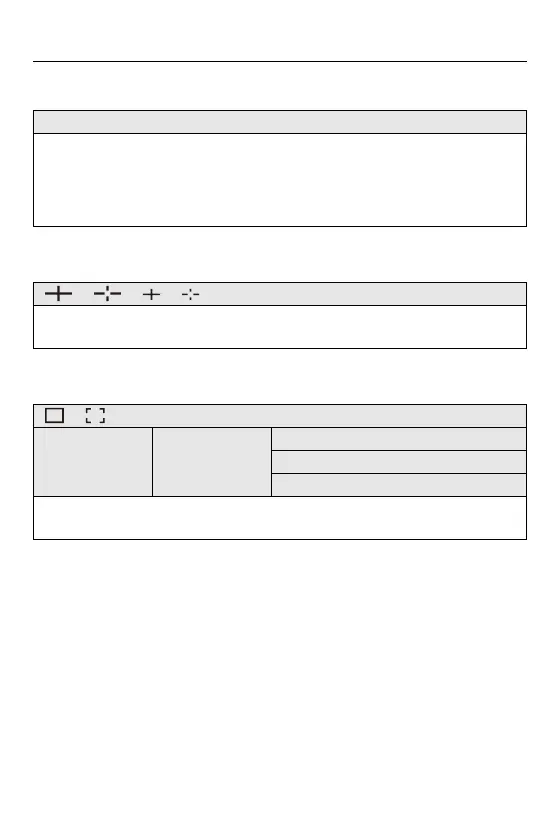
[Center Marker]
[Safety Zone Marker]
[ON] / [OFF]
You can display the recording screen in black and white.
• If you use the HDMI output during recording, the output image will not be
displayed in black and white.
• [Monochrome Live View] is not available when [Night Mode] is used.
[ ] / [ ] / [ ] / [ ] / [OFF]
The center of the recording screen will be displayed as [+].
The shape of the marker can be changed.
[ ] / [ ] / [OFF]
[SET] [Size]
[95%]
[90%]
[80%]
This displays the safety zone, which shows a guide to the area that would be shown
on a household TV, on the recording screen.


 To Next Page
 Loading...