EasyManua.ls Logo

Panasonic NV-RX37A - Using the Macro Close-Up Function.31

Panasonic NV-RX37A
79 pages
Print Icon
To Next Page IconTo Next Page
To Previous Page IconTo Previous Page
Loading...
r
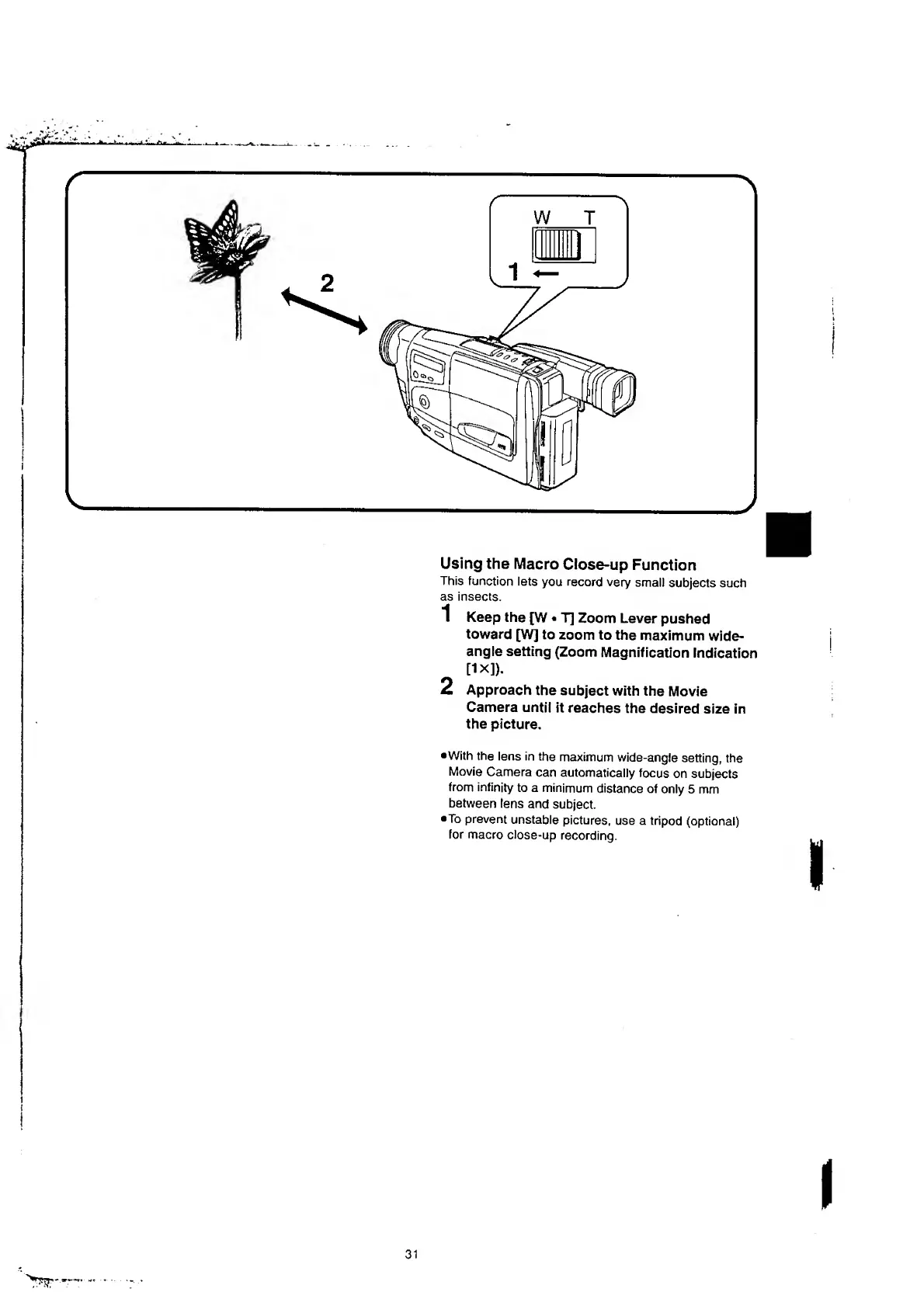
Using
the
Macro
Close-up
Function
This
function
lets
you
record
very
small
subjects
such
as
insects.
1
Keep
the
[W
T]
Zoom
Lever
pushed
toward
[W]
to
zoom
to
the
maximum
wide-
angle
setting
(Zoom
Magnification
Indication
[lx]).
2
Approach
the
subject
with
the
Movie
Camera
until
it
reaches
the
desired
size
in
the
picture.
•With
the
lens
in
the
maximum
wide-angle
setting,
the
Movie
Camera
can
automatically
focus
on
subjects
from
infinity
to
a
minimum
distance
of
only
5
mm
between
lens
and
subject.
•To
prevent
unstable
pictures,
use
a
tripod
(optional)
for
macro
ciose-up
recording.

Table of Contents

Related product manuals