EasyManua.ls Logo

Panasonic NV-RX37A - Using the Digital Zoom Function.44

Panasonic NV-RX37A
79 pages
Print Icon
To Next Page IconTo Next Page
To Previous Page IconTo Previous Page
Loading...
(
1
.
Using
the
Digital
Zoom
Function
This
function
is
convenient,
when
you
record
a
very
distant
subject
and
want
to
enlarge
it
even
further
than
is
possible
with
the
normal
(optical)
zoom
function.
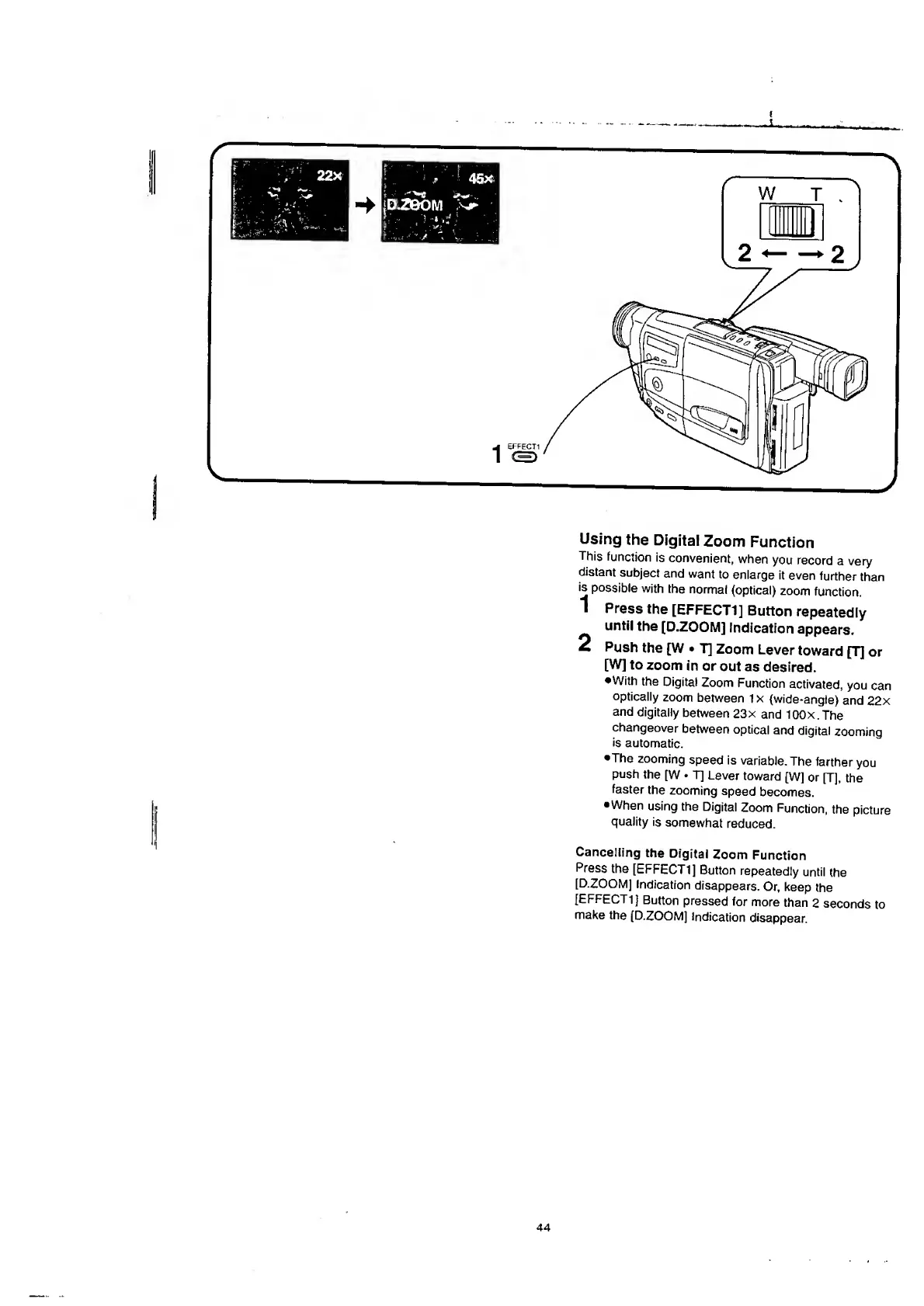
1
Press
the
[EFFECT1]
Button
repeatedly
until
the
[D.ZOOM]
indication
appears.
£
Push
the
[W
T]
Zoom
Lever
toward
[T]
or
[W]
to
zoom
in
or
out
as
desired.
•With
the
Digital
Zoom
Function
activated,
you
can
optically
zoom
between
1
x
(wide-angle)
and
22x
and
digitally
between
23x
and
lOOx.The
changeover
between
optical
and
digital
zooming
is
automatic.
•The
zooming
speed
is
variable.
The
farther
you
push
the
[W
T]
Lever
toward
[W]
or
[T],
the
faster
the
zooming
speed
becomes.
•When
using
the
Digital
Zoom
Function,
the
picture
quality
is
somewhat
reduced.
Cancelling
the
Digital
Zoom
Function
Press
the
[EFFECT1]
Button
repeatedly
until
the
[D.ZOOM]
Indication
disappears.
Or,
keep
the
[EFFECT1]
Button
pressed
for
more
than
2
seconds
to
make
the
(D.ZOOM]
Indication
disappear.
44

Table of Contents

Related product manuals