EasyManua.ls Logo

Panasonic NV-RX37A - Recording with Pre-Programmed Titles Inserted in the Picture; Selecting the Desired Language.55

Panasonic NV-RX37A
79 pages
Print Icon
To Next Page IconTo Next Page
To Previous Page IconTo Previous Page
Loading...
Recording
with
Pre-programmed
Titles
inserted
in
the
Picture
You
can
insert
one
of
10
pre-programmed
titles
in
recordings
of
special
occasions
such
as
weddings
and
birthday
parties.
These
titles
are
available
in
8
languages.
Selecting
the
Desired
Language
After
displaying
the
[TITLE
SET
MENU]
Menu...
(“>
15)
I
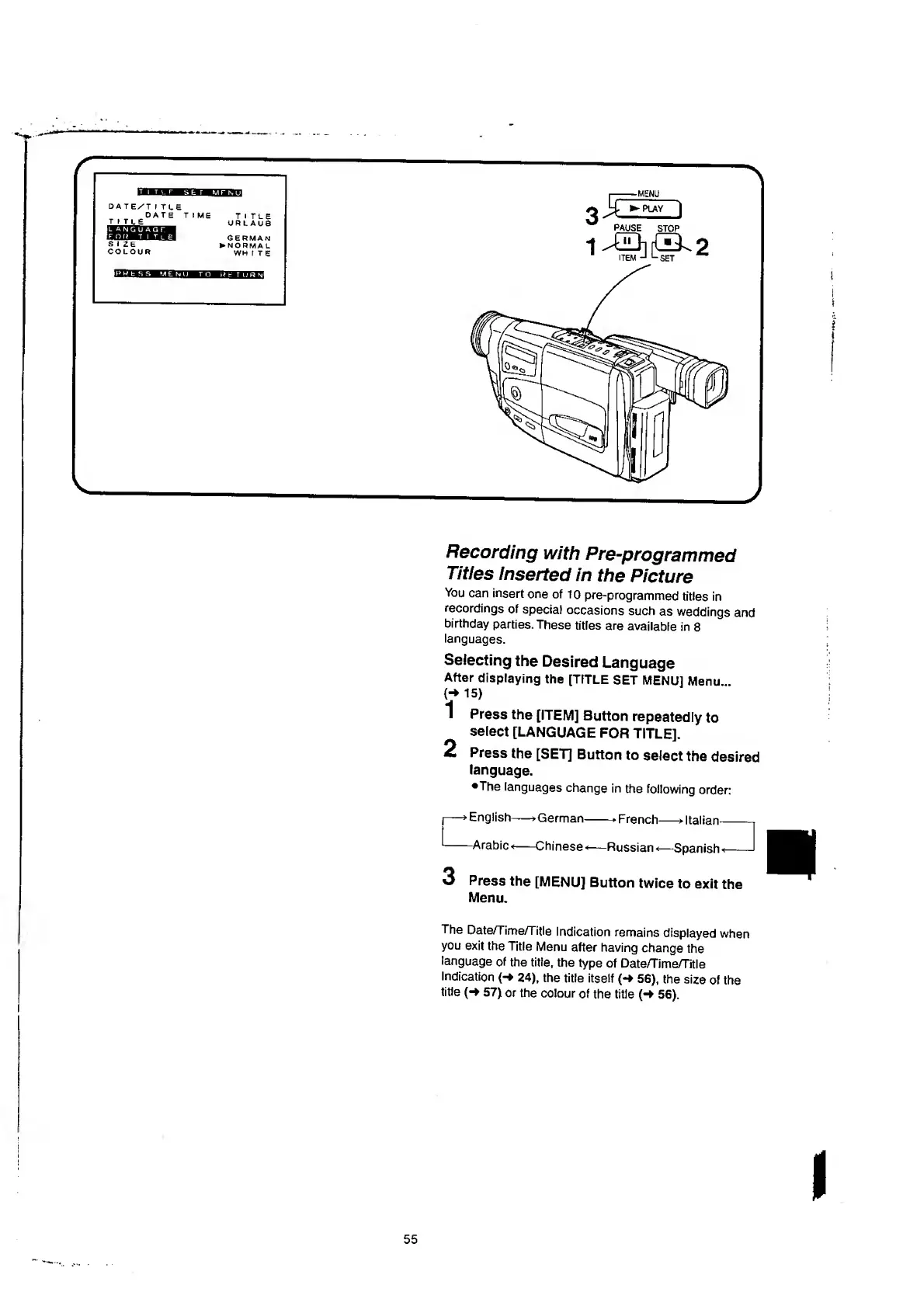
Press
the
[ITEM]
Button
repeatedly
to
select
[LANGUAGE
FOR
TITLE].
2
Press
the
[SE77
Button
to
select
the
desired
language.
•The
languages
change
in
the
following
order:
•German
-Chinese
-»French
*
—Russian*
—*
Italian
*—Spanish
3
Press
the
[MENU]
Button
twice
to
exit
the
Menu.
The
Date/Time/Title
Indication
remains
displayed
when
you
exit
the
Title
Menu
after
having
change
the
language
of
the
title,
the
type
of
Date/Time/Title
Indication
(-*
24),
the
title
itself
(-
56),
the
size
of
the
title
57)
or
the
colour
of
the
title
{-*
56).
I
55

Table of Contents

Related product manuals