EasyManua.ls Logo

Panasonic NV-RX37A - Page 4

Panasonic NV-RX37A
79 pages
Print Icon
To Next Page IconTo Next Page
To Previous Page IconTo Previous Page
Loading...
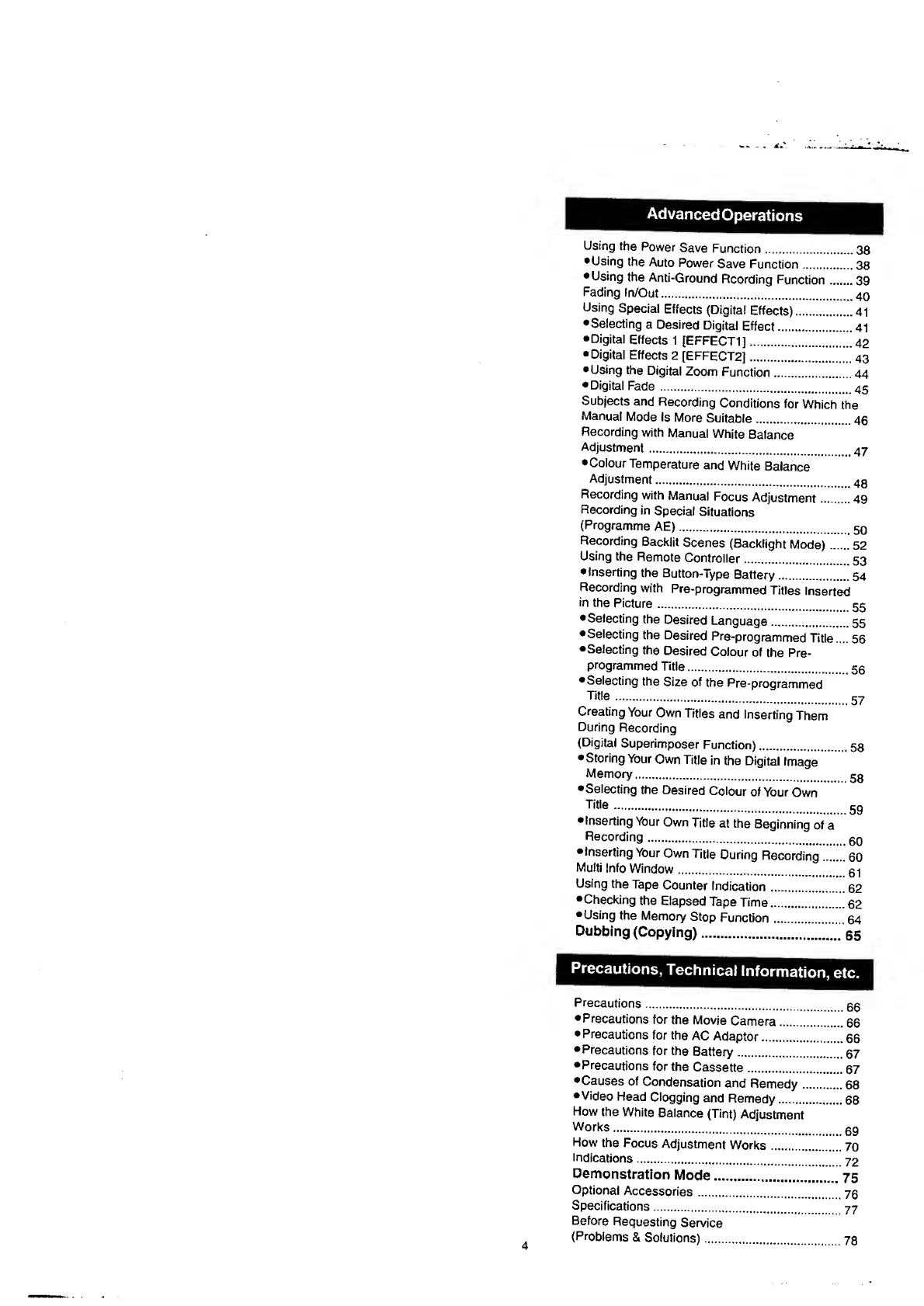
Advanced
Operations
Using
the
Power
Save
Function.
3
8
Using
the
Auto
Power
Save
Function.
3
8
Using
the
Anti-Ground
Rcording
Function.39
Fading
In/Out..
Using
Special
Effects
{Digital
Effects).
4
1
Selecting
a
Desired
Digital
Effect.41
•Digital
Effects
1
(EFFECT!].
4
2
•Digital
Effects
2
[EFFECT
2
].43
•Using
the
Digital
Zoom
Function.44
•Digital
Fade
..
Subjects
and
Recording
Conditions
for
Which
the
Manual
Mode
Is
More
Suitable.
4
6
Recording
with
Manual
White
Balance
Adjustment.
47
Colour
Temperature
and
White
Balance
Adjustment.
.
Recording
with
Manual
Focus
Adjustment.49
Recording
in
Special
Situations
(Programme
AE).
.
Recording
Backlit
Scenes
(Backlight
Mode).
5
2
Using
the
Remote
Controller.^
53
•Inserting
the
Button-Type
Battery.54
Recording
with
Pre-programmed
Titles
Inserted
in
the
Picture..
Selecting
the
Desired
Language.55
•Selecting
the
Desired
Pre-programmed
Title....
56
•Selecting
the
Desired
Colour
of
the
Pre¬
programmed
Title..
•Selecting
the
Size
of
the
Pre-programmed
Title
.
5
7
Creating
Your
Own
Titles
and
Inserting
Them
During
Recording
(Digital
Superimposer
Function).58
Storing
Your
Own
Title
in
the
Digital
Image
Memory.
gg
Selecting
the
Desired
Colour
of
Your
Own
Titie
.
5
9
Inserting
Your
Own
Title
at
the
Beginning
of
a
Recording.
gn
Inserting
Your
Own
Title
During
Recording.
6
0
Multi
Info
Window.
.
Using
the
Tape
Counter
Indication.
6
2
•Checking
the
Elapsed
Tape
Time.
6
2
Using
the
Memory
Stop
Function.
6
4
Dubbing
(Copying).
6
5
Precautions,
Technical
Precautions..
Precautions
for
the
Movie
Camera.66
Precautions
for
the
AC
Adaptor.66
•Precautions
for
the
Battery.
6
7
Precautions
for
the
Cassette.67
•Causes
of
Condensation
and
Remedy.68
•Video
Head
Clogging
and
Remedy.68
How
the
White
Balance
(Tint)
Adjustment
Works..
How
the
Focus
Adjustment
Works.
7
0
Indications.
72
Demonstration
Mode.75
Optional
Accessories.70
Specifications.
77
Before
Requesting
Service
(Problems
&
Solutions).78

Table of Contents

Related product manuals