ENGLISH - 57
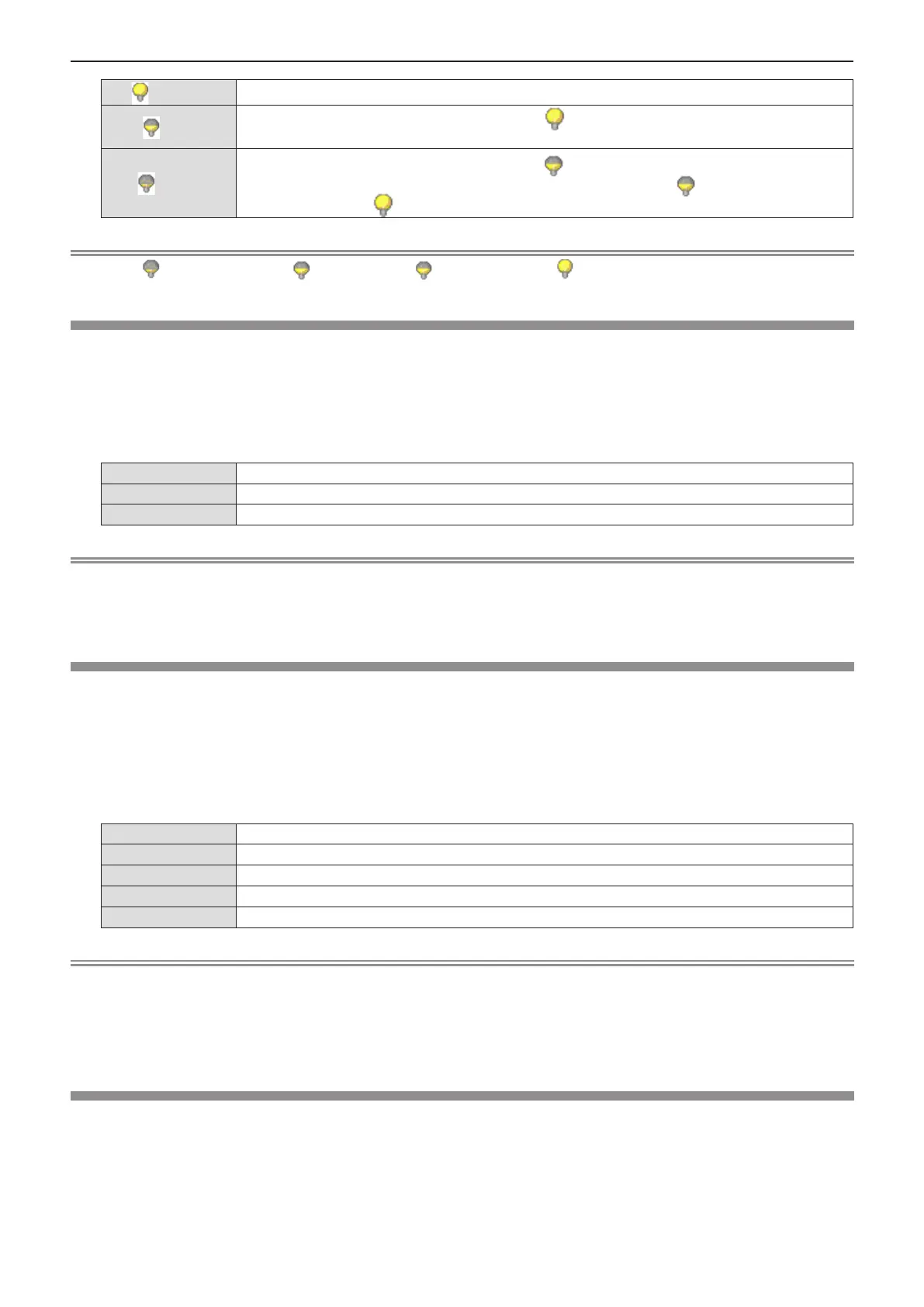
[ (Normal)]
Select this item when high luminance is required.
[ (Eco)]
Select this item for lower luminance than that in [ (Normal)] mode, and for extending the life of
the luminous lamp.
[ (Quiet)]
Select this item for lower luminance than that in [ (Eco)] mode, and for lower noise. The
expected life of the luminous lamp in this mode is shorter than that in [ (Eco)] mode and
equivalent to that in [ (Normal)] mode.
Note
f Set it to [ (Quiet)] rather than [ (Eco)], set it to [ (Eco)] rather than [ (Normal)], when you want to reduce power
consumption and operation noise.
[Cooling fast]
Switch the cooling fan speed when the power is turned off and shorten the cooling time of the cooling fan.
1) Press as to select [Cooling fast].
2) Press the <ENTER> button.
3) Press as to switch the item.
f The items will switch each time you press the button.
[Normal]
Use this setting normally.
[60 Sec]
Use this setting when short cooling period of time is required.
[0 Sec]
The cooling fans stop immediately after power-off.
Note
f When it is set to [0 Sec], you cannot restart the projector immediately after the power-off. The lamp remains high
temperature and needs to be cooled, so it sometimes takes longer time than usual for the lamp to light up again.
f When it is set to [60 Sec], the cooling fans' speed is faster and the motor noise is louder than [Normal] setting after the
power-off.
[Closed caption]
(Only for NTSC input)
Set the closed caption.
1) Press as to select [Closed caption].
2) Press the <ENTER> button.
3) Press as to switch the item.
f The items will switch each time you press the button.
[Off]
Closed caption is not displayed.
[CC1]
Displays CC1 data.
[CC2]
Displays CC2 data.
[CC3]
Displays CC3 data.
[CC4]
Displays CC4 data.
Note
f Closed caption is a function that displays text information of video signals mainly used in North America. Captions may not
be displayed depending on the connected devices or contents being played back.
f [Closed caption] can only be selected if an NTSC signal is input.
f If [Closed caption] is set to the item except for [Off], the brightness of image may be changed according to the external
devices or the used content of the closed caption corresponding connection.
f Closed captions are not displayed when the menu screen is displayed.
[Key lock]
Enable/disable the button operations on the control panel and the remote control.
1) Press as to select [Key lock].
2) Press the <ENTER> button.
3) Press as to switch the item.
f The items will switch each time you press the button.
Chapter 4 Settings - [Setting] menu












 To Next Page