19
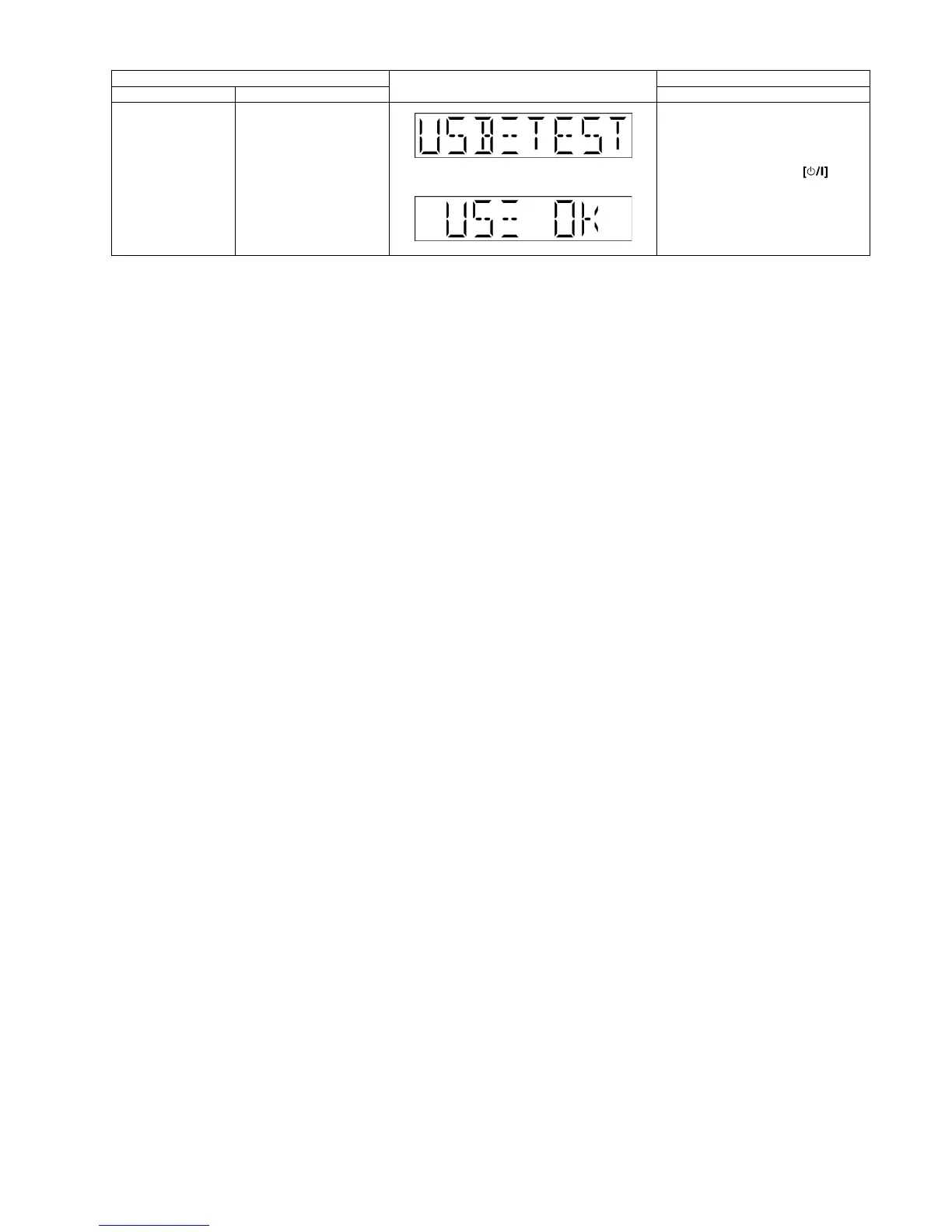
USB Test Mode To Inspect USB Testing.
The display will appear after 3s,
In Doctor Mode:
1. Select to USB mode.
2. Press [2] button on remote con-
trol.
To exit Doctor Mode, press button
on main unit or remote control.
Item FL Display Key Operation
Mode Name Description Front Key












 To Next Page