57
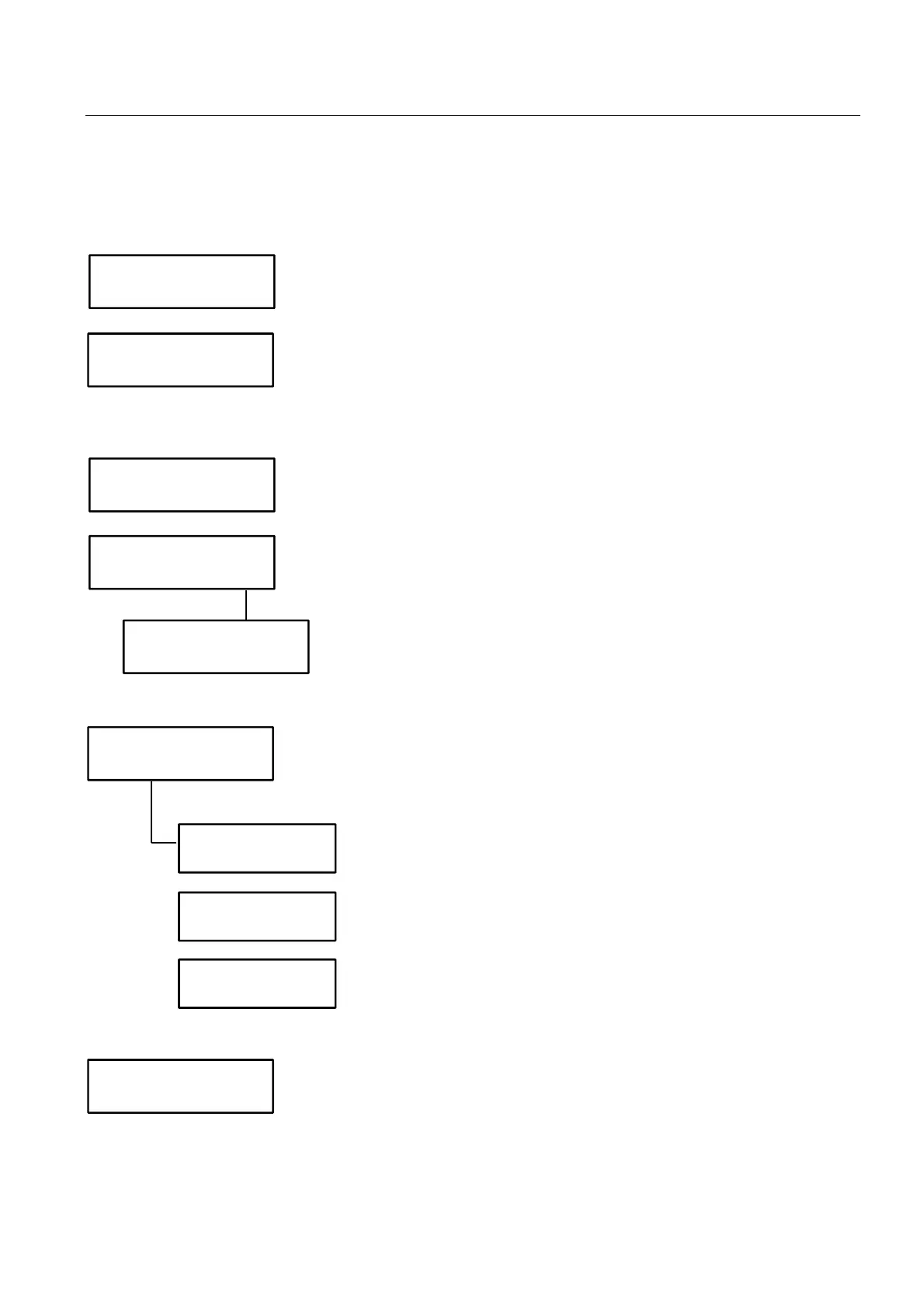
Fn22 – Free vends with key1
Up to 15 free vends are available for key1 (counter loaded on each key).
Free vends can be given to any purchase during the day; when a key has reached the max. number of free vends
available, further vends are paid at their usual price.
N Leave “N”.
Free credit and free vends cannot be enabled together on key1.
N Free vends counter is loaded on the key when making the first vend of
the day/month (it is necessary to make a vend).
Y Free vends counter is loaded on the key when the key is first inserted
in the reader during the day/month (it is NOT necessary to make a
vend).
Y Free vends enabled.
Select “Y” and then set parameters for free vends.
N Standard. The same number of free vends is given to every key.
Enter the number of free vends given daily (15 max.)
Each key is given free vends, no matter the product selected.
Enter Fn20 if you wish to inhibit free vend for some selections.
Y 4-level free vends. You can configure up to 4 user code groups (with a
different amount of daily free vends for each). You need to know the
user key codes, for this option.
Enter the 1
st
user code of the 1
st
level (1 to 32767), then press
to
confirm.
Enter the last user code of the 1
st
level (1 to 32767), then press
to
confirm.
Enter the number of free vends belonging to the 1
st
level.
N All keys are given free vends.
Y Enabled keys ONLY are given free vends. Keys are enabled to free
vends with CAIMAN Programmer.
Free Credit
enabled ? N
4 Levels
Free Vends? N
Free Vends
enabled ? Y
Free Vends
number: 0
Restricted
discounts ?
4 Levels
Free Vends? Y
Level 1: from
user No. 0
Level 1: to
user No. 0
No. Free Vends
level 1 0
Immediate Spec.
Discs.&FreeVends?



 To Next Page