33
1
1^ Price
value 1,00
1^ Pr./Disc. 1
value 0,00
1^ Pr./Disc. 3
1^ Pr./Disc. 4
value 0
Fn04 – Prices and discounts
Two price lists are available
List 10 prices standard ………………………………….….. 4 discounts for each price.
List 100 prices enable list 100 prices in Fn19 …………..…. 1 discount for each price.
Price list for a peripheral cashless MDB.
Starting from f/w rev.1.16, an extra price list “cashless” is available, which can be used for vends paid via a
peripheral cashless MDB connected to the changegiver EAGLE. Such price list can be programmed in Fn37 (see
dedicated paragraph).
Protocol Executive Standard – List 10/100 prices
With protocol Executive, prices are programmed on the VM.
Prices must be programmed if you wish to get sales data (Audit) for each selection price; a sale is memorized
when its price has been set in Fn04; if a price is not included in the price list in Fn04, the vend price is added
anyway to the total
Discounts are only given when they are associated to a selection (a discount is given to all vends with the same
price). Discounts are only given to vends with key/card but a Paytec key reader must be connected (accessory).
For vends with cash, two time bands can be enabled in Fn07.
Discounts are given differently according to the key/card in use:
- key 1 a discount for each price;
- key 98 four discounts for each price. Discount options are found in Fn36 (discounts every “x”
days,enable discounts, check discounts, no. discounts).
Fn36 is only enabled when “key98” has been selected in Fn06.
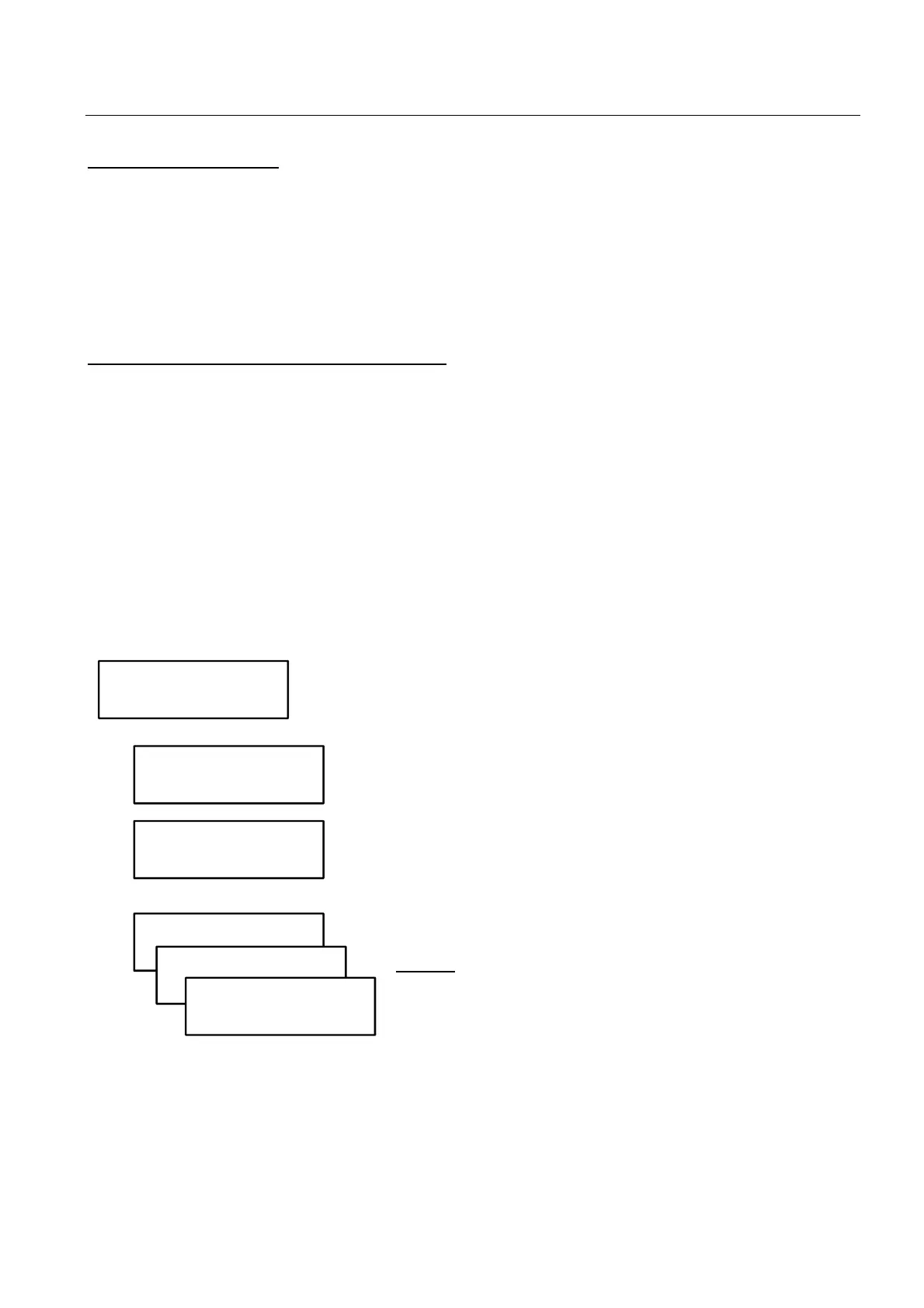
Enter a price line, then press
to confirm.
Enter price 1, then press
to confirm.
Enter discount for price 1, then press
to confirm.
Keys 1 can only be given discount 1. Other discounts can be given
to keys 98.
Do the same for all discounts
NOTICE: when a list with 100 prices has been selected in Fn19,
one discount is only available for each price.
We suggest you should use Price Holding mode for a better management of discounts.
Each price can be associated with a discount. More selections can have the same price but different
discounts.



 To Next Page