38
Fn06 – KEY parameters
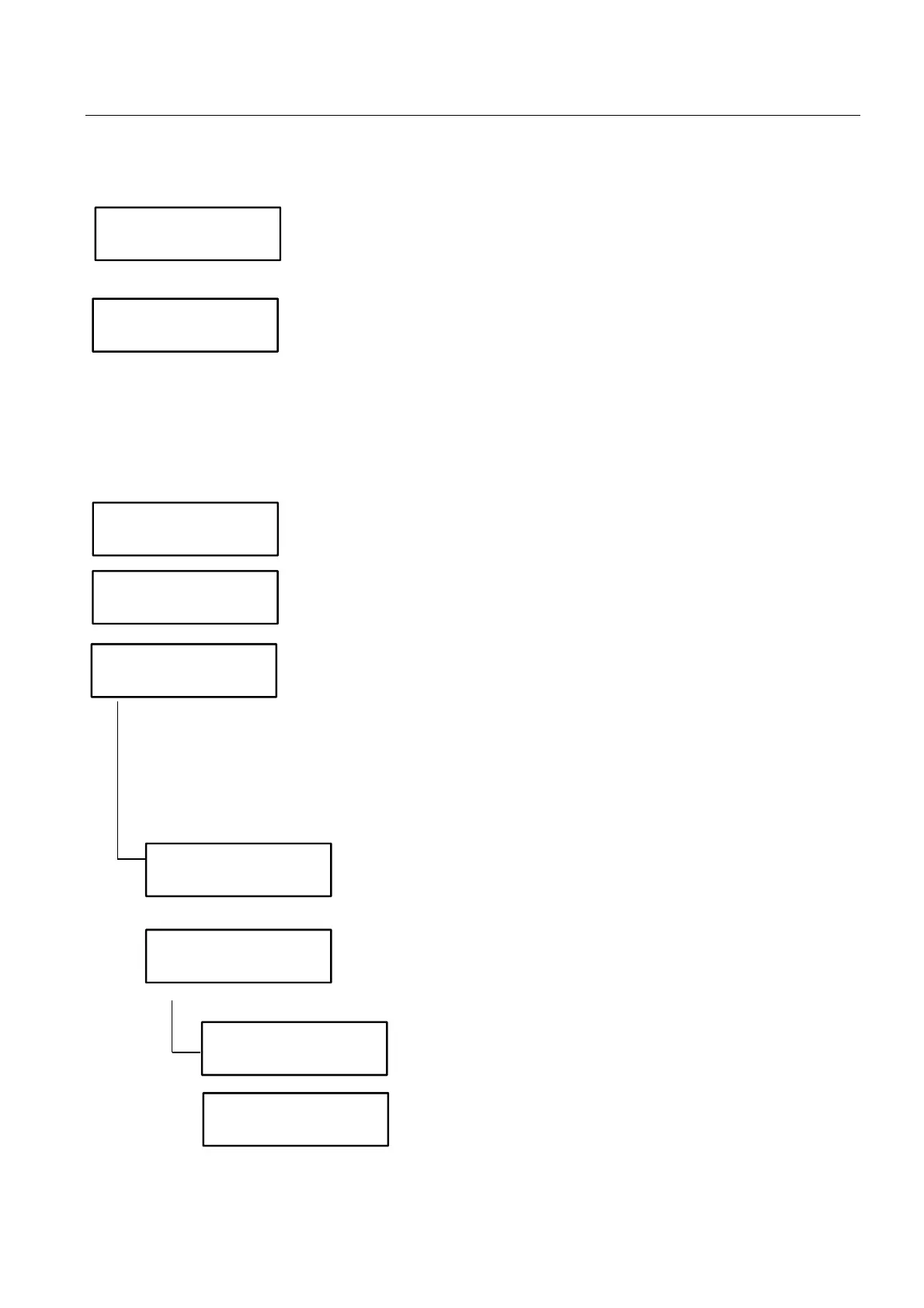
The parameters here below are valid when a Paytec key reader is connected.
Select “Y” when a Paytec key reader is connected.
Y Paytec key reader connected.
Select key format.
Once the key format has been selected, ALL the keys and payment systems
in a location must have the same format.
N Key type 1.
Y Key type 98.
Key type 98 is the format to be preferred because cash and free credit are
stored in 2 separate areas. With key98 free credit can be
increased/overwritten leaving the cash credit untouched (also see Fn27 -
Conversion keys).
The same operator code must be set on EAGLE and on keys (0 to 65500).
The same location code must be set on EAGLE and on keys (0 to 32000).
N Keys are not automatically formatted.
Y Paytec AUTO-PROGRAMMING PIT keys are automatically formatted when
first inserted in the reader.
Keys are formatted as key1 or key98 with operator code/location code/PIN
programmed here.
After the key has been inserted, wait a few seconds while the formatting
procedure is running (LED red ON – don’t pull out the key).
If the key is pulled out before the formatting procedure is completed and the
LED red is OFF, the key is invalidated ad must be replaced.
Enter the credit amount you wish to recharge when formatting keys.
0 = no credit
N Skip option.
Y Select user code. The key formatting procedure is over when the
last user code has been reached.
Enter the first user code.
Enter the last user code.
Operator code
0
Location code
0
Cashless system
connected ? Y
Key-Card 98 ?
Write new
keys ?
Credit on
key 0,00
Write user code ?
First User
(1-32000) 0
Last User
(1-32000) 0



 To Next Page