62
N The menu jumps to "bonus menu".
Y Bonus recharge enabled.
Enter the min. amount of a recharge (when recharging a key with a
lower amount, the “bonus recharge” is not given).
N The menu jumps to "bonus recharge value".
Y To set bonus value as a portion of the value recharged.
Bonus as a portion of the recharged value.
Enter % on recharged value to calculate bonus.
The amount of Bonus is calculated by the system whenever a key is
recharged.
Max. value = 100%
Bonus as an extra credit in current money.
Enter the amount of bonus recharge.
N The bonus recharge is added to the current credit on the key.
Y The bonus recharge is added to free credit on the key.
N Exit the function.
Y Bonus menu enabled.
Enter the menu no. you wish to compile.
Up to 5 menus are available (each menu contains 5 product categories).
See example below.
Product categories can be set in Fn40.
Enter the number of the 1
st
product category you wish to link to the menu
you are compiling (e.g. “01”)
Enter the number of the 2
nd
product category you wish to link to the menu
you are compiling (e.g. “03”).
Enter the number of the 3
rd
product category you wish to link to the menu
you are compiling (e.g. “05”).
Enter the number of the 4
th
product category you wish to link to the menu
you are compiling (e.g. “09”).
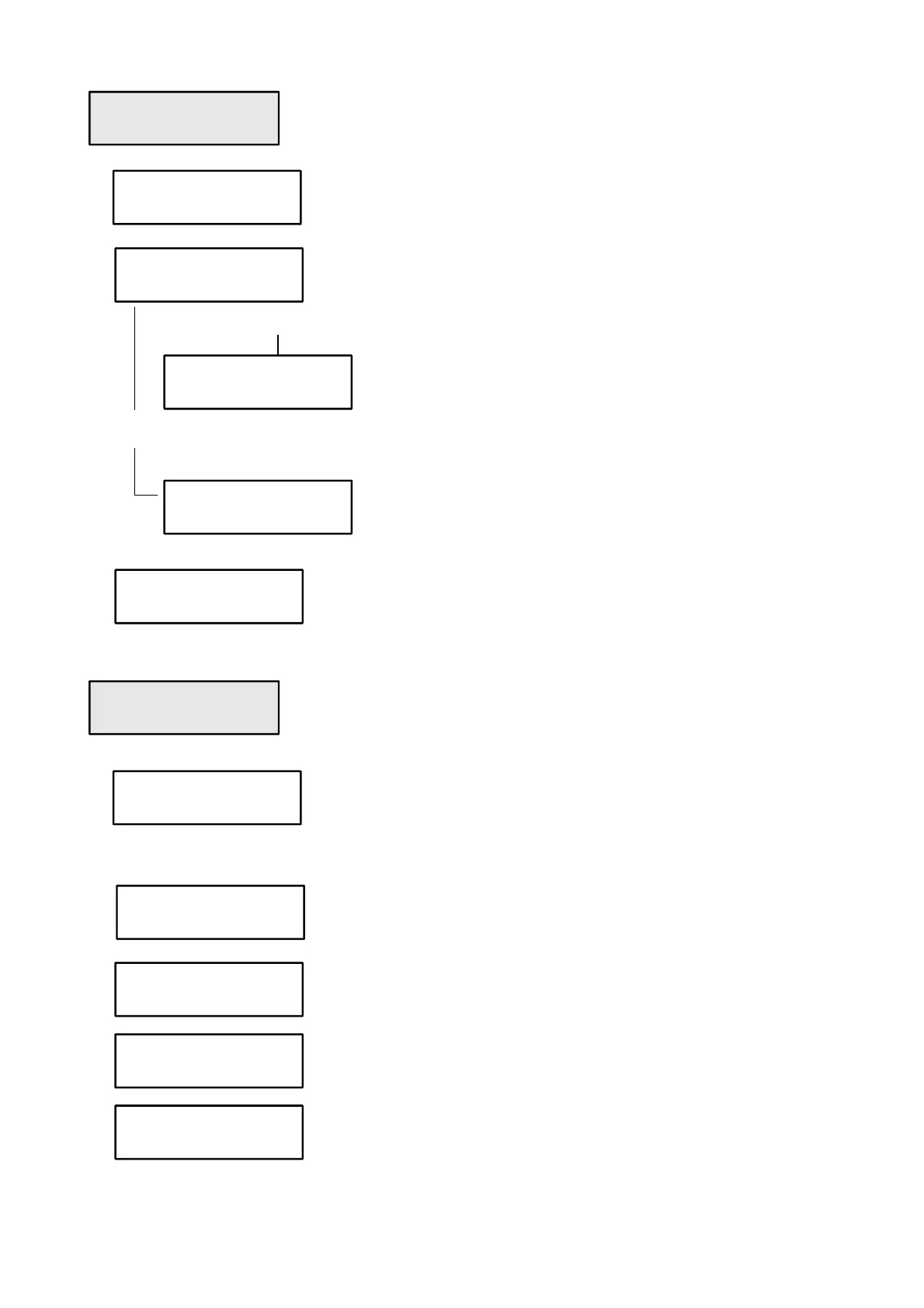
Bonus recharge
threshold 0,00
Bonus recharge
enabled ?
Bonus recharge
in % ?
Bonus recharge
percentage 005
Bonus recharge
value 0,05
Bonus recharge
in free-credit?
Bonus menu
number 1
Bonus menu
enabled ?
1^ product
2^ product
3^ product
category
4^ product
category 09



 To Next Page