Port setup 04
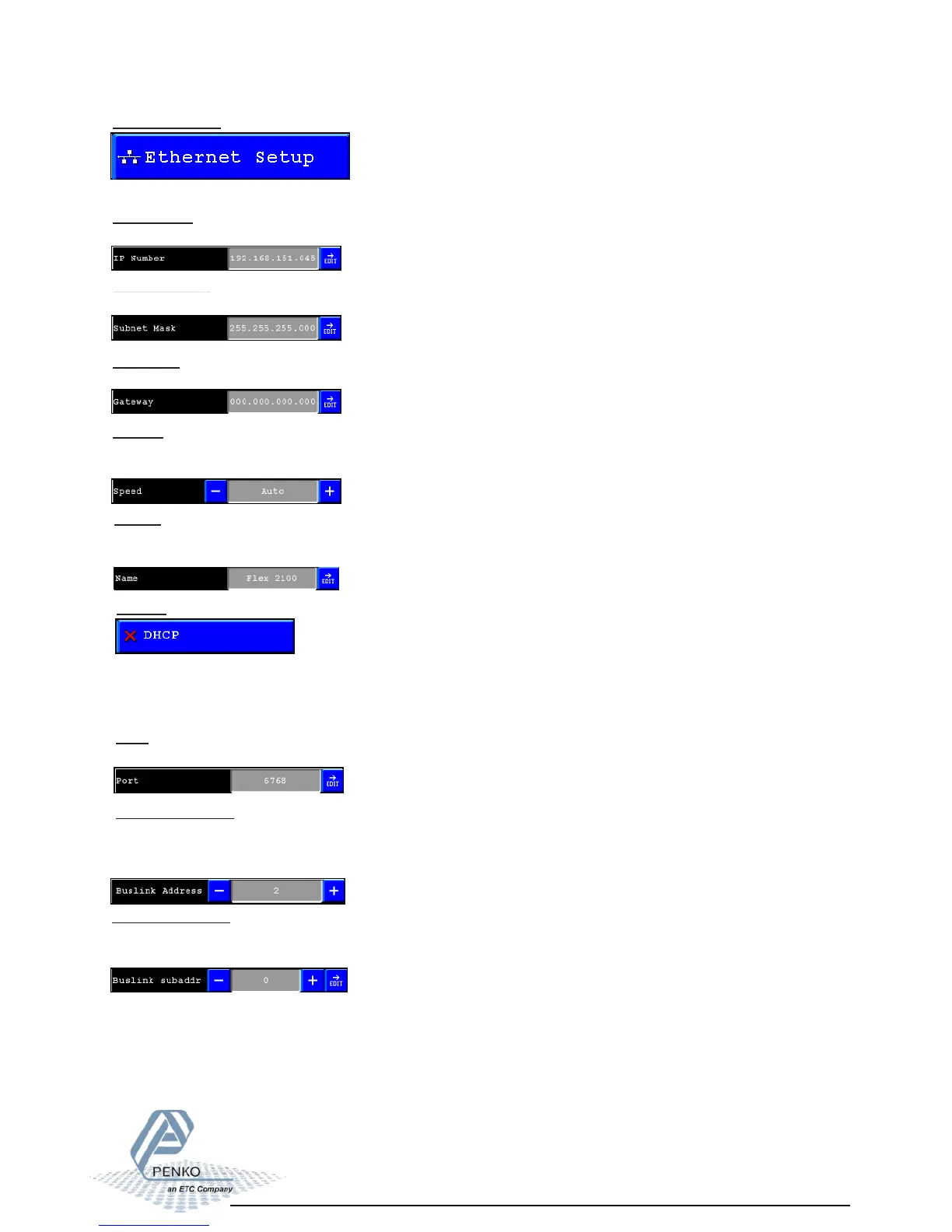
Ethernet setup:
In this menu all settings for the Ethernet comport can be set.
IP Number:
Edit the ethernet IP number.
Subnet Mask:
Edit the ethernet Subnet mask
Gateway:
Edit the ethernet Gateway.
Speed:
The speed of the ethernet communication can be set at: 10 Mbps, 100Mbps or automatic
detection.
Name:
In the “name” its possible to give the Flex a unique name within the ethernet
communication.
DCHP:
With the DHCP its possible to let the network generate an IP address for the Flex.
When its disabled the flex will work with a fixed IP address.
When its enabled the flex will request an IP address from the network.
Port:
In the Port” the port number for the communication can be set.
Buslink Address:
Up to 8 Flexes can communicate with each other, sharing inputs, outputs, markers and
indicators.
With this parameter its possible to set the Buslink Address.
Buslink subaddr:
When using a subaddress, up to 40 flexes can communicate with eachother.
With this parameter its possible to set the Buslink subaddress.



 To Next Page