Process setup 02/Labels & Links 01
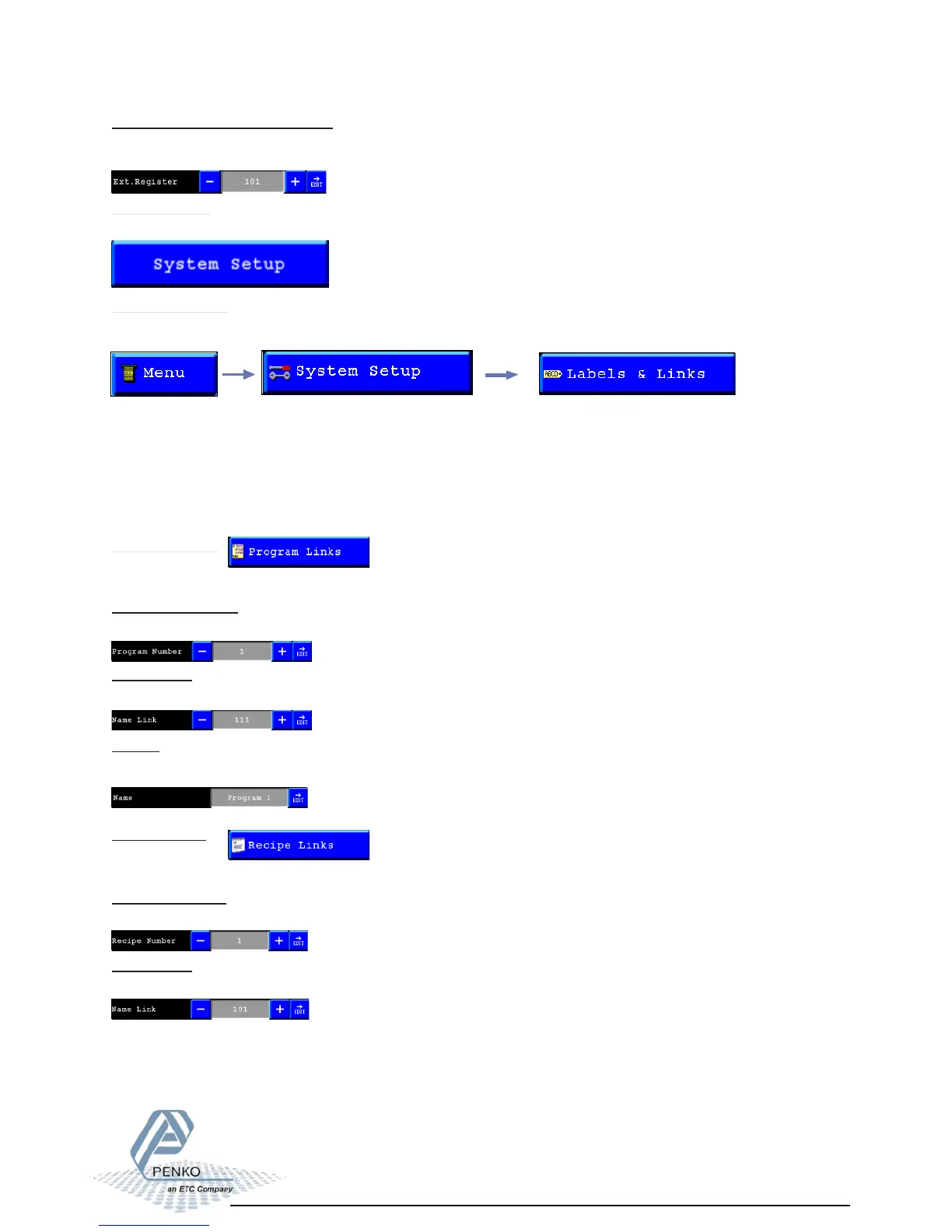
Extendend Register for E-Mark:
Set the start Extended register for the E-Mark. This and following 4 Extended registers will
be used for E-Mmark.
System Setup
Enabled when Config Wizard is used in FLEX Builder. This will show the config items.
Labels & Links:
In this menu its possible to setup names for programs, recipes and indicators.
Program Number:
Select the number of the program you want to change.
The diffrent options are:
- Program Links
- Recipe Links
- Indicator Links
- Labels
Program Links:
Here you can setup a name for the programs of the Flex.
Name Link:
Select the number of the label you want to use for this program name.
Name:
Here you can change the text of the label that will be used as a name for this program
number.
Recipe Links:
Here you can setup a name for the recipes of the Flex.
Recipe Number:
Select the number of the recipe you want to change.
Name Link:
Select the number of the Label you want to use for this recipe name.



 To Next Page