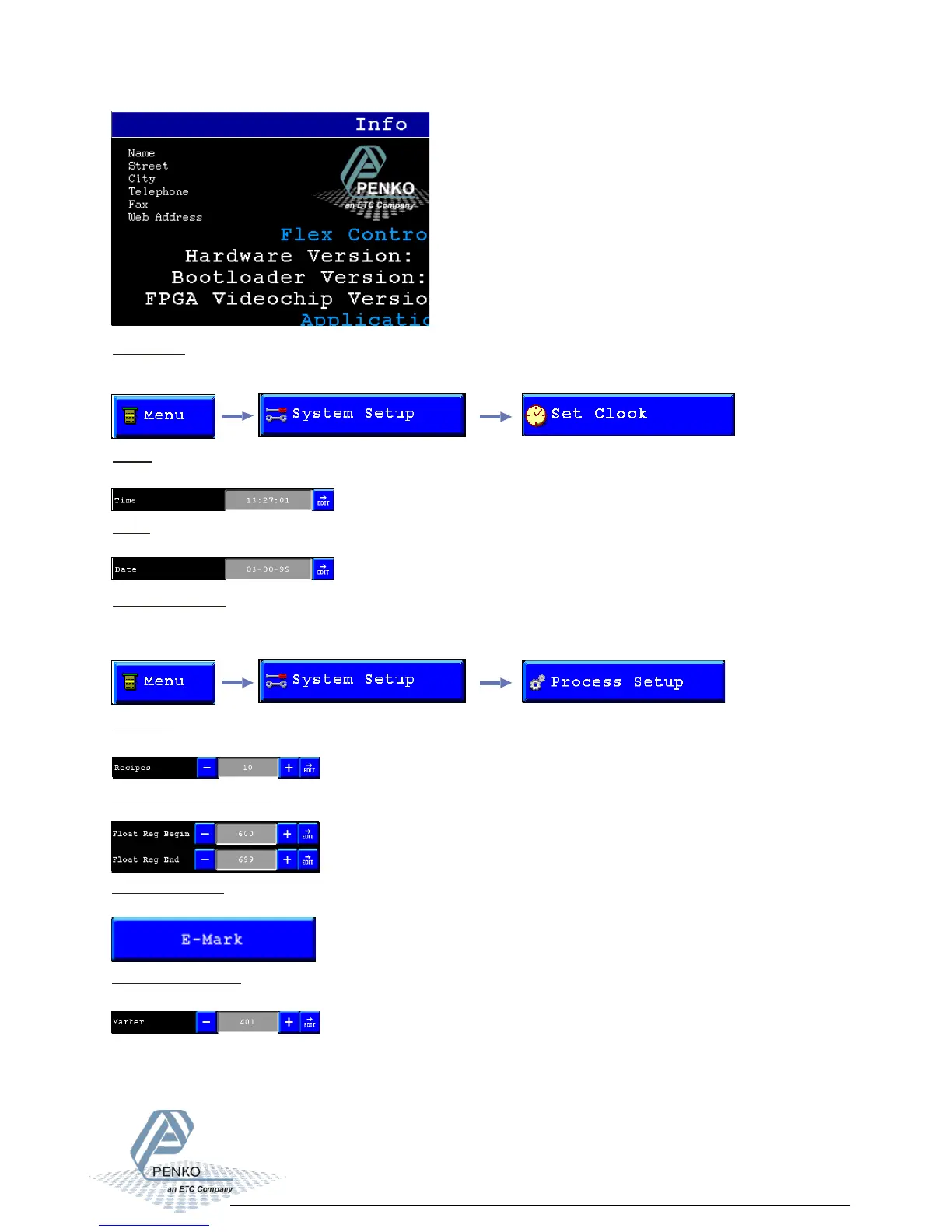
Set clock/Process setup 01
Set clock:
In this menu it’s possible to setup the internal time and date.
Time:
Setup the internal time.
Date:
Setup the internal date.
Process Setup:
In this menu it is possible to setup the number of recipes that are enabled, and set up the
E-mark marker and Extended register.
Recipes:
Setup the number of Recipes that is enabled.
Floating point registers
Set the begin and end register number for the range of floating point registers
E-Mark settings:
Set the markers and extended registers for E-Mark
Marker for E-Mark:
Set the start marker for E-Mark. This and following 15 markers will be used for E-Mark.



 To Next Page