Inputs/outputs 03
DAC setup:
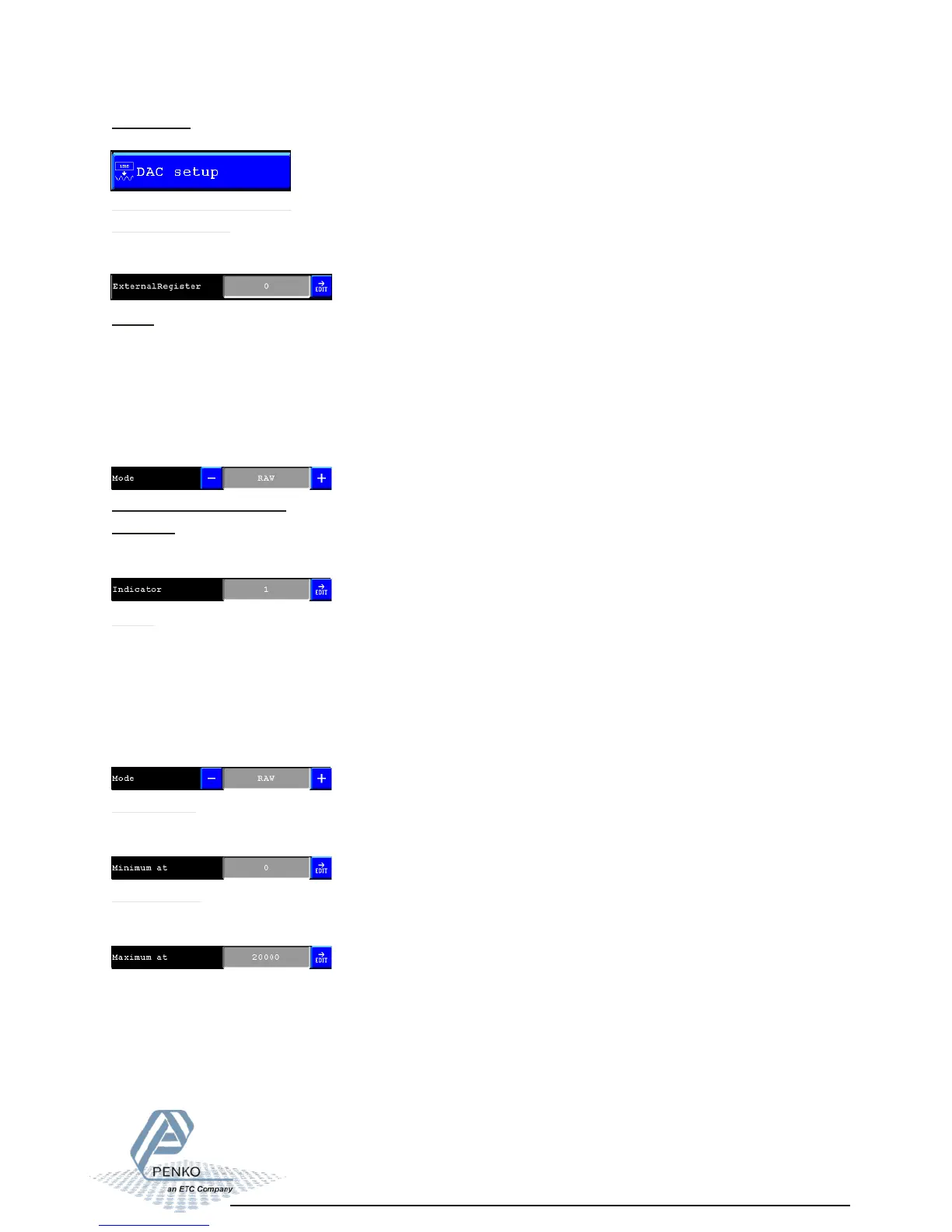
To configure the analog output, press the “DAC setup” button.
ExternalRegister:
In this field its possible to choose the external register which controls the level on the
analog output.
Mode:
In this field its possible to select the needed output signal.
Different modes are:
- RAW (register value from 0 to 6500 will be calculated from 0 to 65000 parts)
- 0 - 24 mA (input value 0 to 24 mA will be calculated from 0 to 100,00%)
- 0 - 20 mA 0(input value 0 to 2 mA will be calculated from 0 to 100,00%)
- 4 - 20 mA (input value 4 to 20 mA will be calculated from 0 to 100,00%)
- 4 - 24 mA (input value 4 to 24 mA will be calculated from 0 to 100,00%)
For Flex 2100 controller:
Indicator:
In this field its possible to choose the Indicator which must be coupled to the analog
output.
Mode:
In this field its possible to select the needed output signal.
Different modes are:
- RAW (register value from 0 to 6500 will be calculated from 0 to 65000 parts)
- 0 - 24 mA (input value 0 to 24 mA will be calculated from 0 to 100,00%)
- 0 - 20 mA 0(input value 0 to 2 mA will be calculated from 0 to 100,00%)
- 4 - 20 mA (input value 4 to 20 mA will be calculated from 0 to 100,00%)
- 4 - 24 mA (input value 4 to 24 mA will be calculated from 0 to 100,00%)
For Flex 2100 Indicator:
Minimum at:
In this field you can set up the minimum weight value at what the analog output is at its
minimum output.
Maximum at:
In this field you can set up the maximum weight value at what the analog output is at its
maximum output.



 To Next Page