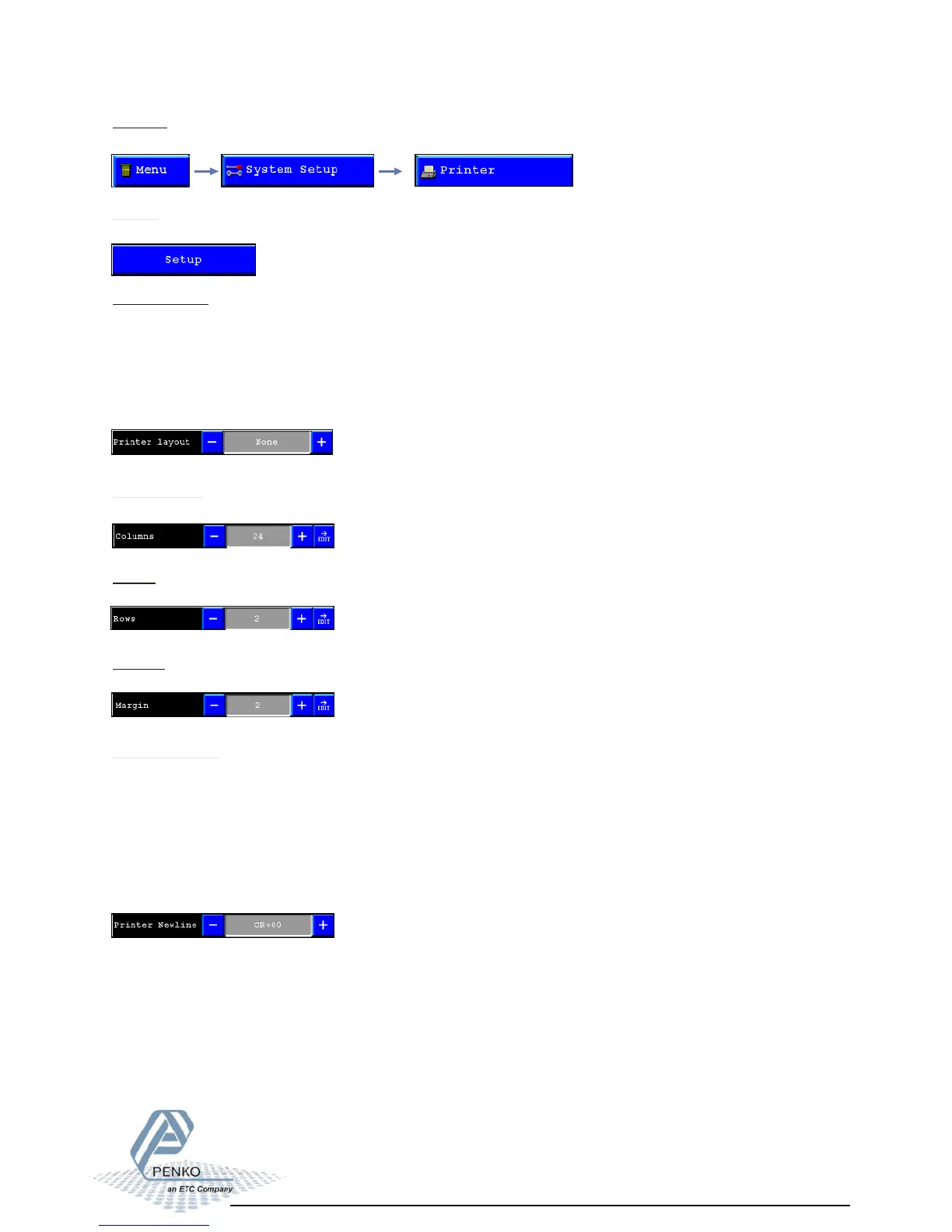
Printer layout:
In the printer layout menu the way results are printed can be set.
Different layouts are:
- None (no printer ticket)
- Ticket (Results are printed under each other)
- Line (results are printed after each other)
- Custom (layout is programmed using PI)
Printer settings 01
To setup the printer settings, select “printer” from the System setup.
Printer:
Setup:
In this menu the printer properties can be set.
Columns:Set
the length of the printer ticket.
Rows:
Set the number of empty lines after printing.
Margin:
Set the number of empty spaces before printing.
Printer newline:
Set the end of line sequence selection.
Different settings are:
- None
- CR
- LF
- CR+LF
- CR+00
- Zebra ZPL II



 To Next Page