Its possible to show the status of the inputs, outputs and indicator scope..
To go to this menu, press the “status”button from the main menu..
Status:
Status 01
Board, I/O + markers, Indicators, Ext.Registers, Scope, Debug and Log
Board:
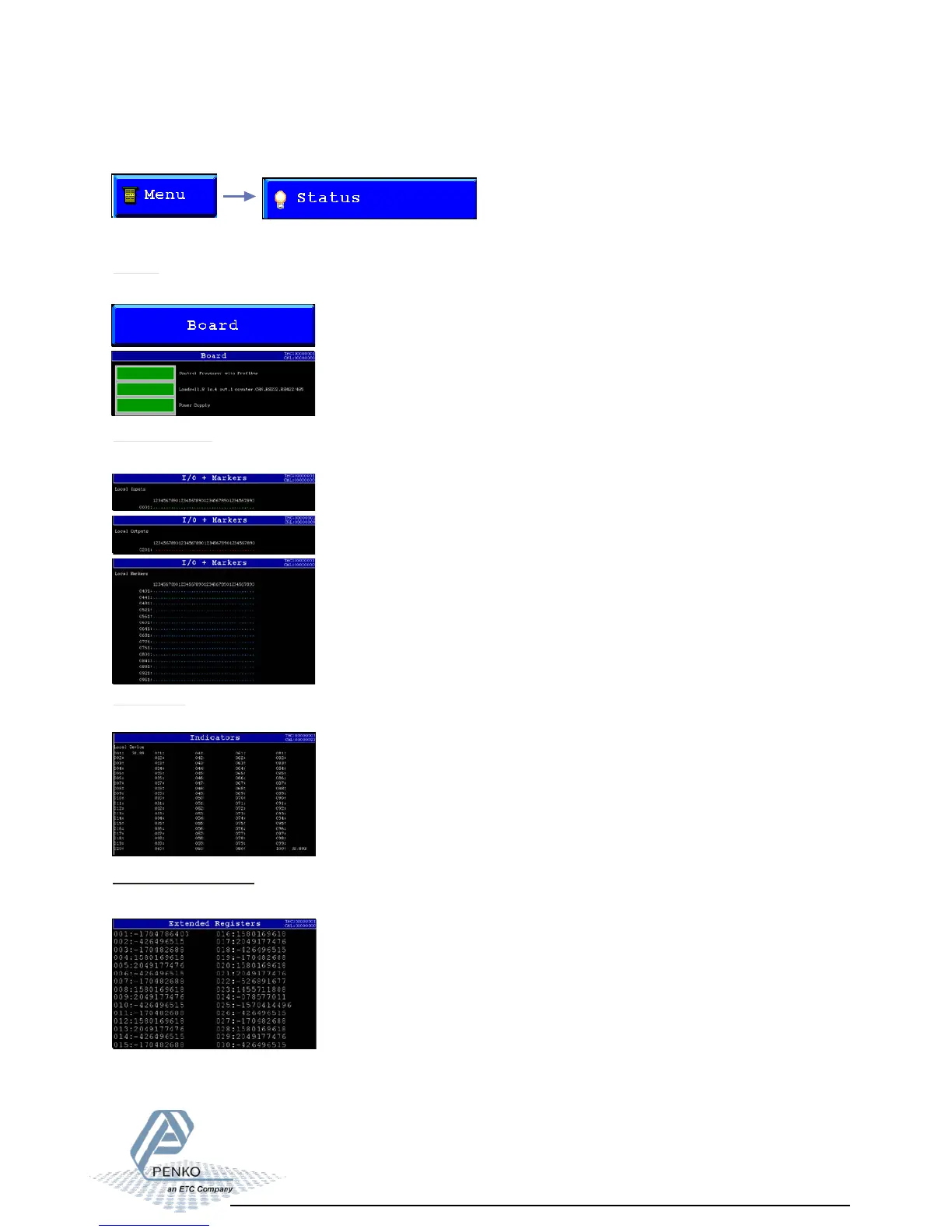
In this screen the installed boards are shown.
I/O + Markers:
In this screen the status of all in-, outputs and markers can be shown.
Indicators:
In this screen the available indicators can be shown.
Extended Registers:
In this screen the available extended registers can be shown.



 To Next Page