Screen setup 01
Screen setup:
In this menu its possible to setup the four Main screens, operator buttons, screen
coulours and calibrate the touchscreen..
To go to this menu, select “Screen setup” from the System setup menu.
Different options are:
- Screens
- Buttons
- Colours
- Led Bar
- Calibrate screen
- Backlight&Buzzer
- Company Name
Screen 1-4:
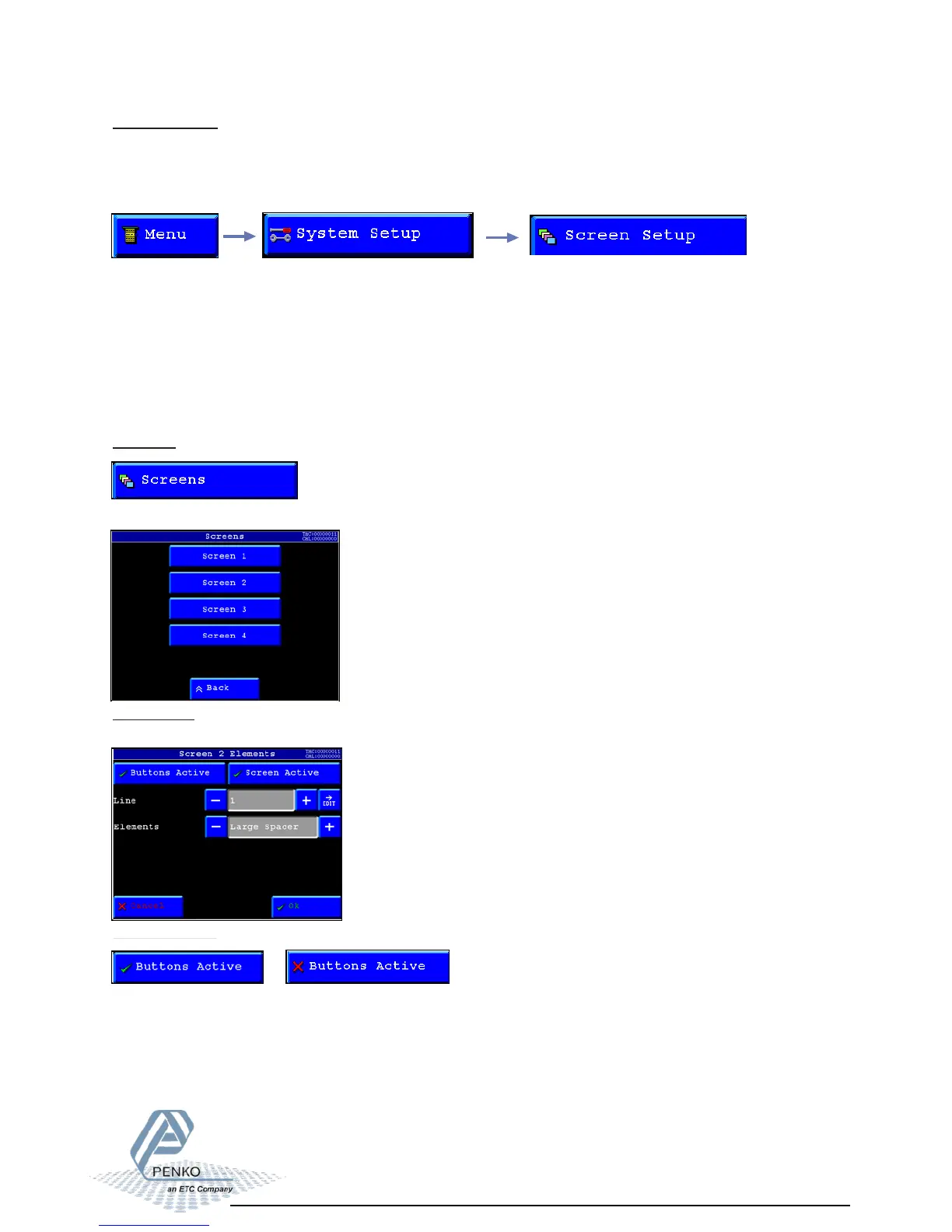
To edit a screen, select a screen.
Screens:
In this menu the four main screens can be set.
With this option its possible to enable or disable the menu/screen buttons in the selected
screen.
In screen 1 the buttons are always active.
DisabledEnabled
Buttons active:



 To Next Page